Why Your Bluetooth Mouse Keeps Disconnecting
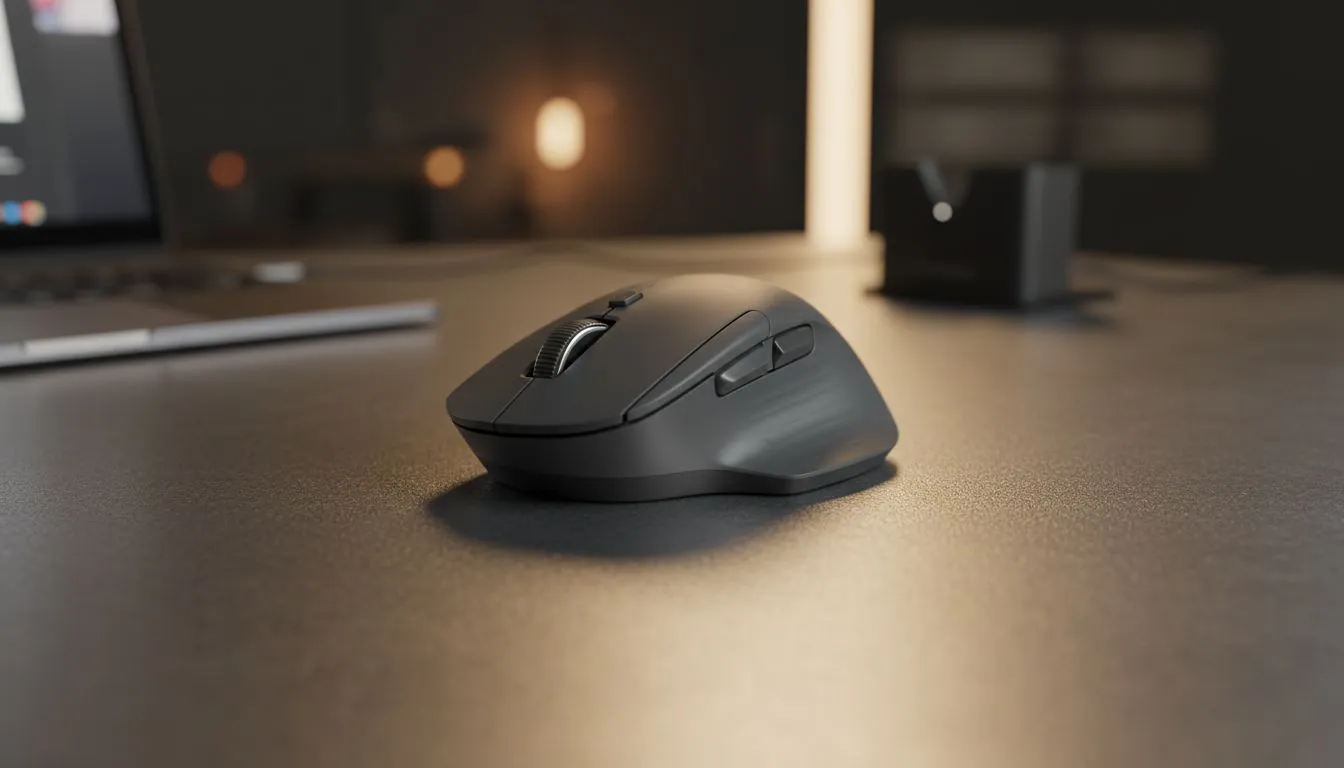
There is nothing more frustrating than your cursor freezing during a clutch 1v1 in Counter-Strike or while you are deep in a creative workflow. If your Bluetooth mouse keeps disconnecting, you are likely dealing with power management quirks or signal interference. In South Africa, where our desks are often crowded with various wireless gadgets, signal congestion is a common culprit. Fortunately, most connectivity issues can be resolved with a few simple tweaks to your settings.
Before you consider replacing your gear, it is worth checking if your current gaming mouse is simply being "put to sleep" by Windows to save battery life. This is a frequent issue for laptop users trying to squeeze every minute out of their charge.
Troubleshooting Your Bluetooth Connection Issues
The most common reason a Bluetooth mouse keeps dropping connection is the Windows Power Management setting. By default, your system might turn off the Bluetooth radio to save power. To fix this, head to the Device Manager, find your Bluetooth adapter, and ensure the "Allow the computer to turn off this device to save power" option is unchecked.
Connection Stability Tip ⚡
If you are experiencing jittery movement, try moving your Bluetooth dongle to a USB 2.0 port instead of a USB 3.0 port. USB 3.0 ports are known to emit radio frequency interference that can specifically disrupt 2.4GHz wireless signals and Bluetooth peripherals.
If the software tweaks do not work, you might be looking at hardware fatigue. You can often find affordable replacements by browsing the latest gaming mouse deals which often include high-performance sensors for under R800.
Dealing With Signal Interference and Drivers
Interference is a major headache in modern South African homes... especially with routers, smartphones, and microwaves all competing for the same frequency. If your Bluetooth mouse keeps disconnecting and reconnecting, try to clear the line of sight between the mouse and the receiver.
Outdated drivers are another silent killer. Always ensure your chipset and Bluetooth drivers are updated from the manufacturer's website. If you find that Bluetooth is simply too unreliable for your environment, it might be time to buy a wireless mouse that uses a dedicated 2.4GHz USB dongle for a more stable "pro-grade" connection.
When to Switch Back to Wired
For competitive gamers, even a millisecond of dropout is too much. While wireless technology has improved, many local players still prefer to buy a wired mouse to eliminate the possibility of interference entirely. If you decide to stick with your current setup, ensure you buy mouse accessories like a quality mousepad or a bungee to keep your desk setup optimised for performance. 🔧
Ready to Find Your Perfect Match?
A disconnecting mouse shouldn't ruin your killstreak or your productivity. Whether you need the latest low-latency wireless tech or a reliable wired powerhouse, we have the best gear in South Africa. Explore our massive range of gaming mice and find the perfect tool to dominate your game.