


AIO Liquid 240mm Setup and Configuration: Complete Tutorial
AIO Liquid 240mm Setup and Configuration. Clear setup instructions with SA-specific considerations, troubleshooting tips & recommended components.
Read moreBudget PC case checklist: • Compare airflow vs aesthetics; • Recommend case types and top picks; • Offer build tips and thermal tradeoffs. Choose tempered glass or mesh for your 2025 budget build. 🔧💨
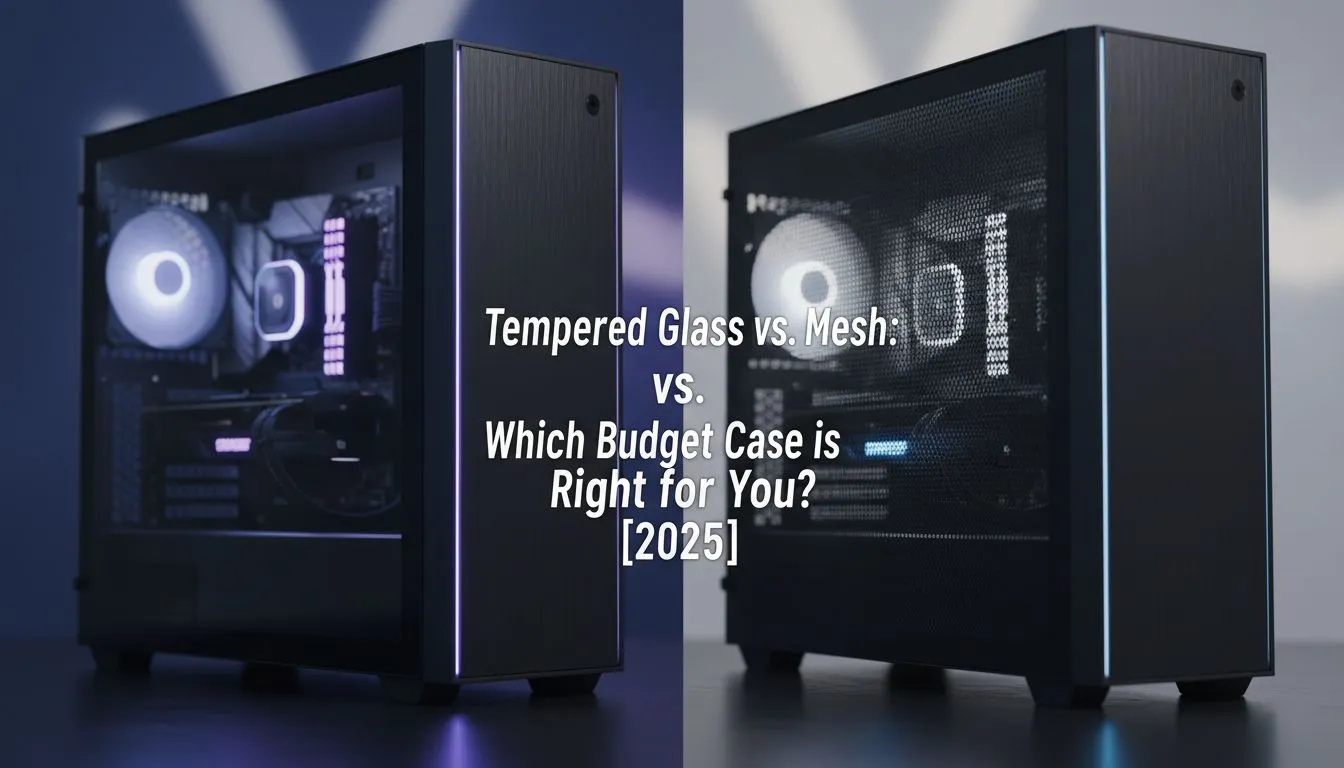
You've got your CPU and GPU sorted, but now for the fun part… choosing a home for it all. On a tight budget, the PC case decision often boils down to one big question: sleek tempered glass for the looks, or a high-airflow mesh front for pure performance? It’s a classic showdown. Getting this choice right on a budget PC case is key to a build you’ll love for years. Let’s break down the tempered glass vs mesh debate, Mzansi-style.
Let's be honest, a tempered glass side panel looks incredible. It transforms your PC from a simple box into a showcase for your hard-earned components. If you've spent your cash on a GPU with epic RGB lighting or a slick-looking CPU cooler, a glass case puts it all on display. ✨
This aesthetic is the main drawcard. Cases with glass fronts and sides create that premium, clean look that dominates modern setup tours online. Many popular Gamdias gaming cases offer stunning tempered glass designs that make your rig the centrepiece of your room.
The trade-off? Potentially higher temperatures. A solid glass front panel restricts airflow compared to a mesh alternative, which can mean your components run a few degrees warmer under load. For mid-range builds, this is often a non-issue, but for high-end, heat-cranking hardware, it’s something to consider.
If raw performance is your number one priority, then a mesh front panel is almost always the answer. The logic is simple: more holes mean more air can get to your intake fans. This direct path for cool air can significantly lower the internal temperature of your PC, especially during intense gaming sessions in the South African summer. ☀️
Lower temperatures allow your CPU and GPU to boost to their highest clocks for longer, squeezing out maximum performance. This makes a mesh budget PC case the practical choice for overclockers and anyone running top-tier, power-hungry components. While some mesh designs can look more industrial, brands have mastered the art of making them look sleek too, with many excellent airflow-focused cases from Fractal Design proving that performance can still be stylish.
The main downside is dust. A mesh front is less restrictive for air and, well, everything else. Good dust filters are non-negotiable here.
Mesh cases are airflow kings, but they can be dust magnets. Before you buy, check for removable dust filters on the front, top, and PSU intake. Easy-to-clean filters will save you hours of maintenance and keep your components running cool and clean for longer.
So, how do you decide which budget PC case is right for you? It comes down to your priorities and your parts.
Ultimately, the choice between tempered glass vs mesh is personal. The good news is you don't have to break the bank for either, with fantastic options under R1500 that deliver on both style and function. The best build is one that matches your needs, so weigh your options, check your thermals, and pick the case that makes you excited to power it on. Once you know what you're looking for, it's easy to browse our full range of computer cases to find the perfect fit.
Ready to House Your New Build? The tempered glass vs mesh debate is all about your priorities. Are you building a stunning RGB showcase or a pure performance beast? Whatever you choose, the perfect chassis is waiting. Explore our massive range of PC cases and find the perfect home for your next rig.
Mesh cases generally deliver better airflow and lower temps; tempered glass prioritizes looks. For thermals choose mesh; for showcase builds pick tempered glass.
Yes, solid or glass-front designs can restrict intake airflow compared to mesh fronts, so you may need extra intake fans to match performance.
Mesh itself isn't noisy, but more intake fans can increase noise. Balance fan quality and speed for a quiet mesh build.
Yes. Adding high-quality intake fans and optimizing fan curves improves airflow in tempered glass cases, though mesh still has innate intake efficiency.
For high-performance gaming, choose mesh for better thermals. If aesthetics and RGB are top priorities, tempered glass works but add extra cooling. See best budget mesh case 2025 picks.
Tempered glass highlights dust on components but hides intake dust behind filters; mesh shows dust on the front but often comes with washable filters.
Prioritize airflow for thermals if you plan upgrades; choose tempered glass if you value presentation. Look for cases with good filters, cable routing, and included fans.
AIO Liquid 240mm Setup and Configuration. Clear setup instructions with SA-specific considerations, troubleshooting tips & recommended components.
Read more
Setting Up DDR5 64GB Kit. Tested & verified settings for best FPS and visual quality on SA hardware budgets.
Read more
Overwatch 2 Setup Guide Gamers. Clear setup instructions with SA-specific considerations, troubleshooting tips & recommended components.
Read more
R and RStudio on Mac: Data Science Setup Guide. Clear setup instructions with SA-specific considerations, troubleshooting tips & recommended components.
Read more
NVIDIA Broadcast Setup with GPU: Streamer Guide. Clear setup instructions with SA-specific considerations, troubleshooting tips & recommended components.
Read more
Core Ultra 7 265K Temperature Guide: Normal Range. Complete product range with SA pricing, key specs & recommendations for different budgets.
Read more
AMD RX 9050 XT: Rumoured Specs, Price & Release. SA-focused analysis with local pricing data, real-world insights & actionable buying advice.

Can RTX 4080 Super Run AI Workloads for SA Developers Detailed answer with SA data, expert analysis & practical recommendations for local buyers.

Can RTX 4090 Run AI Workloads for SA Developers Detailed answer with SA data, expert analysis & practical recommendations for local buyers.

Top Settings for Intel Arc B580 at Ultrawide 1440p picks evaluated on performance, value & SA availability with current Rand pricing from Evetech.

RTX 4060 CS2 Low Settings at 1080p: FPS Results. Real-world benchmark data, FPS numbers & performance analysis. What SA gamers can actually expect.

Visual Artifacts: Possible GPU Issue Issue #1. Diagnosis steps, proven fixes & when to seek professional help. SA-specific support info included.

Can the RTX 4090 Handle 1440p 144Hz Gaming. Performance testing verdict with real data & practical recommendations for SA buyers.

Top ASUS GPU Under R15000 picks evaluated on performance, value & SA availability with current Rand pricing from Evetech.

GTA 6 Max Settings on RTX 5070. Tested & verified settings for best FPS and visual quality on SA hardware budgets.

Cyberpunk 2077 Max Settings on RTX 5080. Tested & verified settings for best FPS and visual quality on SA hardware budgets.

Starfield Max Settings on RTX 5070 Ti. Tested & verified settings for best FPS and visual quality on SA hardware budgets.

Top RTX 5090 Under R5000 picks evaluated on performance, value & SA availability with current Rand pricing from Evetech.