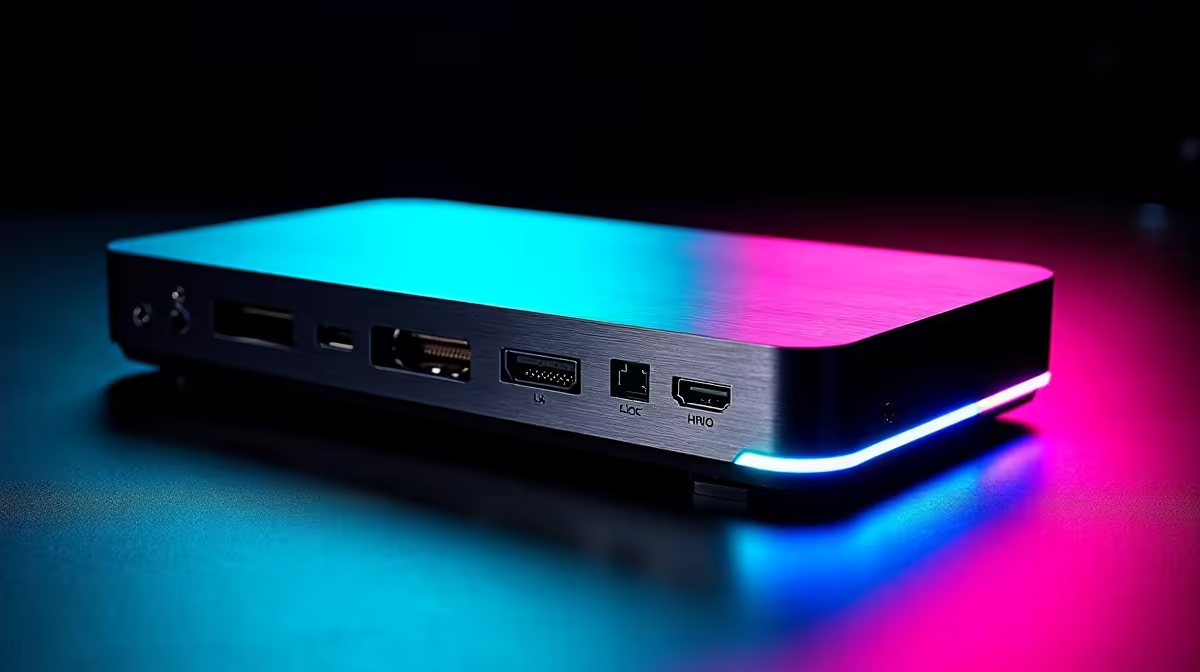
Spend twice as much on an eGPU dock and you are not buying twice the gaming performance. You are buying connectivity and features. The budget vs premium eGPU dock gap comes down to one core idea: cheap docks are single-link, plug-and-play boxes, while premium ones add a second high-speed link, faster power delivery, onboard NVMe and 2.5GbE networking. For South African buyers, where import costs already inflate the price, the real question is whether that extra capability earns its place in your setup.
Quick Answer
A budget eGPU dock is a single-link enclosure (OCuLink or Thunderbolt alone) that connects a desktop graphics card to a laptop with minimal extras. A premium dock adds dual-link options like OCuLink plus Thunderbolt 5, higher power delivery to charge the laptop, an onboard NVMe slot and 2.5GbE networking. The extra Rand buys connectivity and future-proofing, not a faster GPU. For most SA users a solid single-link dock is enough; premium pays off only if you need the docking-station features too.
What you are actually paying for
The graphics card you slot in determines your gaming and rendering performance, not the dock. Both a budget and a premium enclosure run the same GPU at the same core speed. So the price difference is never about frames per second directly; it is about the link between the card and your laptop, and the extras bolted onto the enclosure.
That reframes the whole decision. You are choosing how much bandwidth feeds the card, how much else the dock does, and how long the setup stays relevant, not how powerful the graphics are.
Single-link versus dual-link: the bandwidth story
Budget docks typically offer a single connection, either OCuLink or Thunderbolt, and that single link is the pipe through which all GPU data flows. For many cards and many laptops, a single OCuLink or Thunderbolt link delivers most of the performance the card can give over an external connection.
Premium docks add dual-link configurations, commonly OCuLink paired with Thunderbolt 5. The wider effective bandwidth reduces the bottleneck between the GPU and the laptop, which matters most with high-end cards and high-refresh, high-resolution gaming. If you are pairing a powerful card with a fast display, the extra link helps it stretch its legs. With a mid-range card, the difference shrinks.
The features that justify the premium
Beyond the link itself, premium docks fold in capabilities that a budget box leaves out.
Power delivery
Higher PD lets the dock charge the laptop over the same connection, so a single cable carries both the GPU link and power. Budget units often skip this or offer only modest charging, meaning you still need the laptop's own charger.
Onboard NVMe and networking
A premium dock with an NVMe slot adds fast local storage right at the desk, useful for game libraries or scratch space. Built-in 2.5GbE networking gives you faster wired internet than the typical gigabit port. Together these turn the eGPU into a full docking station rather than a single-purpose graphics enclosure.
Build and cooling
Premium enclosures often run quieter and cool larger cards more comfortably, which matters if you leave the setup running for long sessions.
Will your laptop even use the dock's strengths?
A premium dock's headline features only matter if your laptop can reach them, so check the host side before you spend. Thunderbolt 5 and OCuLink need the matching ports on the laptop; without them, a dual-link dock falls back to whatever single connection your machine actually supports, and you have paid for capability you cannot tap. Many laptops carry Thunderbolt but not OCuLink, or the reverse, so the dock and the laptop have to agree.
Power delivery is the same story. A dock can offer high PD charging, but the laptop must accept charging over that port for the one-cable promise to hold. Read your laptop's port specification carefully, since two machines that look identical can differ on exactly these details. The dock is only as useful as the connection your laptop can meet it with.
A realistic look at external GPU performance
It helps to set expectations honestly. An external GPU over any current link gives up some performance compared to the same card slotted directly into a desktop, because an external connection carries less bandwidth than a full internal slot. That loss is usually modest, and for many gamers and creators an eGPU still transforms a thin laptop into a capable machine at the desk.
Where the premium dual-link dock helps is in narrowing that gap with powerful cards at high resolutions and refresh rates, where bandwidth pressure is greatest. With a mid-range card at common settings, a single-link budget dock already delivers most of what the card can give externally, and the premium dock's advantage shrinks to the extra features rather than the frames. Knowing this keeps you from overspending on bandwidth your card will not stress.
The South African import angle
eGPU docks are niche imports here, so the premium models carry a noticeable price step over budget enclosures once landed in Rand. That makes the value calculation sharper than it would be elsewhere. Ask yourself honestly whether you will use the dual-link headroom, the laptop charging, the NVMe slot and the 2.5GbE. If the answer is mostly no, a single-link dock saves real money and runs your card almost as well. If you genuinely want a one-cable desk that charges, stores and networks alongside the GPU, the premium dock consolidates several devices into one. You can weigh the available enclosure options in the docking station range at Evetech against what your laptop's ports actually support.
Picking the card matters more than the dock
Whatever dock you land on, the graphics card inside is what you will feel every session, so spend your budget there first. A mid-range card in a budget dock outperforms a weak card in a premium one every time. Once the card is sorted, match the dock to your laptop's available link and to the extras you will truly use. To see which cards offer the best performance for the money right now, the graphics cards buyers rate most are the right place to start before you commit to an enclosure.
Frequently Asked Questions
Does a premium eGPU dock give better gaming performance?
Not directly. The graphics card sets the performance, and both dock tiers run the same card at the same speed. A premium dock's dual-link can reduce the connection bottleneck with high-end cards, but the gain is about the link, not the dock itself.
What is dual-link on an eGPU dock?
Dual-link means the dock uses two high-speed connections at once, commonly OCuLink plus Thunderbolt 5, to widen the bandwidth between the GPU and laptop. It mainly benefits powerful cards and high-refresh, high-resolution displays.
Is a budget single-link dock good enough?
For most users, yes. A single OCuLink or Thunderbolt link delivers most of an external GPU's achievable performance, especially with mid-range cards. You only need dual-link if you are pushing a high-end card hard.
What extra features do premium docks add?
Higher power delivery to charge the laptop, an onboard NVMe slot for fast local storage, and 2.5GbE networking. These turn the eGPU into a full docking station rather than a graphics-only enclosure.
Is the premium dock worth it in South Africa?
It depends on whether you will use the extra features, since import costs widen the price gap. If you want one cable that charges, stores and networks alongside the GPU, it can be worth it. If you only need graphics, a budget dock saves money.