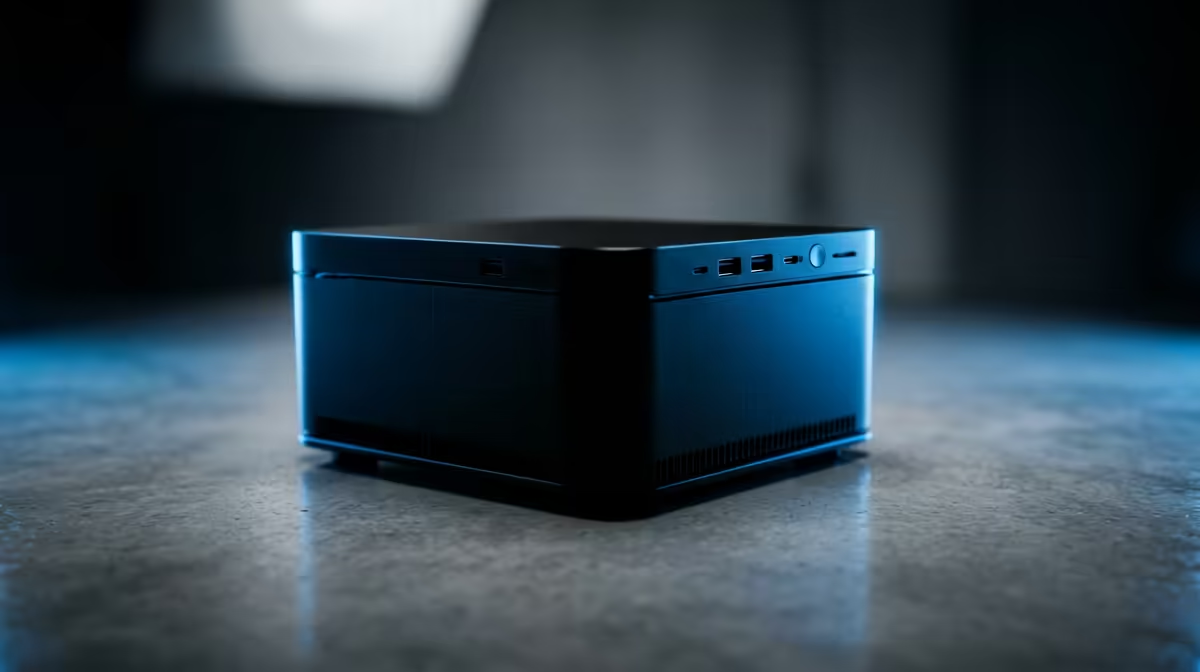
Yes, the UM750L 16GB/1TB at R4,600 is the strongest value choice for an SA buyer editing YouTube videos because it gives a practical mini pc spec with enough memory and storage for a compact creator desk.
Best mini PC picks for light video editing
The UM750L 16GB/1TB at R4,600 is the sensible starting point because 16GB memory keeps editing, browser tabs, and file handling from feeling too cramped, while the 1TB storage gives breathing room for project folders, exports, thumbnails, and reference clips. For short-form clips, basic cuts, captions, and simple colour tweaks, that is the spec I would look at before dropping to an 8GB machine.
The Minisforum NAB6 Lite i5 8GB/512GB at R4,150 can still work for admin-heavy creator use, but its 8GB memory and 512GB storage make it better for planning, uploading, scripting, and lighter edits than for a growing media library. The NINKEAR M7 16GB/512GB at R4,650 is a cleaner editing pick if memory matters more than storage space, especially when raw footage is kept on external storage.
Creator desk reality for an SA small business
A small business desk often needs one machine for invoices, Canva work, social scheduling, and quick edits between customer tasks. The NINKEAR M8 16GB/1TB at R8,350 gives the same useful 16GB memory class with 1TB storage, while the NINKEAR L12 PRO i9 at R8,150 suits buyers who want a higher-tier processor name for heavier multitasking.
The GEEKOM A8 Max 32GB/1TB at R12,900 is the premium option here, mainly because 32GB memory gives more headroom when timelines, preview files, and browser research are open together. The HP AIO 22 at R10,036 solves screen and desktop clutter in one purchase, but the separate compact box route leaves more freedom to pair the setup with the monitor size and storage workflow you prefer.
Ready to choose the right mini pc?
Use Minisforum NAB6 Lite i5 8GB/512GB at R4,150 as the creator desk benchmark, then check whether its listed spec matches the space, workload, and upgrade path.