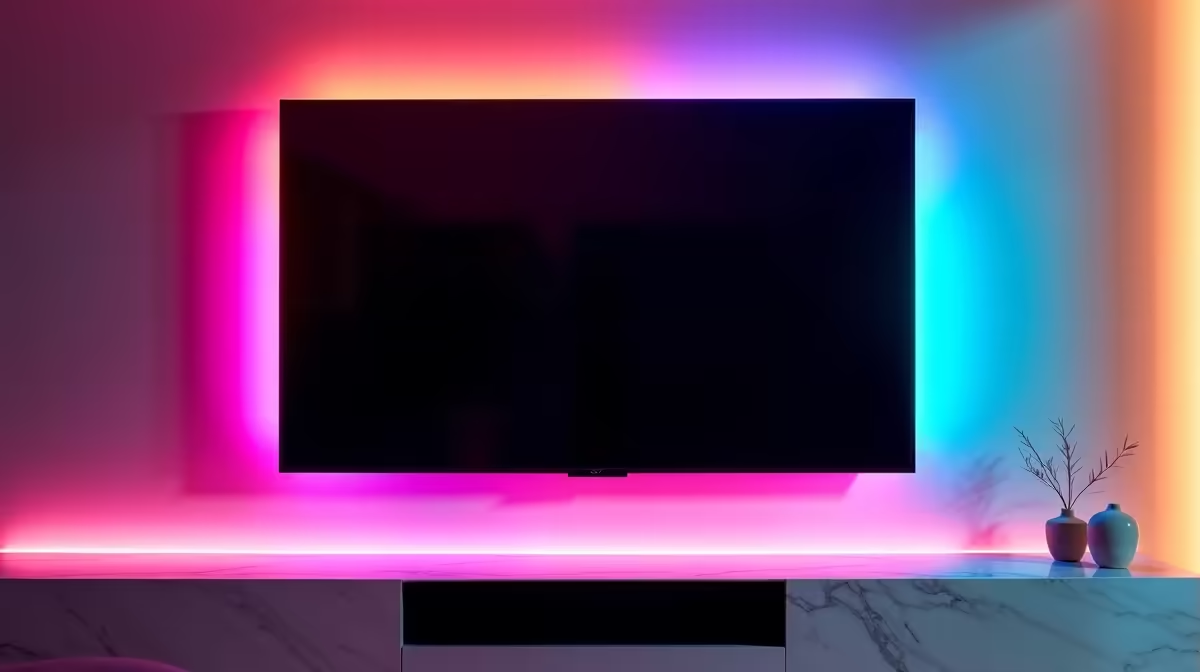
You've just mounted your glorious new 4K TV or hooked up your next-gen console. The picture is crisp, the sound is epic... but look down. That tangled nest of black cables, the digital spaghetti, is ruining the whole vibe. 🔌 Sound familiar? Getting a clutter-free TV setup is more than just an aesthetic win; it's about creating a safer, more efficient, and downright more enjoyable entertainment space. These practical cable management tips will help you sort it out.
Why a Tidy TV Setup Matters
Before we get to the "how," let's cover the "why." A well-managed entertainment centre isn't just for show-offs.
- Safety First: Loose cables are a tripping hazard, especially in homes with kids or pets. A tidy setup minimises risk and keeps your expensive gear from being accidentally yanked off the shelf.
- Better Airflow: Consoles like the PS5 and Xbox Series X need room to breathe. Cables bunched up behind them can block vents, trapping heat and potentially throttling performance over long gaming sessions.
- Easier Upgrades & Troubleshooting: Need to swap out an HDMI cable or add a new soundbar? When your cables are organised and labelled, the process takes minutes, not hours of frustrating detangling.
Essential Cable Management Tips and Tools
Ready to tackle the mess? The secret to a clutter-free TV setup is having a simple plan and the right gear. Don't just start unplugging things randomly!
1. Plan Your Attack
First, take a picture of your current connections so you remember what goes where. Unplug everything from the wall and your devices. Now, group the cables by purpose: power cables in one bunch, HDMI/DisplayPort in another, audio, and so on. This simple step makes routing them much easier.
2. Choose Your Weapons 🔧
You don't need a massive budget to achieve a clean look. A few smart purchases can make all the difference.
- Cable Sleeves: These fabric tubes are brilliant for bundling a group of cables running the same path (e.g., from the TV to your media cabinet). They create one thick, neat-looking tube instead of five messy individual wires.
- Velcro Ties: Forget single-use plastic zip ties. Reusable velcro ties are your best friend. They are perfect for securing cable groups and are easy to adjust when you add new tech. For reliable kits that often include a variety of ties and clips, many users find that HP's cable solutions provide the durability needed for a lasting fix.
- Cable Raceways: For the ultimate clean look, especially with wall-mounted TVs, an adhesive cable raceway is fantastic. It's a plastic channel that sticks to your wall, hiding the cables inside. You can even paint it to match your wall colour.
If you're looking for clever organisers or clips that blend in with your furniture, exploring options from innovative brands like Promate can uncover some stylish and effective solutions.
The Power Strip Pro-Tip
Use adhesive velcro strips to mount your multi-plug or surge protector to the back of your TV stand or the wall behind it. This gets all the bulky plugs off the floor and creates a central hub for all your power cables, making the cleanup job 10x easier.
3. Route and Secure
Run your power cables down one side of your TV stand and your signal (HDMI, etc.) cables down the other. This can help reduce potential electrical interference, although it's rare with modern shielded cables. Once routed, use your velcro ties to secure the bundles at key points. The goal is a clean, intentional path for every wire. ✨
You'll be amazed at how a little effort transforms your entire living room or gaming den. A clean setup just feels better... letting you focus on the on-screen action, not the clutter beneath it.
Transform Your Setup from Messy to Masterpiece
Ready to banish the cable spaghetti for good? Explore our wide range of management tools and build the clean, organised entertainment hub you deserve. Shop all cable solutions at Evetech and get your space sorted today.