Quick Answer
Four pre-installed ARGB fans are sufficient for mid-range builds pairing a Ryzen 5 9600X with an RTX 5070, but a Ryzen 9 9950X plus RTX 5090 configuration needs at least two additional fans or a 360mm AIO to handle the combined heat load safely.
What Four ARGB Fans Deliver in Practice 🌬️
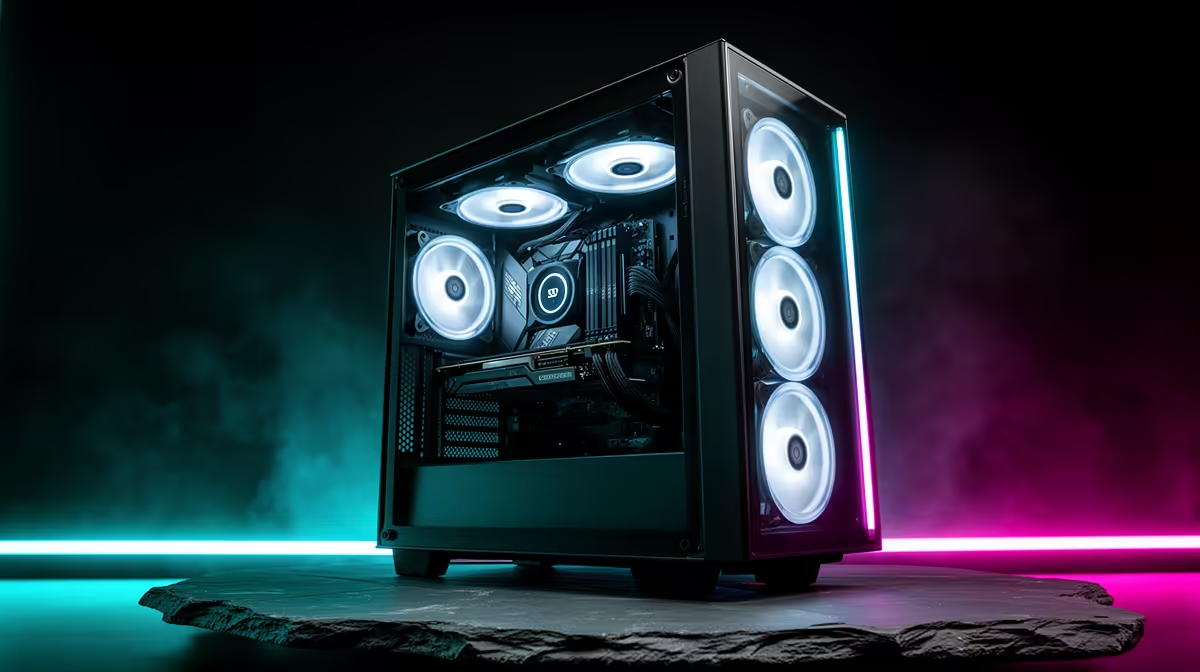
A typical gaming case ships with four 120mm ARGB fans rated at 40 to 55 CFM each. In practice, dust filters and cable interference reduce effective airflow by 15 to 25 percent. Three front intake fans plus one rear exhaust creates positive pressure that handles mid-range thermal loads competently, keeping an RTX 5070 below 80 degrees Celsius during a two-hour gaming session.
Where four fans fall short is with flagship hardware. An RTX 5090 has a TDP around 575W, and a Ryzen 9 9950X adds another 170W under all-core load. Combined, that approaches 750W of heat needing to exit the chassis. Four 120mm fans at roughly 150 CFM effective throughput are undersized for that heat budget without CPU liquid cooling removing the processor TDP from the air-cooling equation.
How to Assess Whether Your Fans Are Enough 🔧
Run a 30-minute gaming session and monitor GPU hotspot and CPU temperatures. If GPU hotspot exceeds 95 degrees Celsius or CPU exceeds 90 degrees Celsius consistently, your fans are not keeping pace. South African builders in Gauteng face ambient summer temperatures of 30 to 35 degrees Celsius, which adds directly to component temps compared to benchmark conditions conducted at 21 degrees.
Pre-installed fans in panoramic or glass cases often lean toward balanced-profile designs that prioritise acoustics over raw airflow, which is another reason they can fall short on high-TDP hardware.
When to Add Fans or Switch to Liquid Cooling 💧
For RTX 5080 or RTX 5090 builds, the most efficient upgrade is a 240mm or 360mm AIO for the CPU. Removing the processor heat load from the case air volume drops case ambient temps by 5 to 8 degrees, giving existing case fans substantially more headroom to cool the GPU. Alternatively, adding two 120mm top-exhaust fans costs around R200 to R600 per fan locally and drops GPU junction temps 6 to 10 degrees in a well-sealed ATX case.
ARGB Fan Placement Priority ⚡
Fill exhaust positions before adding extra intake fans. Most pre-installed configurations are intake-heavy; adding another intake fan without matching exhaust creates turbulence. The top-rear exhaust slot gives the biggest thermal gain per fan added.
FAQ
Do ARGB fans perform differently from standard fans?
ARGB LEDs add no measurable thermal load to the fan. Performance differences come from blade design and motor quality, not lighting. Some budget ARGB fans top out at 1,200 RPM versus 1,800 RPM for quality models.
What fan speed should I set for a four-fan ATX case?
Set a custom PWM curve: 600 to 700 RPM at idle, ramping to 100 percent above 80 degrees Celsius GPU temperature. This keeps the build quiet during light use and responsive during gaming.
Can four 120mm fans replace a 240mm AIO for CPU cooling?
No. Case fans cool the case air volume; they do not directly cool the CPU die. A 240mm AIO transfers heat from the CPU to liquid and out through the radiator, which is far more efficient for high-TDP processors.
Need more cooling firepower for your high-performance build?
Evetech stocks ARGB case fans, AIO liquid coolers, and gaming cases with pre-installed fans to suit every thermal budget.