Quick Answer
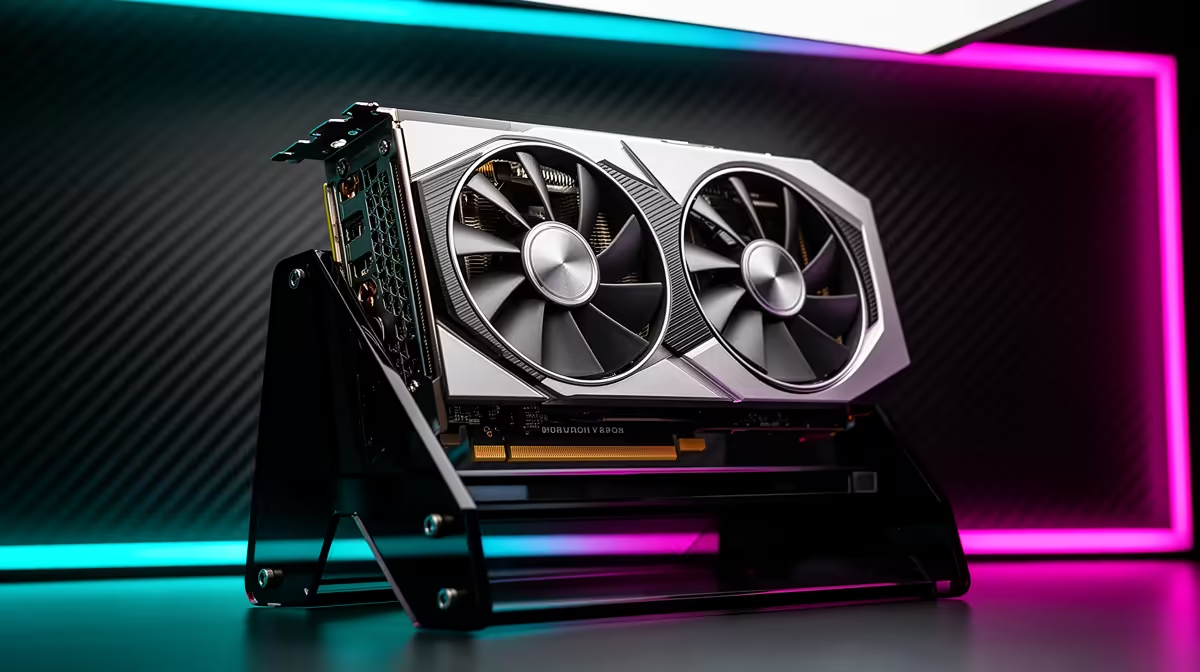
Yes, a built-in graphics card holder in a PC case can effectively prevent GPU sag in heavy builds. Cases with integrated GPU support arms or holder rails are specifically designed to bear the downward load of cards heavier than 1.5 kg, distributing the weight along the support rather than concentrating it on the PCIe slot.
How Built-In GPU Holders Work and Why Cases Include Them 🔧
Modern high-end GPUs like the RTX 5090 Founders Edition or triple-fan RX 9070 XT variants weigh between 1.7 kg and 2.3 kg. Suspended on a PCIe x16 slot cantilevered from the motherboard, this mass creates downward torque that flexes the PCB over thermal cycles.
The most common implementations are a horizontal rail that slides along the PCIe slot bracket area and adjusts vertically to sit flush under the GPU's bottom edge, and a swing-arm design attached to the side panel or an internal pillar. Premium cases from Lian Li, Fractal Design, and Corsair include these systems on models specifically marketed for high-end GPU support.
What Built-In Holders Do Better Than Third-Party Brackets 💡
A purpose-designed integrated GPU holder adjusts to the exact width and position of the GPU within the case's PCIe layout, providing a contact surface that is matched to the case's internal geometry. Third-party brackets attach to spare PCIe slot covers and offer variable height, but their fit depends on the case and GPU dimensions aligning within the bracket's adjustment range.
For very long GPUs (310mm to 340mm or longer), like the ASUS ROG STRIX RTX 5090 or Sapphire NITRO+ RX 9070 XT variants, a case-integrated holder that spans the full card length provides better support than a single-point contact bracket. The load is distributed rather than applied at one contact point, which is mechanically superior for preventing long-term PCIe slot stress.
When a Separate Bracket Is Still the Better Option 🖥️
If your current case does not have an integrated GPU holder and your GPU is already sagging, a third-party support bracket at R150 to R600 is the immediate fix. Cases with integrated holders require a case replacement, which starts at R1,500 and goes much higher, to access the built-in feature.
For a new high-end build being planned from scratch with an RTX 5080 or 5090, choosing a case with an integrated GPU holder as one of the selection criteria makes sense. For an existing build with a sag issue, a separate bracket is the proportional and cost-effective solution.
Check GPU Holder Compatibility Before Buying a Case ⚡
Some integrated GPU holders are designed for standard dual or triple slot cards and may not sit correctly under very thick four-slot designs. Before purchasing a case for a flagship GPU, check the case manufacturer's compatibility notes or measure your specific card's height from the PCB edge to the bottom of the heatsink. A 1 to 2mm gap between the card and the holder is ideal; contact should be firm but not lifting the PCIe end.
FAQ
Does GPU sag affect gaming performance?
Not directly in the short term, but persistent sag can cause intermittent PCIe slot contact issues over months, which can produce crashes or display output errors. More immediately, a sagging GPU disrupts its own airflow by angling the heatsink away from the optimal position, potentially adding 3 to 6 degrees Celsius to GPU temperatures.
Are cases with built-in GPU holders significantly more expensive than standard cases?
Not necessarily. Several mid-tower cases in the R2,000 to R3,500 range include some form of integrated support arm or bracket. The feature is becoming more common as flagship GPU sizes have grown.
Can I add an aftermarket holder to a case that did not come with one?
Yes. Universal GPU support brackets that attach to PCIe slot covers are available locally at R150 to R600 and work in most standard ATX mid-towers and full towers.
Building with a heavy flagship GPU?
Evetech stocks PC cases with integrated GPU support features and separate GPU support brackets for existing builds. Check the cases and accessories sections for current options.