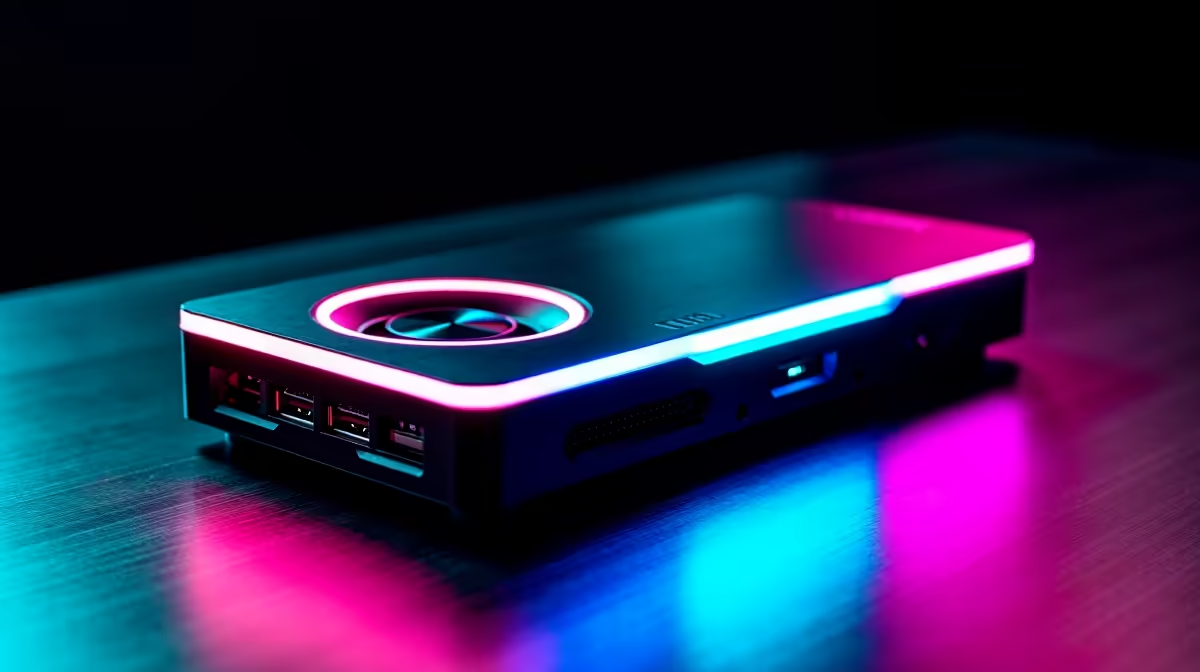
So, you're smashing it in Apex Legends, your Warzone clutch plays are legendary, and you're ready to share your skills with the world. Consistent frame delivery matters most when the action gets busy. Sound familiar? You’ve hit the classic streamer’s crossroads: do you need a capture card or a dedicated streaming PC? Let's break down which option is best for your South African setup.
The Single PC + Capture Card Route 🛠️
For many streamers starting out, the single PC setup is the go-to. The idea is simple: you play and stream from one powerful machine. A capture card's role here is to offload some of the heavy lifting of capturing your gameplay footage before your CPU or GPU encodes it for Twitch or YouTube.
Think of it as a specialist assistant. Instead of your main processor juggling the game, Discord, and the video capture process, the card handles the capture part, freeing up precious resources.
Pros:
- Cost-Effective: It's significantly cheaper than buying a whole new computer.
- Space-Saving: No need to find room for a second tower and monitor.
- Simpler Setup: Fewer cables and less complex software configuration, especially with external USB capture cards.
Cons:
- Not Zero-Impact: While it helps, your gaming PC's CPU and GPU are still doing the encoding, which will always use some resources and can still impact your in-game performance.
- Potential Bottlenecks: A high-end capture card is only as good as the PC it's in. A mid-range PC might still struggle with high-quality 1080p 60fps streams.
This approach is perfect if you've got a reasonably powerful rig and are looking for a budget-friendly way to improve stream quality. Many excellent gaming PCs under R20,000 have enough power to handle this kind of setup with ease.
The Power of a Dedicated Streaming PC 🚀
This is the premier league of streaming setups. A dual-PC configuration means you have one machine purely for gaming and a second, dedicated PC that does one job: encoding and streaming your content to the world. Your gaming PC sends a clean video feed (usually via a capture card in the streaming PC) and the streaming PC handles all the hard work.
Pros:
- Zero Performance Impact: Your gaming PC runs completely unhindered. You get every single frame you paid for, which is critical for competitive titles.
- Maximum Quality & Flexibility: You can push your stream encoding settings to the max for crystal-clear quality without worrying about in-game lag.
- Rock-Solid Stability: If your streaming software or PC crashes, your game is completely unaffected. You can simply restart the stream without losing the match.
Cons:
- Higher Cost: You're buying and maintaining a second computer.
- More Complex: Setting up audio and video between two PCs can be tricky for beginners.
- Takes Up Space: You'll need double the desk real estate for another tower, monitor, keyboard, and mouse.
For those serious about content creation, a dedicated streaming rig is the ultimate goal. A cost-effective pre-built PC deal can often serve as a perfect, hassle-free encoding machine.
Encoder Pro Tip ⚡
your streaming software like OBS, you have two main encoding options: NVENC (NVIDIA GPU) and x264 (CPU). If you're on a single PC setup, using NVENC is almost always better as it uses a dedicated chip on your graphics card, having a much smaller impact on your gaming FPS than CPU encoding. For a dual-PC setup, you can use the streaming PC's processor for high-quality x264 encoding.
Capture Card vs Streaming PC: Making the Right Call for You
So, what's the verdict? The debate over a capture card vs streaming PC really comes down to your budget, goals, and current hardware.
Choose a Capture Card if...
You're a passionate gamer looking to start streaming, your budget is a key consideration, and you already own a solid gaming rig. A powerful modern processor can handle both gaming and streaming surprisingly well, especially with the help of a capture card. The latest chips in our Intel PC deals are more than capable of delivering a smooth experience for both you and your viewers.
Go for a Dedicated Streaming PC if...
You're a competitive gamer where every frame counts, you're looking to build a professional brand, or you simply want the absolute best, no-compromise quality for your stream. The investment pays off in pure, unadulterated performance. A system built around a multi-core CPU, like those found in our AMD Ryzen PC deals, makes for an incredible encoding powerhouse that won't break a sweat.
Ultimately, both paths lead to great content. It's about choosing the tool that best fits your journey from gamer to broadcaster. ✨
Ready to Build Your Ultimate Streaming Setup?
Whether you need a beastly single rig or a dedicated encoding machine, the right hardware is everything. Explore our massive range of gaming and streaming PCs and find the perfect machine to launch your streaming career.