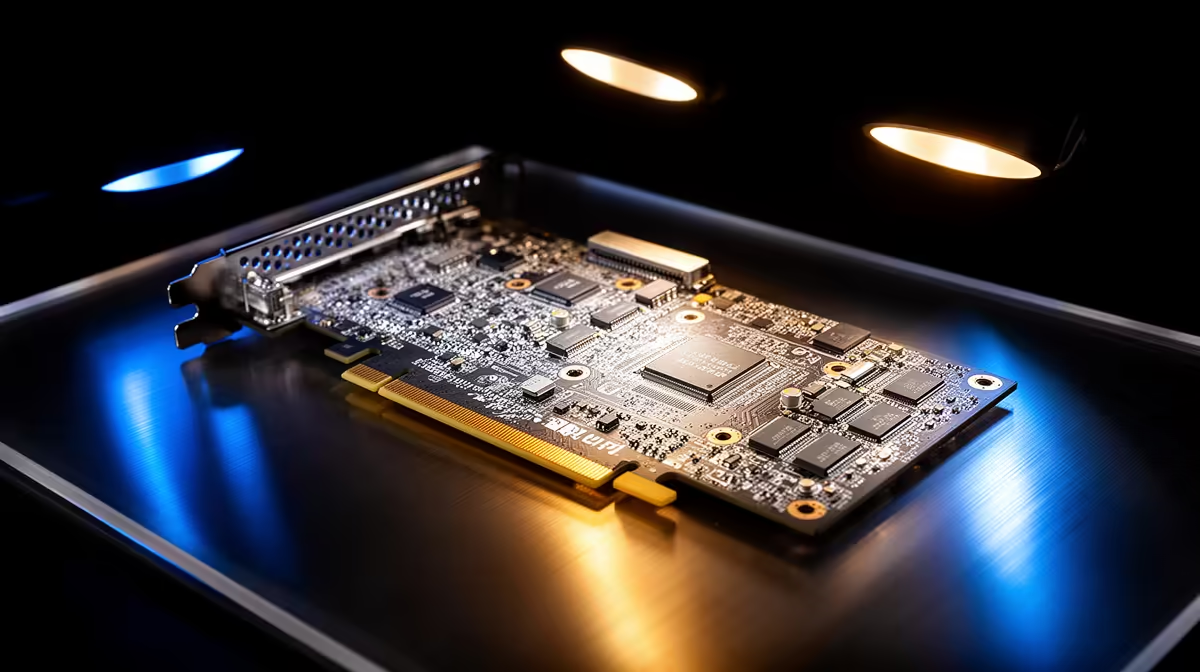
There is a persistent fear among CAD newcomers that a GeForce card will silently corrupt their models or get them denied support when a project goes wrong. The reality is more nuanced. Certified GPUs sit on hardware lists that Autodesk and SolidWorks publish for their professional software, and those lists lean heavily towards workstation cards. But a consumer RTX card runs the same applications, opens the same files, and renders the same geometry for the overwhelming majority of users. Certification matters for a narrow set of workflows, and knowing where that line falls saves you a lot of Rands.
Quick Answer
Both Autodesk and SolidWorks maintain ISV-certified hardware lists that favour workstation GPUs, but consumer RTX cards are fully functional for most CAD work. Certification mainly matters if you need vendor-backed support guarantees, run validated simulation pipelines, or use certified-only viewport modes. For a freelancer or student, a consumer RTX card is the practical choice.
What Certification Actually Means
ISV certification is a partnership between a software vendor and a GPU maker. The vendor tests specific cards with specific driver versions against its software, confirms there are no visual or stability defects in supported workflows, and then publishes that combination as certified. SolidWorks and Autodesk both do this, and both publish graphics card lists tied to driver builds.
Certification is not a statement that uncertified cards do not work. It is a statement that the vendor has validated and will formally support the certified combination. If you log a support ticket about a viewport glitch on a certified card and driver, the vendor cannot wave you away over hardware. On an uncertified card, the first response is often to reproduce the issue on certified hardware.
Where Workstation GPUs Earn Their Premium
Workstation cards built for professional use differ from gaming cards in a few real ways, even when the underlying chip is similar.
Certified Drivers
Workstation cards ship with drivers tuned and tested for CAD viewport rendering rather than game frame rates. These drivers fix specific rendering defects in professional applications and are the version the vendor certifies against. Consumer cards use game-ready drivers by default, though NVIDIA's Studio driver branch narrows the gap considerably for content and design work.
ECC Memory and Validation
Higher-end workstation cards offer error-correcting memory, which matters for long simulation runs where a single flipped bit could silently corrupt a result. For modelling and assembly work, ECC is rarely the deciding factor. For validated FEA or CFD pipelines in regulated industries, it can be.
Large VRAM and Big Assemblies
Workstation cards often carry far more video memory than equivalent gaming cards. If you routinely open assemblies with tens of thousands of components or work with massive point clouds, that headroom prevents stutter when the model no longer fits in a smaller frame buffer.
RealView and Certified-Only Features
SolidWorks enables its RealView graphics mode only on certified hardware. RealView adds dynamic reflections, ambient occlusion, and more realistic material previews in the viewport, which matters for presentation work and design reviews. On a consumer GeForce card these features are unavailable regardless of driver version, so if your workflow depends on RealView specifically, certification is not optional.
When a Consumer RTX Card Is the Right Call
For the majority of CAD users, a consumer RTX card is not a compromise. A student learning Fusion 360, a freelancer producing mechanical parts in SolidWorks, an architect modelling a building, or a maker designing parts for the 3D printing range all sit comfortably inside what an RTX card handles. The same cards also deliver GPU rendering in Keyshot, V-Ray, and the like, where raw CUDA core count and ray-tracing hardware matter more than certification.
The honest consideration is support and assurance, not capability. You give up the formal certified-support guarantee and, on default drivers, a small amount of viewport polish. You gain dramatically more performance per Rand, because gaming cards are priced for a far larger market. Switching to the Studio driver branch recovers most of the stability and colour-accuracy benefits at no extra cost.
Who Should Actually Buy Certified
Buy a certified workstation GPU if your firm requires vendor-backed support contracts, if you run validated simulation work where reproducibility is contractual, if you depend on professional viewport features such as RealView that only enable on certified hardware, or if you handle assemblies so large that only the biggest VRAM buffers keep them fluid. If none of those describe your work, you are paying for insurance you will not claim. Spare driver-cleanup tools and display adapters from the accessories shelf help you switch driver branches cleanly when you test which suits your workflow.
Frequently Asked Questions
Will SolidWorks refuse to run on a GeForce card?
No. SolidWorks installs and runs on consumer GeForce cards. You may see a warning that the card is not certified, and certain viewport rendering modes default off, but core modelling, assembly, and drawing work all function.
Does an uncertified GPU corrupt my CAD files?
No. The GPU renders the viewport; it does not write your model data. File integrity depends on storage and the software, not on whether the graphics card appears on a certified list.
Should I use the Studio driver or Game Ready driver for CAD?
Use the Studio driver branch. It is tested against creative and design applications and fixes viewport defects that Game Ready drivers prioritise less, while keeping the same hardware performance.
Is more VRAM worth it for CAD?
It depends on assembly size. For typical part and small-assembly work, 8GB to 12GB is plenty. For huge assemblies, point clouds, or heavy GPU rendering, more VRAM prevents stutter and out-of-memory errors.
Can I do professional simulation on a consumer RTX card?
For most CFD and FEA learning and freelance work, yes. The limits appear in regulated pipelines that require ECC memory and validated, certified hardware for reproducible, sign-off-quality results.
What is RealView and do I actually need it?
RealView is SolidWorks' premium viewport shading mode, showing dynamic reflections and ambient occlusion in real time on models. It only activates on certified workstation hardware. If your work involves client-facing design reviews in the SolidWorks viewport, it is a genuine reason to consider a certified card. For pure modelling and drawing output, it makes no difference to the end file.
Building a CAD or design workstation and weighing certified against consumer? Compare current RTX cards at Evetech and pick the performance-per-Rand that fits your workflow. Need maker-grade output too? See the 3D printing range.