


AIO Liquid 240mm Setup and Configuration: Complete Tutorial
AIO Liquid 240mm Setup and Configuration. Clear setup instructions with SA-specific considerations, troubleshooting tips & recommended components.
Read moreDon't get scammed! Learn exactly how to check a used laptop for Diablo 4 performance before you buy. Our guide covers essential tests for hardware, battery, and cooling to ensure a smooth gaming experience. 🎮 Get the best value for your second-hand gaming rig! ✨
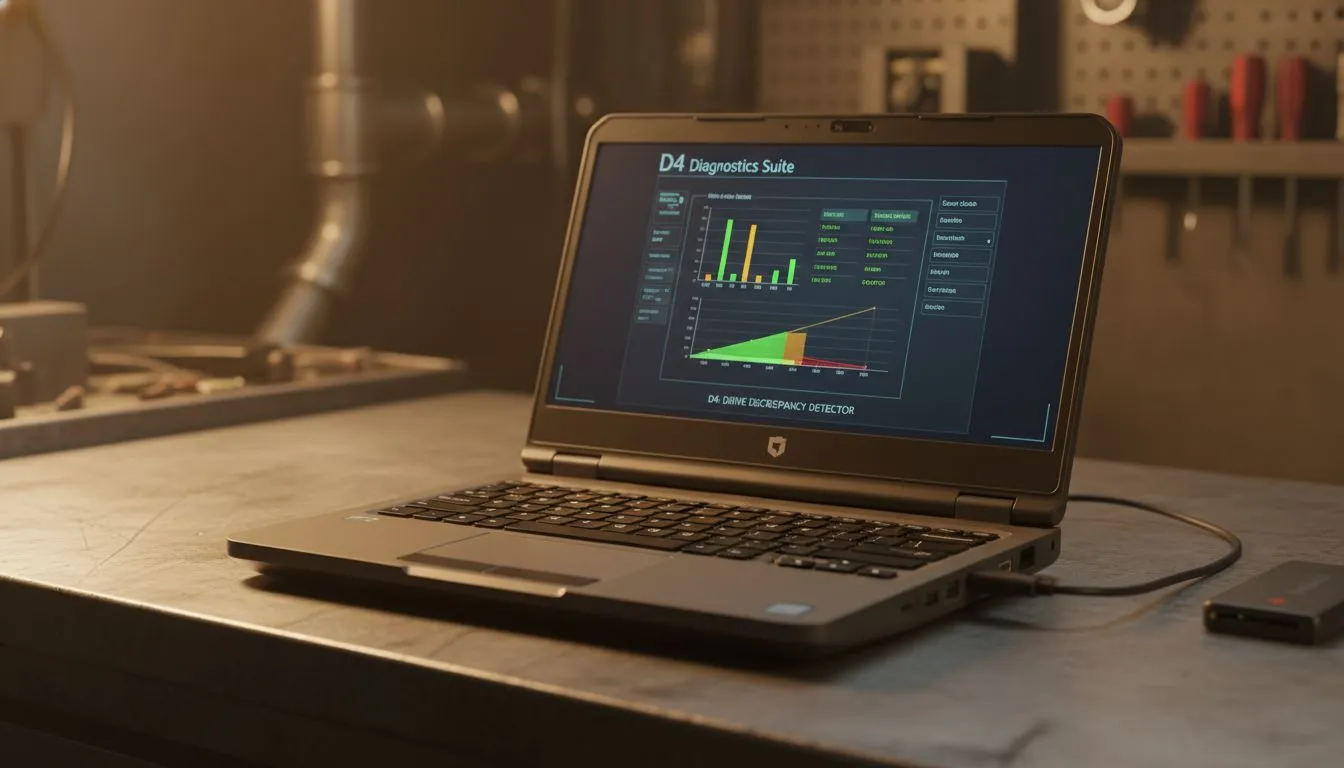
Hunting for a used laptop in South Africa to slay demons in Sanctuary? Diablo 4 is a demanding beast. It requires more than just a shiny chassis to run well. Before you part with your hard-earned Rands, you must verify the internals. Knowing how to check a used laptop for Diablo 4 performance involves more than a quick boot-up... it requires a deep dive into thermal health and hardware specs. 🔧
The first step is checking the processor and memory. Diablo 4 loves high thread counts and fast RAM. Many older intel laptops on special offer incredible value for money right now. Ensure the machine has at least an i5 or i7 from the last three generations.
On the other side, ryzen laptop deals are famous for their multi-core efficiency. This is vital for maintaining high frame rates during intense world boss fights. You should aim for a minimum of 16GB of DDR4 or DDR5 RAM. Anything less will cause stuttering when the screen gets crowded with monsters. ⚡
Diablo 4 relies heavily on your GPU for those dark, atmospheric textures. When looking at a used unit, check for geforce rtx gaming laptops on special to ensure you get DLSS support. DLSS is a lifesaver for boosting performance on older hardware.
Download a free tool like HWiNFO64 before meeting the seller. Run a quick benchmark and watch the temperatures. If the CPU hits 95°C immediately, the thermal paste is likely bone dry. This helps you negotiate a better price or walk away from a potential paperweight.
Ask the seller to run a quick benchmark like 3DMark or Superposition. Watch for any visual artifacts or sudden crashes. These are signs of a dying graphics chip. A stable GPU is the difference between a smooth crawl through dungeons and a frustrating desktop crash.
Don't ignore the screen quality. Diablo 4 is a dark game with many shadows. An IPS panel is preferred over a cheap TN panel for better contrast. If you are looking to buy gaming laptops under r20k, verify the screen brightness and colour accuracy.
Storage is also critical. The game requires an SSD for acceptable load times. Check the health of the NVMe drive using CrystalDiskInfo. A drive with low "remaining life" will need an immediate replacement. This adds to your total cost of ownership. 🚀
Sometimes the best gaming laptop deals are found by comparing used prices against current retail specials. If a used laptop is only R1,000 cheaper than a new one, the warranty alone makes the new one better. Always check the current market prices in South Africa before committing.
Look for signs of physical wear on the keyboard. Worn-out "WASD" keys suggest heavy use. Check the hinges for any play or clicking sounds. A well-maintained laptop should feel solid and responsive. ✨
Ready to Find Your Perfect Match? The second-hand market is risky, but finding the right balance of price and power is essential for Diablo 4. Explore our massive range of laptop specials and find the perfect machine to conquer your world.
Diablo 4 minimum specs for laptops typically include an Intel Core i5 or AMD Ryzen 3 CPU, NVIDIA GeForce GTX 660 or AMD Radeon R9 280 GPU, 8GB RAM, and an SSD.
Use benchmarks like FurMark or 3DMark to stress-test the GPU. Monitor temperatures and frame rates to ensure stable performance for games like Diablo 4.
Aim for a battery health of at least 80% or higher. Software like HWMonitor or Windows' built-in battery report can help you check used laptop battery status.
Look for dead pixels, backlight bleed, or discolouration. Play full-screen solid colours (red, green, blue, black, white) to easily spot imperfections.
Yes, if you thoroughly inspect it. Follow our guide to perform critical checks on hardware, thermals, and components to ensure it meets Diablo 4 laptop requirements.
Run stress tests (CPU-Z, FurMark) and monitor temperatures with tools like HWMonitor. Listen for unusual fan noises and ensure temperatures stay within safe limits.
Essential tools include HWMonitor for temps/specs, CrystalDiskInfo for SSD health, FurMark/3DMark for GPU, and CPU-Z for CPU info. These help test used gaming laptop performance.
AIO Liquid 240mm Setup and Configuration. Clear setup instructions with SA-specific considerations, troubleshooting tips & recommended components.
Read more
Setting Up DDR5 64GB Kit. Tested & verified settings for best FPS and visual quality on SA hardware budgets.
Read more
Overwatch 2 Setup Guide Gamers. Clear setup instructions with SA-specific considerations, troubleshooting tips & recommended components.
Read more
R and RStudio on Mac: Data Science Setup Guide. Clear setup instructions with SA-specific considerations, troubleshooting tips & recommended components.
Read more
NVIDIA Broadcast Setup with GPU: Streamer Guide. Clear setup instructions with SA-specific considerations, troubleshooting tips & recommended components.
Read more
Core Ultra 7 265K Temperature Guide: Normal Range. Complete product range with SA pricing, key specs & recommendations for different budgets.
Read more
AMD RX 9050 XT: Rumoured Specs, Price & Release. SA-focused analysis with local pricing data, real-world insights & actionable buying advice.

Can RTX 4080 Super Run AI Workloads for SA Developers Detailed answer with SA data, expert analysis & practical recommendations for local buyers.

Can RTX 4090 Run AI Workloads for SA Developers Detailed answer with SA data, expert analysis & practical recommendations for local buyers.

Top Settings for Intel Arc B580 at Ultrawide 1440p picks evaluated on performance, value & SA availability with current Rand pricing from Evetech.

RTX 4060 CS2 Low Settings at 1080p: FPS Results. Real-world benchmark data, FPS numbers & performance analysis. What SA gamers can actually expect.

Visual Artifacts: Possible GPU Issue Issue #1. Diagnosis steps, proven fixes & when to seek professional help. SA-specific support info included.

Can the RTX 4090 Handle 1440p 144Hz Gaming. Performance testing verdict with real data & practical recommendations for SA buyers.

Top ASUS GPU Under R15000 picks evaluated on performance, value & SA availability with current Rand pricing from Evetech.

GTA 6 Max Settings on RTX 5070. Tested & verified settings for best FPS and visual quality on SA hardware budgets.

Cyberpunk 2077 Max Settings on RTX 5080. Tested & verified settings for best FPS and visual quality on SA hardware budgets.

Starfield Max Settings on RTX 5070 Ti. Tested & verified settings for best FPS and visual quality on SA hardware budgets.

Top RTX 5090 Under R5000 picks evaluated on performance, value & SA availability with current Rand pricing from Evetech.