Quick Answer
For a high-resolution South African office setup, a certified DisplayPort 1.2 cable (21.6Gbps) in 1.5m or 2m length is the right choice for monitors up to 4K@60Hz or 1440p@144Hz. Spend R200 to R350 on a triple-shielded, gold-plated option to ensure long-term reliability, whether your office is in Sandton, Cape Town's CBD, or a home study.
Matching Cable Spec to Your Office Monitor 🖥️
South African offices are increasingly moving to higher-resolution monitors. A 27-inch 4K IPS monitor at R6,500 to R10,000 is now common for finance, architecture, and legal professionals who spend eight or more hours daily on a screen. A certified DisplayPort 1.2 cable carries 21.6Gbps, supports 4K@60Hz in 8-bit and 10-bit colour, and works with any modern desktop or laptop GPU from the past five years. If your workstation uses a laptop dock, confirm the dock has a DP 1.2 or higher output; many USB-C docks include a DP 1.2 Alternate Mode output that works correctly with the same cable.
Practical Cable Length for South African Office Desks 🔧
Standard South African office desks follow similar ergonomic dimensions: desk height at 72cm to 76cm, monitor on an adjustable arm at eye level, and the tower beside or under the desk. A 1.5m cable suits this layout when the tower sits directly beside the desk. A 2m cable works for corner desk setups or when a laptop dock sits at one end of a long desk while the monitor is at the other. Avoid cables longer than 2m unless the run genuinely requires it: excess cable length creates slack that tangles with other desk cables.
Construction Quality for an Office Environment ✨
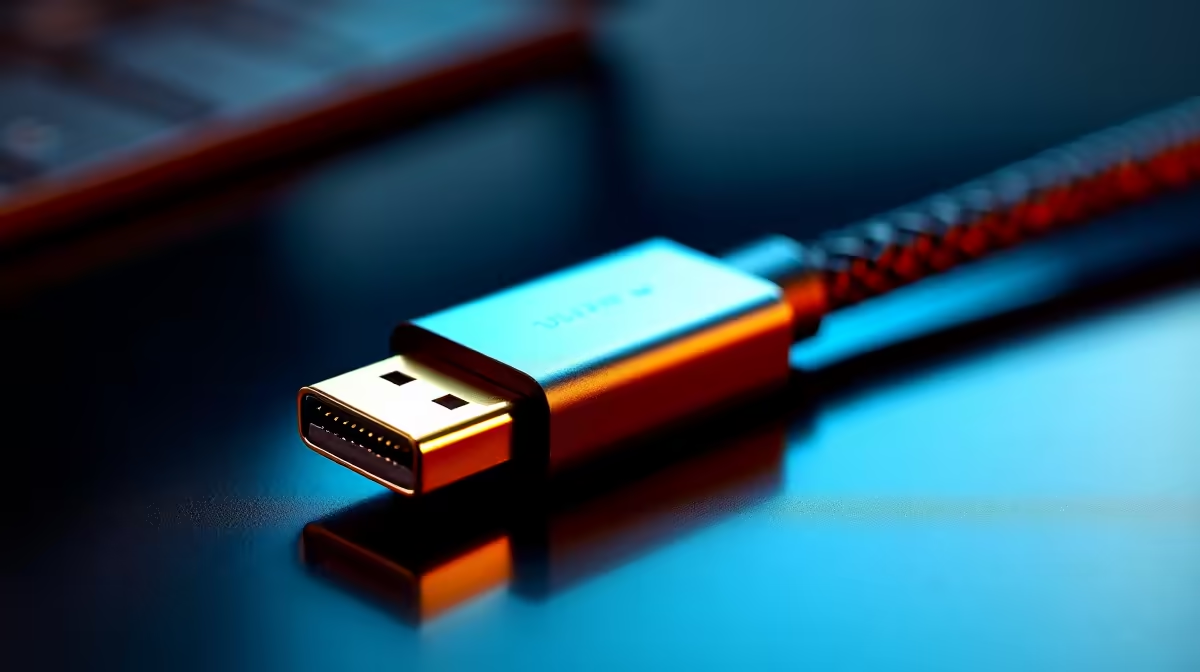
Office setups place power extension leads, wireless chargers, Bluetooth keyboards and mice, and USB hubs in close proximity to the display cable. Triple shielding protects against cumulative EMI from these devices. In South African coastal offices in Durban or Port Elizabeth, gold-plated connectors resist humidity-driven corrosion on connector pins. For offices where the cable is plugged and unplugged regularly, reinforced strain-relief boots prevent connector failure from repeated handling. A budget of R250 to R400 at a reputable local retailer covers all these construction requirements in a single purchase.
Label Both Ends of Shared Office Cables ⚡
In offices with multiple monitors or shared workstations, use small adhesive cable labels at both ends of each DisplayPort cable to identify which workstation it belongs to. This prevents inadvertent cable swaps during desk cleans and saves diagnostic time when a monitor stops working after a configuration change.
FAQ
Can I use the same DisplayPort cable for both a desktop PC and a laptop dock?
Yes, as long as the dock includes a DisplayPort output. Plug the cable into the dock's DP output and the monitor's DP input. Confirm the dock is rated for DP 1.2 or higher for 4K@60Hz output before purchasing.
Do I need a special cable for a multi-monitor office setup?
No. Each monitor uses its own DisplayPort cable independently. A dual-monitor setup requires two certified cables. Daisy-chaining is possible on monitors that explicitly support DP MST (Multi-Stream Transport).
Should I choose DisplayPort or HDMI for an office monitor?
DisplayPort is generally preferable for monitors above 1440p. For monitors with only an HDMI 2.0 port, HDMI 2.0 handles 4K@60Hz adequately. Choose the standard supported by both the monitor and the GPU or dock.
Setting up or upgrading a high-resolution office in South Africa?
Browse Evetech's range of certified DisplayPort cables in office-ready lengths and construction specifications.