Quick Answer
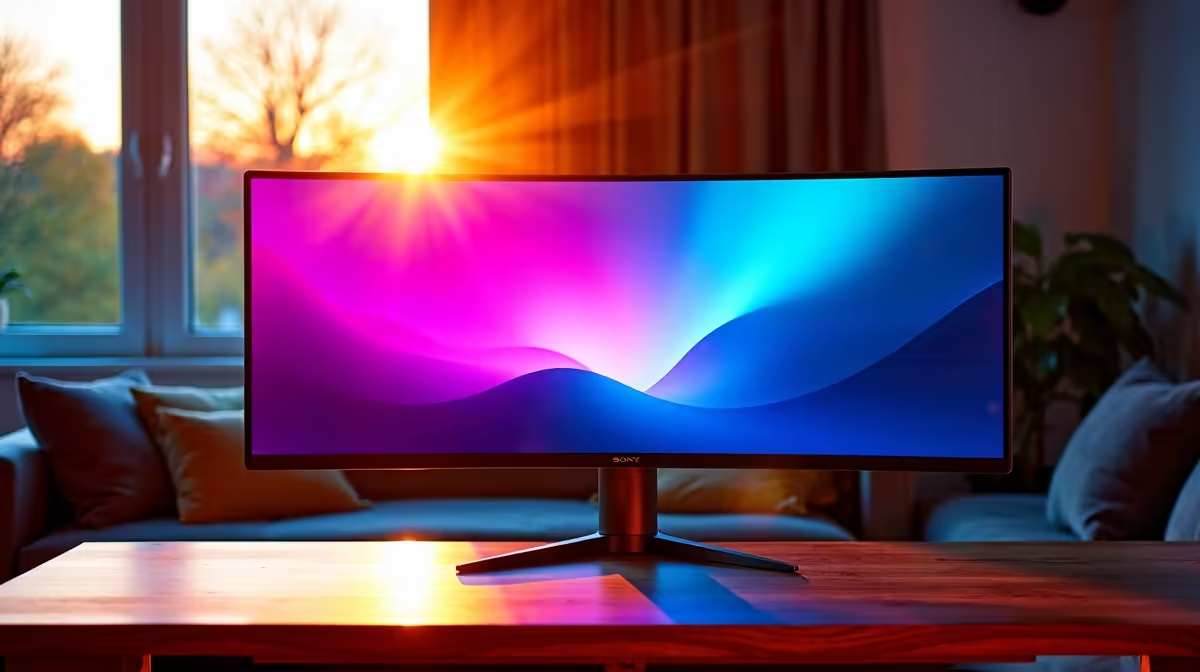
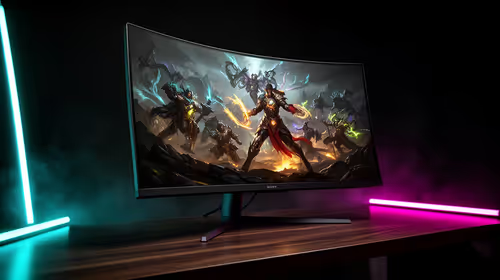
For casual gaming with friends a 144Hz panel at ultrawide is the value sweet spot in South Africa. Budget R6,500 to R14,000 for a screen that pairs the right refresh rate with a GPU that can actually feed it.
Matching refresh rate to the games
casual gaming with friends benefits from a 144Hz panel, but only if your GPU can hold the frame rate. A 34-inch (3440x1440) screen at 144Hz is a sensible target; chasing higher numbers wastes money if your card tops out around 90-120 fps in these titles. Match the panel to what your graphics card realistically delivers.
Panel type and response
A fast IPS panel gives the best mix of colour and motion for casual gaming with friends, with grey-to-grey response near 1ms and adaptive sync to kill tearing. Confirm FreeSync or G-Sync compatibility so frame pacing stays clean, and check the input lag figure rather than just the marketed response time.
Where to put your money
Screens start near R6,500 for a capable ultrawide panel and climb toward R14,000 for higher refresh, better HDR, and a sturdier stand. Spend on the panel that matches your GPU, not the biggest number on the box, and keep a little back for a quality DisplayPort cable.
Final shortlist advice
Decide on your real use first, then match the spec band to it rather than buying the biggest number on the box. A mid-range pick with a longer local warranty almost always beats an overpriced flagship for day-to-day value here.
FAQ
What is a sensible price band?
Plan for R6,500 to R14,000. The lower end covers solid ultrawide play; the upper end adds refresh headroom, HDR, and build quality for casual gaming with friends.
What GPU should I pair with this?
Match the card to the panel: a mid-range GPU handles ultrawide comfortably at this resolution, while ultrawide at high refresh wants a stronger card. Check that your graphics card can sustain the fps your panel can show.
Is adaptive sync worth it for casual gaming with friends?
Yes. FreeSync or G-Sync removes screen tearing and smooths frame delivery, which matters in casual gaming with friends where frame rates swing. It is now standard on most panels in this band.
Turn on FreeSync or G-Sync in the GPU control panel and set the monitor to its highest 144Hz refresh before your first session.