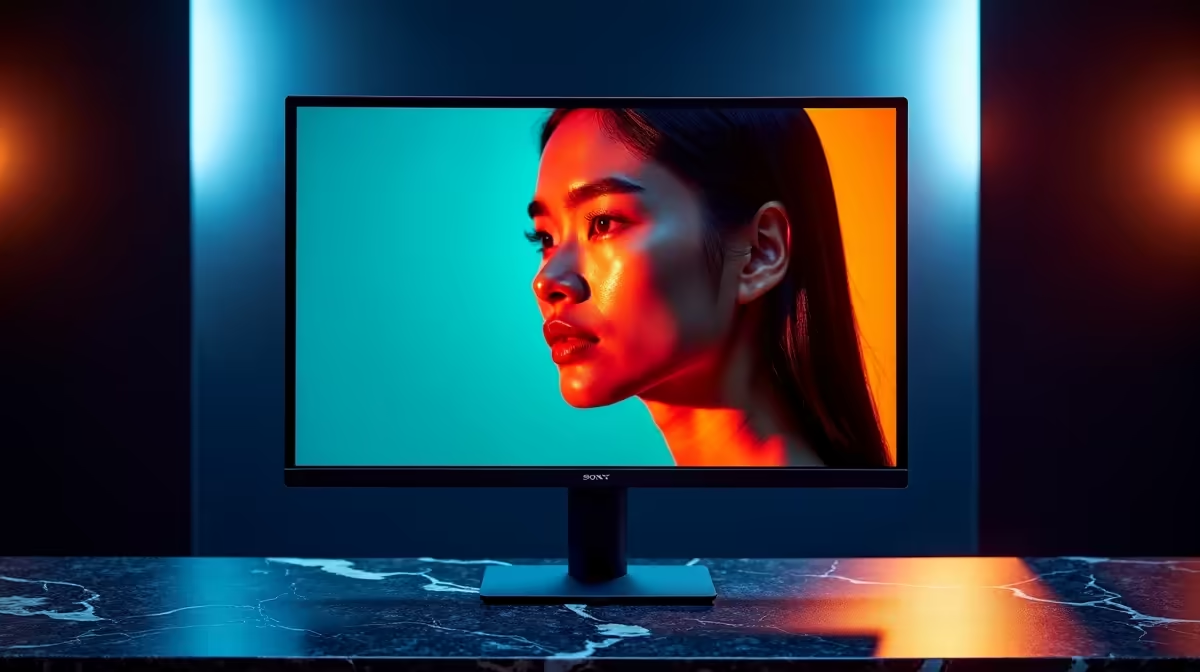
Ever spent hours editing a photo, getting those skin tones just right, only for it to look blotchy and weird on your client's screen? Or maybe you’ve noticed the vibrant world of your favourite game looks a bit… washed out? You’re not alone. The secret to consistency isn’t just skill; it’s a colour accurate monitor setup. Getting this right is the foundation for any serious creator or gamer in South Africa, ensuring what you see is what everyone else gets.
Why Your Monitor's Colour Is Lying to You
Most standard displays are designed to look bright and punchy in a store, not to be accurate. This means colours can be oversaturated, whites can have a blue or yellow tint, and subtle shades... well, they just disappear. For creative work, this is a disaster. A slight inaccuracy can turn a warm, healthy skin tone into a pale, sickly one. For gamers, it means you’re not seeing the virtual world as the developers intended. The first step to fixing this is choosing the right PC monitor from the start.
The Building Blocks of a Colour Accurate Monitor
Achieving perfect skin tones and true-to-life colour isn't about luck; it's about technology. When browsing for a new screen, don't just look at the size and price. Here are the key specs that truly matter for a professional colour accurate monitor setup.
Colour Gamut Coverage (The Monitor's Vocabulary)
Think of a colour gamut as the total range of colours a monitor can display. The wider the gamut, the more colours it knows.
- sRGB: This is the standard for the web. For content that will only be seen online, 100% sRGB coverage is essential.
- Adobe RGB: This gamut is wider than sRGB, containing more shades of green and cyan. It's the standard for professional photography and print work.
- DCI-P3: A common standard for digital video and cinema. If you're a filmmaker or video editor, look for high DCI-P3 coverage.
Many modern top-tier gaming monitors now offer excellent DCI-P3 coverage, making them fantastic hybrid options for both work and play.
Panel Technology and Resolution
For colour accuracy, an IPS (In-Plane Switching) panel is your best friend. They offer superior colour reproduction and wider viewing angles compared to TN or VA panels. This means the colours won't shift dramatically if you move your head. Paired with a high resolution, like in these crisp 4K and 5K monitors, you'll see every tiny detail in your work, from individual pores to fine strands of hair. Even immersive curved monitors now use high-quality IPS panels for a stunning experience.
Your Guide to a Perfect Setup 🔧
Owning a great monitor is half the battle. The other half is setting it up correctly.
Step 1: Control Your Environment
Your room's lighting dramatically affects how you perceive colour on screen.
- Avoid direct sunlight: Position your desk so windows are to the side, not directly in front or behind your screen.
- Use neutral lighting: A daylight-balanced (around 6500K) lamp or light bulb behind your monitor (known as a bias light) can reduce eye strain and improve perceived contrast.
Step 2: Basic On-Screen Display (OSD) Calibration
Before any software tweaks, use your monitor's built-in menu.
- Set the mode: Look for a "Standard," "sRGB," or "Custom" mode. Avoid "Game," "Cinema," or "Vivid" modes, which artificially boost colours.
- Set Colour Temperature: Aim for 6500K (sometimes labelled "D65").
- Adjust Brightness: A good starting point for a dimly lit room is around 120 cd/m².
Calibration Pro Tip 💡
Your monitor's colours can drift over time as the backlight ages. For professional work, it's crucial to re-calibrate your screen every 1-2 months. This ensures your setup remains perfectly colour accurate and your skin tones stay true-to-life, project after project.
Step 3: The Ultimate Fix... Hardware Calibration
For truly perfect skin tones and guaranteed accuracy, nothing beats a hardware calibrator (a colorimeter). This small device hangs over your screen, reads the colours it displays, and works with software to create a custom colour profile for your specific monitor and lighting conditions. You can find these tools among other essential monitor accessories that elevate your setup.
Taking Accuracy on the Road ✨
What happens when you need to work away from your main desk? Maintaining that colour consistency is key. Using handy portable monitors that have been profiled with your calibrator can give you a reliable reference screen, ensuring your edits look just as good at the coffee shop as they do in your office.
A truly colour accurate monitor setup is an investment in your craft. It builds trust with clients and lets you fully appreciate the art in your games. By starting with a quality panel and taking the time to calibrate it, you eliminate the guesswork and ensure your vision is realised perfectly, every single time. And with so many options available, you're sure to find something that fits your needs and budget in these great monitor deals.
Ready for True-to-Life Colour?
Stop guessing and start creating with confidence. A colour-accurate monitor is the most important tool in your arsenal. Explore our massive range of PC monitors and find the perfect display to bring your vision to life.