Tired of your Wi-Fi signal dropping faster than the Rand during a budget speech? That crucial lag spike in the final circle is no joke. For many South African gamers, the culprit isn't your ISP… it's your home's layout. The good news? A compact Wi-Fi booster is the simple, affordable fix to reclaim your connection, ensuring your gameplay is smooth from Bryanston to Bellville. Let's get you connected. 🚀
Why Your Home Hates Your Wi-Fi Signal
Ever wonder why you have full bars in the lounge but a single, prayer-fueled bar in your bedroom or office? It's usually down to simple physics. South African homes, often built with sturdy double-brick walls, are notorious for killing Wi-Fi signals. Add multiple floors, metal security gates, or even a running microwave, and you've got a recipe for digital dead zones.
These dead zones are frustrating for streaming but absolutely fatal for competitive gaming. A stable connection isn't a luxury; it's a core component of your rig. Achieving that stability across your entire home requires a robust wireless networking setup, and often, a small Wi-Fi extender is the most crucial piece of the puzzle.
The Magic of a Compact Wi-Fi Booster
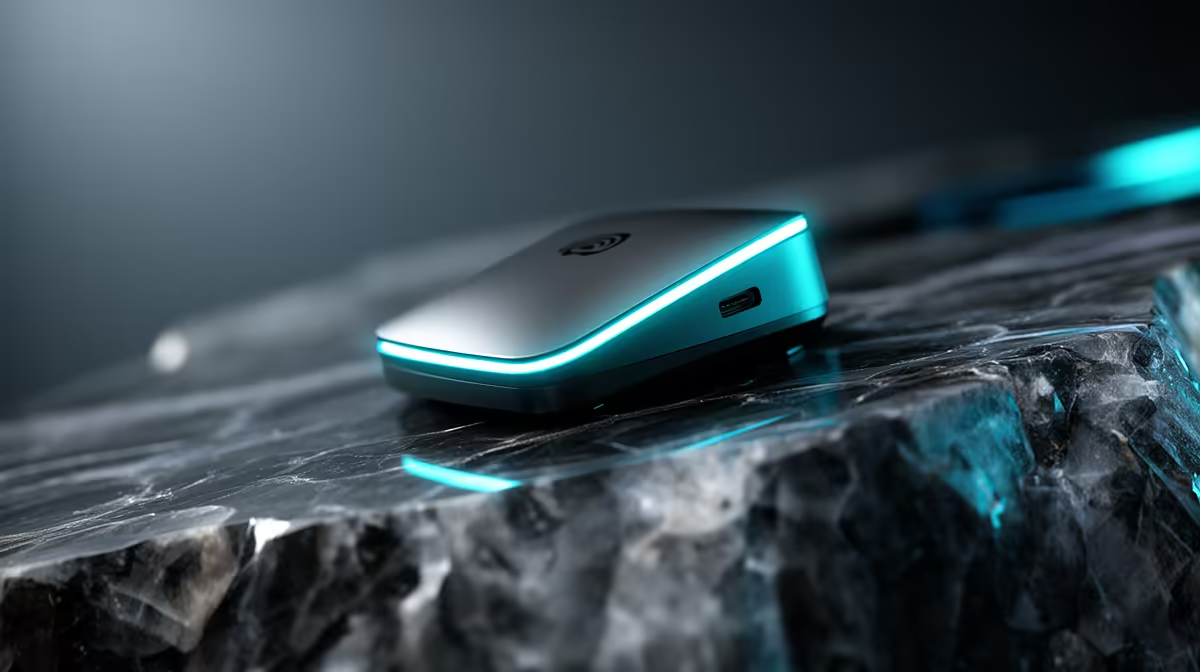
So, what exactly is a compact Wi-Fi booster? Think of it as a relay runner for your internet signal. It picks up the existing Wi-Fi signal from your main router and rebroadcasts it, extending its reach into those hard-to-cover areas. It doesn't create a new network; it just gives your current one longer legs.
This is different from simply buying a more powerful router. While a top-tier router is the heart of any great network, it can't always defy physics. If your home has a particularly tricky layout, even the best router will struggle. For many, a simple plug-and-play Wi-Fi booster is a more effective and budget-friendly solution than upgrading your main wireless router entirely.
Pro Placement Tip ⚡
Place your Wi-Fi booster halfway between your router and the dead zone, not in the dead zone. It needs a decent signal to amplify! Ensure it's in an open area, away from microwaves or thick concrete walls for the best performance.
Choosing the Right Booster for Your Mzansi Home
Not all signal boosters are created equal. When browsing, you'll see terms like Wi-Fi 5 (AC) and Wi-Fi 6 (AX). For most gaming and streaming needs, a Wi-Fi 5 booster is perfectly adequate and cost-effective. However, if you have a Wi-Fi 6 router and many compatible devices, an AX booster will deliver faster speeds and better performance in crowded network environments.
Look for a dual-band model. This gives you two "lanes" for traffic (2.4GHz and 5GHz). The 2.4GHz band has a longer range, while the 5GHz band offers faster speeds over a shorter distance. A good booster lets you use both, optimising for whatever you're doing. Setup is usually dead simple, often just involving a press of the WPS button on the booster and your router.
Finding the best compact Wi-Fi booster for your space is about matching features to your needs. Check out our selection of wireless range extenders to find the perfect fit for your budget and home. ✨
Beyond Boosters: Other Signal-Strengthening Tools
While a compact Wi-Fi booster is a fantastic all-rounder, there are other tools in the arsenal. If your gaming PC is a desktop rig sitting far from the router, a booster might not be the most direct solution. In that case, you could consider dedicated high-gain wireless adapters for your desktop PC. These often come with large, positionable antennas that are excellent at pulling in a weak signal.
For homes where even boosters struggle due to incredibly thick walls, Powerline adapters—which send the internet signal through your home's electrical wiring—are another powerful option. The goal is always the same: a stable, low-ping connection for a flawless victory.
Ready to Banish Lag for Good?
Stop blaming your ISP and take control of your connection. A simple booster can make all the difference between a win and a rage-quit. Explore our powerful wireless range extenders and get the stable signal you deserve.