


Black Myth: Wukong 2 Ultrawide Support: 21:9 and 32:9 Setup Guide
Black Myth: Wukong 2 Ultrawide Support: 21:9 and. Clear setup instructions with SA-specific considerations, troubleshooting tips & recommended components.
Read moreCorsair SP120 Elite fan specs decoded: learn how 45.4 CFM affects airflow and 24.7 dBA impacts noise so you can optimize cooling and quieter builds 🔧🌬️
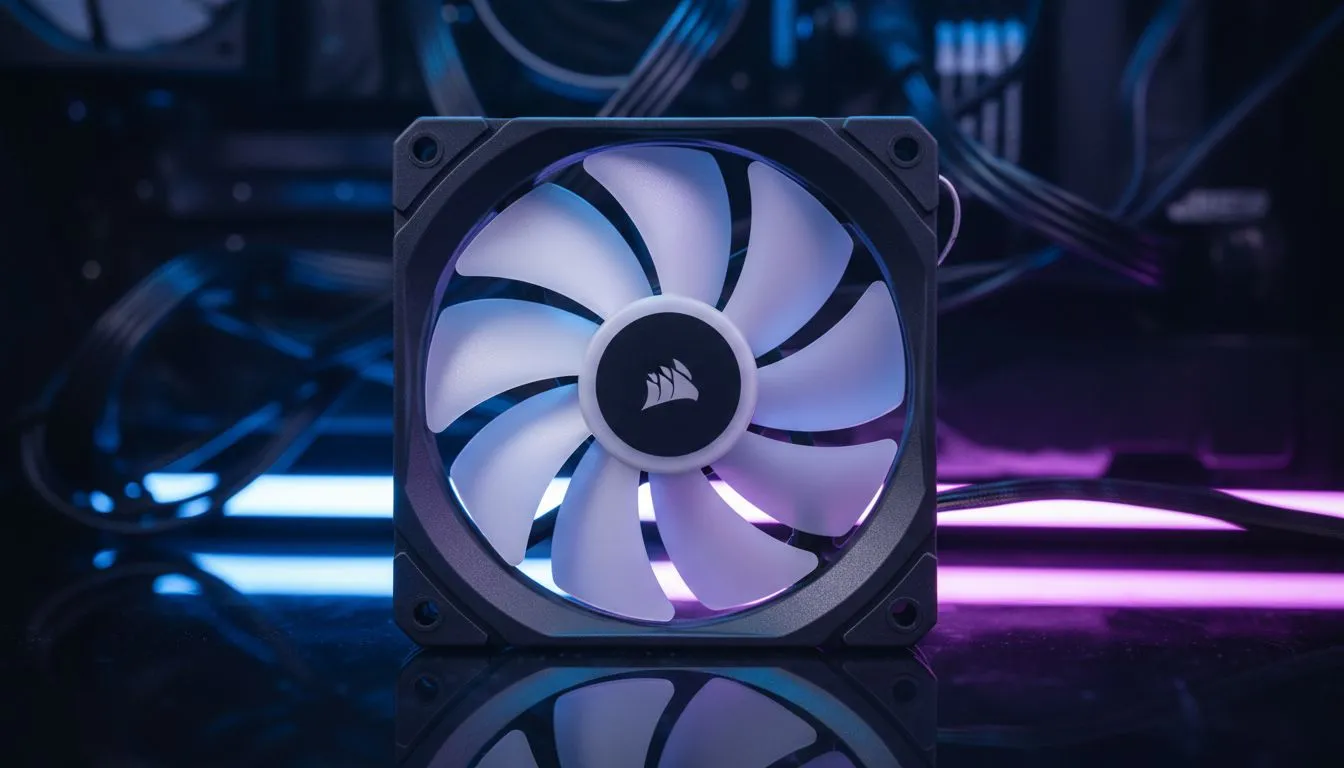
Tired of your PC sounding like a jet engine during a sweltering Cape Town summer? Finding that sweet spot between cooling power and silence is the holy grail of PC building in South Africa. We are diving into the Corsair SP120 Elite fan specs: 45.4 CFM & 24.7 dBA Explained, showing you why these specific numbers matter for your next upgrade. It is about more than just spinning blades... it is about efficiency. 🔧
Airflow is measured in Cubic Feet per Minute (CFM). The Corsair SP120 Elite pushes 45.4 CFM... which is a solid balance for most mid-range builds. When you look for quality case fans, this number tells you how much air is actually moving through your chassis. High airflow prevents heat soak during long gaming sessions in Gauteng. It ensures your components do not throttle when the action gets intense.
Noise is the enemy of immersion. At 24.7 dBA, these fans are whisper-quiet. For context, a normal conversation is about 60 dBA. When browsing the premium Corsair range, you will notice that Corsair focuses on hydraulic bearings to keep friction low. This results in a smoother sound profile that will not distract you from your footsteps in Warzone. It is the perfect level for those who work and play in the same space. ⚡
Always ensure you have more intake fans than exhaust fans to create 'positive pressure'. This prevents dust from being sucked in through every small crack in your case... keeping your components cleaner for longer.
Choosing the right housing for your fans is vital. Whether you prefer modern computer cases with mesh fronts or the sleek aesthetics of Gamdias gaming cases, the SP120 Elite fits perfectly. If you are on a budget, even Evetech gaming cases benefit immensely from adding one or two of these as exhaust fans to pull hot air away from your GPU. 🚀
Sometimes, case fans alone are not enough. You might need performance CPU coolers to keep your processor from thermal throttling. The technology in the SP120 Elite is often mirrored in Liquid Cooler (AIO) setups, where static pressure is just as important as raw airflow. This ensures air is forced through the radiator fins effectively without creating excessive noise.
Appearance matters in a modern South African setup. You can choose vibrant RGB fans to light up your desk... or keep things stealthy with lighting effects set to none. The Corsair SP120 Elite specs remain consistent regardless of the light show, giving you the same 45.4 CFM performance. ✨
Ready to Silence Your Setup? Balancing noise and performance is easier than ever with the right components. From high-static pressure fans to custom cooling solutions in South Africa, we have the gear to keep you frosty. Explore our massive range of case fans and find the perfect match for your gaming rig today.
45.4 CFM measures maximum airflow volume; 24.7 dBA is noise at max speed. Together they indicate cooling capacity versus expected loudness.
24.7 dBA is low to moderate—quieter than many stock fans. In a dampened case it's often barely audible during typical use.
45.4 CFM indicates strong per-fan airflow, but total cooling depends on fan count, case airflow path, and your cooler or radiator.
CFM vs static pressure fans: CFM measures airflow volume, RPM controls speed, and static pressure shows pushing power across radiators or filters.
Lower PWM curves in BIOS, use a fan controller, enable RPM limits, and fit anti-vibration mounts to cut perceived noise.
Yes. Their airflow and pressure work well on many radiators, but test spacing and consider push/pull setups for best results.
Use a calibrated sound meter or a reputable app placed at your desk. See our guide on how to measure fan dBA in PC for step‑by‑step tips.
Black Myth: Wukong 2 Ultrawide Support: 21:9 and. Clear setup instructions with SA-specific considerations, troubleshooting tips & recommended components.
Read more
Setting Up HDMI 2.1 Cable. Tested & verified settings for best FPS and visual quality on SA hardware budgets.
Read more
Every spec on PCIe 5.0 explained in plain English. What matters for gaming and creator work in 2026, what's marketing fluff, and how each number translates to real-world performance.

A head-to-head look at WiFi 7: real-world performance, ZAR pricing and which option delivers better value for SA builders. The clear answer — no fluff.

Everything you need to set up and tune PCIe 5.0 properly: the prep work, the settings that actually matter, and the mistakes to skip. Written for SA builders in 2026.

Everything you need to set up and tune X870E Motherboard properly: the prep work, the settings that actually matter, and the mistakes to skip. Written for SA builders in 2026.

Wondering what a 512GB SSD capacity really holds? This guide breaks down how many games, photos, and documents fit on 512GB, with real-world ranges 📦💾

Every spec on vrm explained in plain English. What matters for gaming and creator work in 2026, what's marketing fluff, and how each number translates to real-world performance.

Every spec on motherboard explained in plain English. What matters for gaming and creator work in 2026, what's marketing fluff, and how each number translates to real-world performance.

Premium vs Midrange Motherboards in South Africa: real-world performance, SA pricing, power draw and which one delivers better value for your build for SA buyers. The clear answer — without the fluff.
Wondering what a 512GB SSD capacity really holds? This guide breaks down how many games, photos, and documents fit on 512GB, with real-world ranges 📦💾
Every spec on PCIe 5.0 explained in plain English. What matters for gaming and creator work in 2026, what's marketing fluff, and how each number translates to real-world performance.
A head-to-head look at WiFi 7: real-world performance, ZAR pricing and which option delivers better value for SA builders. The clear answer — no fluff.

Every spec on USB4 explained in plain English. What matters for gaming and creator work in 2026, what's marketing fluff, and how each number translates to real-world performance.