


Complete Guide: Setting Up AIO Liquid 420mm
Setting Up AIO Liquid 420mm. Tested & verified settings for best FPS and visual quality on SA hardware budgets.
Read moreYour CPU for video editing is the heart of your creative workflow. Learn how core counts, clock speeds, and cache size directly impact rendering times and playback smoothness. This guide breaks down what to look for, helping you choose the perfect processor for seamless 4K editing and beyond. 🚀💻
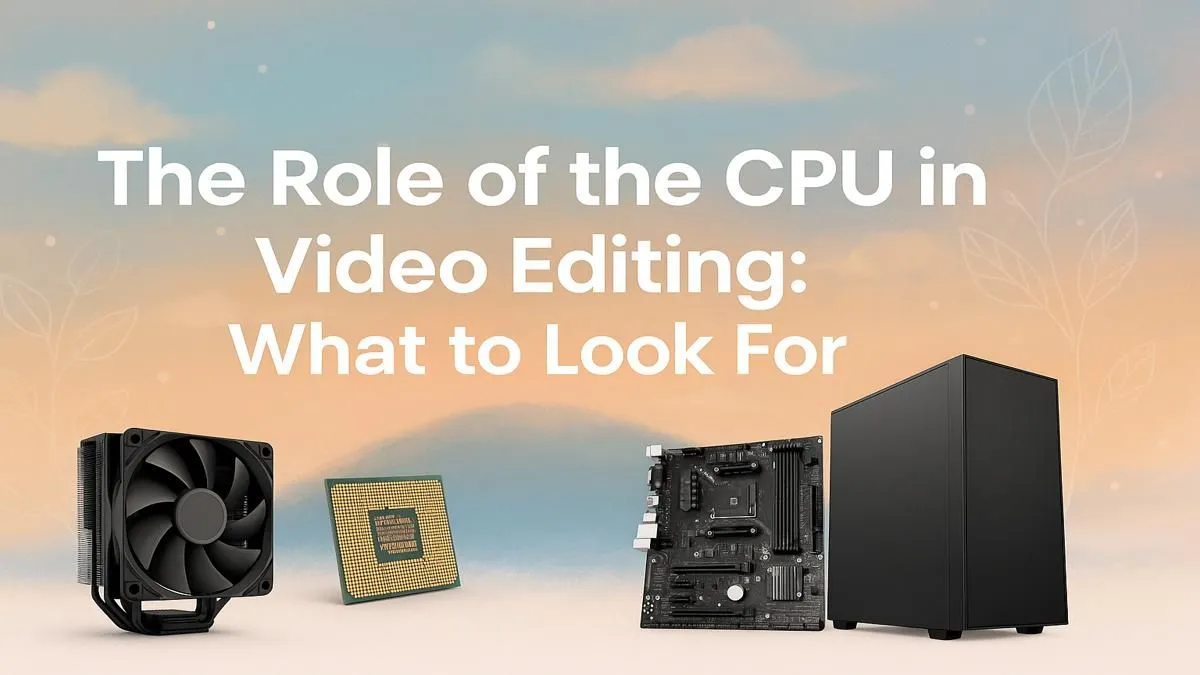
Staring at a render progress bar is a special kind of load shedding for your creativity. For South African content creators, YouTubers, and filmmakers, every second spent waiting is a second you're not creating. The culprit is often an underpowered or poorly chosen processor. Choosing the right CPU for video editing isn't just about specs; it's about reclaiming your time and unlocking a smoother, more responsive workflow. Let's dive in.
Before we talk cores and clocks, what does the CPU actually do? Think of it as the director of your entire editing operation. While your graphics card helps with visual effects and playback, the CPU for video editing handles the heavy lifting:
A weak processor bottlenecks your entire system, no matter how much RAM or how fast your SSD is.
This is the central debate when choosing a processor for editing. Do you go for more cores or faster speeds? The answer... is both, but your workflow determines which to prioritise.
Multiple cores are like having a team of assistants. When you hit "render" on your final project, editing software like Adobe Premiere Pro or DaVinci Resolve can split the task among all available cores. This is called parallel processing.
The more cores your CPU has, the faster it can complete these big, divisible tasks. For a production house or a creator exporting multiple videos a day, a high-core-count CPU for video editing is non-negotiable. It directly translates to more projects completed in less time.
Clock speed, measured in gigahertz (GHz), is how fast a single core can process instructions. While rendering uses all cores, many tasks within your editing software rely on just one. Smoothly navigating your timeline, applying simple effects, and general responsiveness all depend on high single-core performance.
A CPU with a high boost clock will make the actual editing part of your work feel snappy and fluid, reducing frustrating lag.
On Windows, use the PowerToys FancyZones utility to create custom snap layouts. It's a lifesaver for managing your timeline, preview window, and asset folders on an ultrawide monitor. You can perfectly organise your workspace, saving precious time finding clips and effects.
For years, this has been a heated battle, but today, both teams offer incredible options for creators.
Intel's Core series, particularly the i7 and i9 models, often boast excellent single-core performance and feature Quick Sync Video—a powerful integrated graphics engine that dramatically accelerates encoding and decoding in supported applications. You can find powerful systems built around them in our range of Intel PC deals.
On the other side, AMD's Ryzen processors, especially the Ryzen 7 and Ryzen 9 lineups, have become famous for offering a massive number of cores at competitive prices. This makes them absolute rendering powerhouses, perfect for creators who need to export large files quickly and frequently.
The best CPU for video editing needs a strong supporting cast to truly shine. A bottleneck anywhere else in the system can hold back your processor's potential.
Ultimately, bringing all these components together in a stable, optimised system is crucial. For serious professionals who need guaranteed performance and reliability, exploring dedicated workstation PCs is the smartest move, as they are purpose-built for these demanding creative tasks.
Ready to Build Your Render Rocket? Choosing the right components can feel overwhelming, but the perfect editing machine is within reach. For maximum power, choice, and value in South Africa, a well-configured PC is unbeatable. Explore our expertly configured pre-built PCs and find the perfect machine to bring your vision to life.
For 1080p editing, 6-8 cores are sufficient. For 4K or 6K footage, aim for 12-16 cores. A higher core count for video editing improves rendering and multitasking performance.
Both offer excellent options. AMD often provides more cores for the price, which is great for rendering, while Intel's strong single-core performance can boost timeline responsiveness.
A balance is ideal. High clock speed improves real-time playback and effects processing, while more cores accelerate final rendering and exporting. Both are critical for a smooth workflow.
The CPU is critically important. It handles the core tasks of encoding, decoding, rendering, and applying effects. A powerful processor is the foundation of an efficient editing system.
Look for CPUs with at least 6 cores and a high boost clock. Models from the previous generation or mid-range series from Intel (Core i5) and AMD (Ryzen 5) offer excellent value.
The CPU is generally more critical for core tasks like encoding. However, a powerful GPU significantly accelerates specific effects, timeline playback, and export times in modern software.
Setting Up AIO Liquid 420mm. Tested & verified settings for best FPS and visual quality on SA hardware budgets.
Read more
Intel XTU Download & Setup Guide: Intel CPU. Clear setup instructions with SA-specific considerations, troubleshooting tips & recommended components.
Read more
Cyberpunk 2077 Max Settings on RTX 4090. Tested & verified settings for best FPS and visual quality on SA hardware budgets.
Read more
The Complete Guide to GPU. Everything you need to know with SA pricing, step-by-step instructions & expert recommendations.
Read more
NVCleanstall Download & Setup Guide: NVIDIA. Clear setup instructions with SA-specific considerations, troubleshooting tips & recommended components.
Read more
to Driver Installation for Beginners. Everything you need to know with SA pricing, step-by-step instructions & expert recommendations.
Read more
AMD RX 9050 XT: Rumoured Specs, Price & Release. SA-focused analysis with local pricing data, real-world insights & actionable buying advice.

Can RTX 4080 Super Run AI Workloads for SA Developers Detailed answer with SA data, expert analysis & practical recommendations for local buyers.

Can RTX 4090 Run AI Workloads for SA Developers Detailed answer with SA data, expert analysis & practical recommendations for local buyers.

Top Settings for Intel Arc B580 at Ultrawide 1440p picks evaluated on performance, value & SA availability with current Rand pricing from Evetech.

RTX 4060 CS2 Low Settings at 1080p: FPS Results. Real-world benchmark data, FPS numbers & performance analysis. What SA gamers can actually expect.

Visual Artifacts: Possible GPU Issue Issue #1. Diagnosis steps, proven fixes & when to seek professional help. SA-specific support info included.

Can the RTX 4090 Handle 1440p 144Hz Gaming. Performance testing verdict with real data & practical recommendations for SA buyers.

Top ASUS GPU Under R15000 picks evaluated on performance, value & SA availability with current Rand pricing from Evetech.

GTA 6 Max Settings on RTX 5070. Tested & verified settings for best FPS and visual quality on SA hardware budgets.

Cyberpunk 2077 Max Settings on RTX 5080. Tested & verified settings for best FPS and visual quality on SA hardware budgets.

Starfield Max Settings on RTX 5070 Ti. Tested & verified settings for best FPS and visual quality on SA hardware budgets.

Top RTX 5090 Under R5000 picks evaluated on performance, value & SA availability with current Rand pricing from Evetech.