


AIO Liquid 240mm Setup and Configuration: Complete Tutorial
AIO Liquid 240mm Setup and Configuration. Clear setup instructions with SA-specific considerations, troubleshooting tips & recommended components.
Read moreCPU GPU bottleneck: Learn why pairing high-end CPUs with mid-range GPUs can limit performance, how to spot it, and which upgrades or tweaks restore balance for smoother gaming. 🎮⚙️
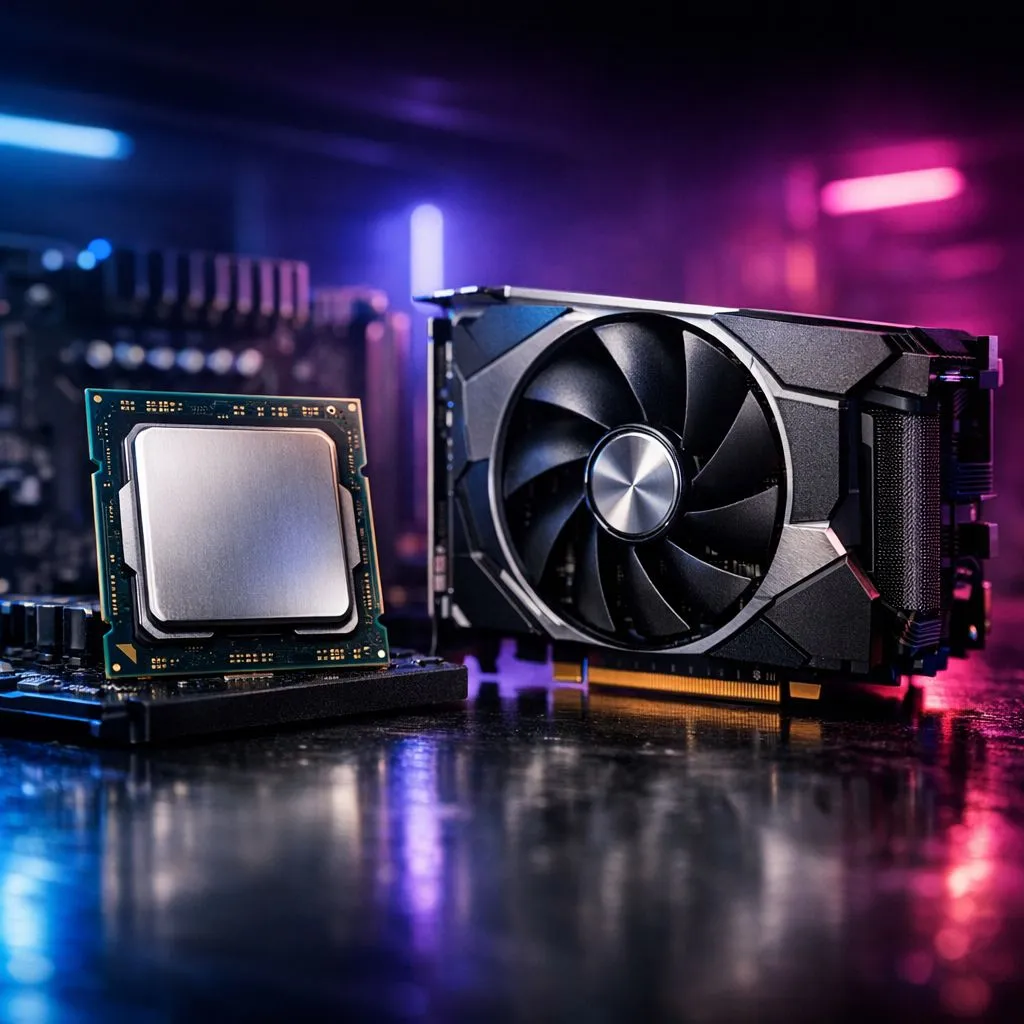
Ever wondered if that Core i9 or Ryzen 9 is overkill for your RTX 4060? In South Africa, we often overspend on processors while neglecting the graphics card. Understanding the CPU GPU bottleneck: pairing high-end CPUs with mid-range GPUs is crucial for getting the most frames per Rand. Let's look at why this "unbalanced" build might actually make sense for your specific setup.
Most guides tell you to balance your budget perfectly. They suggest spending twice as much on your GPU as your CPU. This is great for pure gaming. However, many South African users need more than just high frame rates. If you spend your day editing 4K video or streaming to Twitch, your processor needs to be a beast. Even if you start with budget gaming PCs, you might find that a stronger CPU helps with heavy background tasks. This creates a specific type of CPU GPU bottleneck: pairing high-end CPUs with mid-range GPUs. Here, the GPU is the limiting factor in games, but the CPU handles productivity with ease.
Resolution plays a massive role in how these components interact. At 1080p, your CPU works much harder to feed the graphics card data. If you are looking at PCs under R20k, you might see high-end chips paired with mid-tier cards. This setup is perfect for competitive gamers who play titles like Valorant or CS2. These games rely heavily on single-core CPU speed. You will get incredibly stable frame times even if your GPU isn't a top-tier monster. Checking the best gaming PC deals often reveals configurations that favour CPU longevity over raw graphical power ✨.
Use an overlay like MSI Afterburner while gaming. If your GPU usage is constantly at 99% while your CPU sits at 20%, you have a GPU bottleneck. This isn't a bad thing... it just means you are getting every bit of performance out of your graphics card at your current settings. Use this data to decide if your next upgrade should be a new card or more RAM.
Graphics cards are easy to swap out. You can pull one out and plug a new one in within minutes. Replacing a CPU often means a new motherboard and sometimes new RAM. By investing in PCs above R20k with a high-end processor, you are building a solid foundation. You might have a slight bottleneck now, but your system will be ready for a GPU upgrade in two years. This strategy saves money in the long run. You won't have to rebuild your entire system when the next generation of cards arrives 🚀.
Finding the sweet spot is about knowing your primary use case. If you only game, a balanced build is better. If you work and play, the high-end CPU is a lifesaver. Our latest pre-built PC deals offer various configurations to suit these different needs. Whether you need raw rendering power or just smooth gameplay at 144Hz, there is a configuration waiting for you 🔧.
Ready to Find Your Perfect Match? The CPU vs GPU debate is complex, but for maximum power, choice, and value in South Africa, Evetech has the right configuration for you. Explore our massive range of gaming PC deals and find the perfect machine to conquer your world.
A CPU GPU bottleneck occurs when a faster CPU is limited by a slower GPU, capping frame rates and reducing efficiency. See cpu gpu bottleneck explained.
Check CPU and GPU utilization, frame times, and benchmarks. If the GPU is maxed while CPU usage is low, you're likely GPU bottlenecked.
If your GPU is causing low FPS with a high-end CPU, upgrade the GPU. Use 'best gpu for high-end cpu' guides to match performance tiers.
Run synthetic and game benchmarks, monitor frame times and utilization. Compare results to reference charts to benchmark cpu gpu pairings.
Yes. Lower GPU settings, enable frame limiters, or adjust CPU-bound features to reduce cpu gpu bottleneck before upgrading hardware.
Balanced cpu gpu combos pair tiers (e.g., mid-high GPU with mid-high CPU). Aim for matched performance brackets to avoid sustained bottlenecks.
Use Task Manager, MSI Afterburner, or built-in game overlays to view GPU vs CPU usage—key steps to detect gpu bottleneck windows 10.
AIO Liquid 240mm Setup and Configuration. Clear setup instructions with SA-specific considerations, troubleshooting tips & recommended components.
Read more
Setting Up DDR5 64GB Kit. Tested & verified settings for best FPS and visual quality on SA hardware budgets.
Read more
Overwatch 2 Setup Guide Gamers. Clear setup instructions with SA-specific considerations, troubleshooting tips & recommended components.
Read more
R and RStudio on Mac: Data Science Setup Guide. Clear setup instructions with SA-specific considerations, troubleshooting tips & recommended components.
Read more
NVIDIA Broadcast Setup with GPU: Streamer Guide. Clear setup instructions with SA-specific considerations, troubleshooting tips & recommended components.
Read more
Core Ultra 7 265K Temperature Guide: Normal Range. Complete product range with SA pricing, key specs & recommendations for different budgets.
Read more
AMD RX 9050 XT: Rumoured Specs, Price & Release. SA-focused analysis with local pricing data, real-world insights & actionable buying advice.

Can RTX 4080 Super Run AI Workloads for SA Developers Detailed answer with SA data, expert analysis & practical recommendations for local buyers.

Can RTX 4090 Run AI Workloads for SA Developers Detailed answer with SA data, expert analysis & practical recommendations for local buyers.

Top Settings for Intel Arc B580 at Ultrawide 1440p picks evaluated on performance, value & SA availability with current Rand pricing from Evetech.

RTX 4060 CS2 Low Settings at 1080p: FPS Results. Real-world benchmark data, FPS numbers & performance analysis. What SA gamers can actually expect.

Visual Artifacts: Possible GPU Issue Issue #1. Diagnosis steps, proven fixes & when to seek professional help. SA-specific support info included.

Can the RTX 4090 Handle 1440p 144Hz Gaming. Performance testing verdict with real data & practical recommendations for SA buyers.

Top ASUS GPU Under R15000 picks evaluated on performance, value & SA availability with current Rand pricing from Evetech.

GTA 6 Max Settings on RTX 5070. Tested & verified settings for best FPS and visual quality on SA hardware budgets.

Cyberpunk 2077 Max Settings on RTX 5080. Tested & verified settings for best FPS and visual quality on SA hardware budgets.

Starfield Max Settings on RTX 5070 Ti. Tested & verified settings for best FPS and visual quality on SA hardware budgets.

Top RTX 5090 Under R5000 picks evaluated on performance, value & SA availability with current Rand pricing from Evetech.