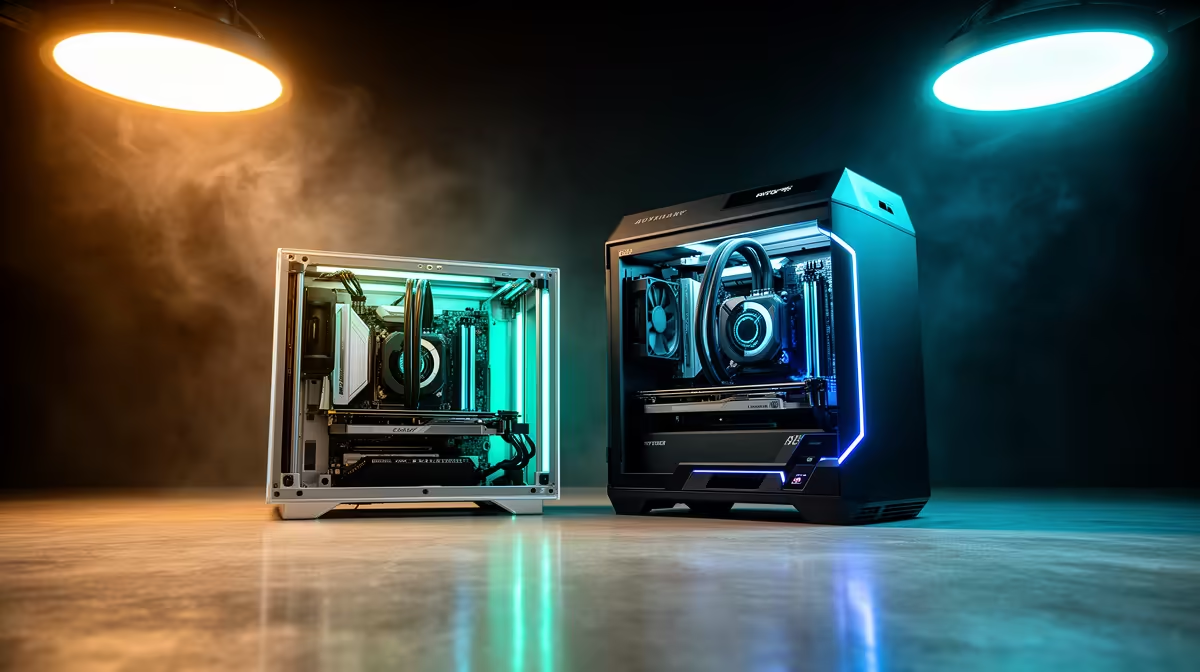
Picking between the Creality Ender-3 V3 SE and the K1-class CoreXY is less a spec war and more a decision about how you want to spend your Saturdays. The V3 SE at around R5,499 is an open bedslinger where the heated plate travels in the Y direction while the gantry handles X and Z, while the K1 sits in an enclosed frame and chases speeds near 600 mm/s with a fixed bed and a moving toolhead. Both land in South Africa through local stock, so this is about speed priority against initial outlay.
Quick Answer
If you print occasional functional parts and learning the hobby matters more than throughput, the V3 SE at roughly R5,499 is the smarter first machine. If you print volume, want speeds toward 600 mm/s, and need an enclosure for ABS and ASA, the K1-class CoreXY justifies its higher price.
Bedslinger Versus CoreXY: The Core Mechanical Split
The V3 SE is a bedslinger. Its print plate shuttles in Y while the gantry handles X and Z. That layout is cheap to build and easy to maintain, but the inertia of a moving plate sets a practical ceiling on print speed before ringing and ghosting begin to show on vertical walls.
CoreXY decouples the heavy parts. The bed only drops on Z, and two motors drive the toolhead across X and Y through a shared belt path. Less mass moves at speed, so the K1 holds tighter quality at velocities that would shake a bedslinger apart. That is the whole reason the CoreXY upgrade exists.
Speed In Practice, Not On The Box
The 600 mm/s figure on a K1-class machine is a peak, not a daily average. Real prints with curves, retractions, and detail settle well below that, but the K1 still finishes a typical Benchy in a fraction of the V3 SE's time. Input shaping and pressure advance, both tuned at the factory on the K1, are what let those speeds stay clean rather than turning into a blurry mess.
The V3 SE is no slouch for its class and prints respectably at 250 mm/s with the right profile. For a hobbyist printing one or two parts a week, the wall-clock difference rarely stings. For anyone running a small batch operation or printing miniatures by the tray, the K1 pays for itself in time saved.
The Enclosure Question
The K1's enclosed frame is not just for show. It holds chamber heat steady, which is what ABS, ASA, and other warp-prone filaments need to bond between layers without lifting at the corners. The open V3 SE handles PLA and PETG comfortably but fights you on engineering plastics, especially in a draughty Cape Town garage during winter.
If your print list is PLA models, prototypes, and the odd PETG bracket, the open frame is fine and easier to reach into. If you want to print durable functional parts in ABS or ASA, the enclosure moves from nice-to-have to necessary.
Slicer Compatibility and Software
The V3 SE's open Cartesian design means it works with any mainstream slicer: Cura, PrusaSlicer, and OrcaSlicer all have established V3 SE profiles, and the community has fine-tuned them over years of use. That open ecosystem suits anyone who already has a preferred workflow or wants to compare settings across machines.
The K1 ships with pre-tuned Creality Print profiles and also accepts OrcaSlicer, which is particularly well matched to CoreXY speed machines. Its factory input-shaping calibration means you can trust the default fast profiles rather than spending a weekend iterating on resonance settings manually.
Noise and Day-to-Day Living
The V3 SE is an open machine, which means fan noise and the mechanical sound of the reciprocating bed travel freely into the room. In a garage workshop that is a non-issue, but in a flat or study it can become noticeable on long prints. The K1's enclosure dampens both fan and motion noise meaningfully and contains any fumes from higher-temperature filaments.
Both machines use standard 1.75 mm filament, so spools cost the same. Where they differ is maintenance rhythm. The V3 SE's exposed motion system collects dust faster but is trivial to clean and re-lubricate. The K1's enclosed CoreXY belts and faster wear cycle mean you check tension and the hotend more often, and its high-flow nozzle clogs are less forgiving for a first-timer.
Running Costs And Consumables
Nozzles, build plates, and PTFE tubing are the usual replaceables on either machine. You can browse printer spares and filament alongside the machines themselves through the 3D printing range at Evetech, which keeps a first build from stalling on a missing part. For everyday extras like spare plates and tools, the current accessories best sellers offer a fast way to fill out a starter kit without overspending.
Who Each Printer Is For
Choose the V3 SE if this is your first printer, your budget is tight near R5,499, and you value a forgiving learning curve over raw speed. It is one of the easiest on-ramps into the hobby that South Africa stocks.
Choose the K1-class CoreXY if you already understand slicer settings, print often enough that hours matter, or need the enclosure for high-temperature filaments. The extra spend buys speed, material range, and a quieter, tidier machine, not just a bigger number on the spec sheet.
Frequently Asked Questions
Is the K1 worth the extra cost over the V3 SE?
Only if speed and material range matter to you. Volume printers and ABS or ASA users get real value from the enclosed CoreXY design, while casual PLA hobbyists are well served by the cheaper V3 SE.
Can the Ender-3 V3 SE print ABS?
It can technically extrude ABS, but the open frame loses chamber heat and parts tend to warp or delaminate. For reliable ABS or ASA results, an enclosed printer like the K1 is the better tool.
How much faster is a CoreXY printer really?
A K1-class machine finishes typical prints in a fraction of a bedslinger's time, though real-world jobs run well under the 600 mm/s peak. The gap is largest on simple, tall prints and smaller on detailed models with many retractions.
Which is easier for a complete beginner?
The V3 SE. Its open layout is easier to reach into, simpler to maintain, and more forgiving when you are still learning bed levelling and slicer profiles.
Do both use standard filament?
Yes. Both accept common 1.75 mm PLA, PETG, and other spools, so filament cost is identical between the two machines.
Still weighing the open bedslinger against the enclosed CoreXY jump? Compare current pricing and stock across the full 3D printing range at Evetech and pick the machine that matches how often you actually print.