Good sound is a chain, not a single purchase, and creator and audiophile audio rewards anyone who understands the links. Whether you are mixing a podcast in a Cape Town flat or chasing detail from a favourite album, the gear splits cleanly into three jobs: what you listen with, what feeds the signal, and what captures your voice. Get the order right and you spend money where it actually changes what you hear.
Quick Answer
Creator and audiophile audio breaks into three pillars: listening gear (IEMs and headphones), the source chain (a DAC and a headphone amplifier), and recording tools (a microphone plus an audio interface). Start with the headphones, add a DAC and amp only when your headphones are held back by your laptop output, and build the recording side around an interface if you want professional capture. Expect a solid first system from around R4,000 upward.
Pillar One: Listening Gear
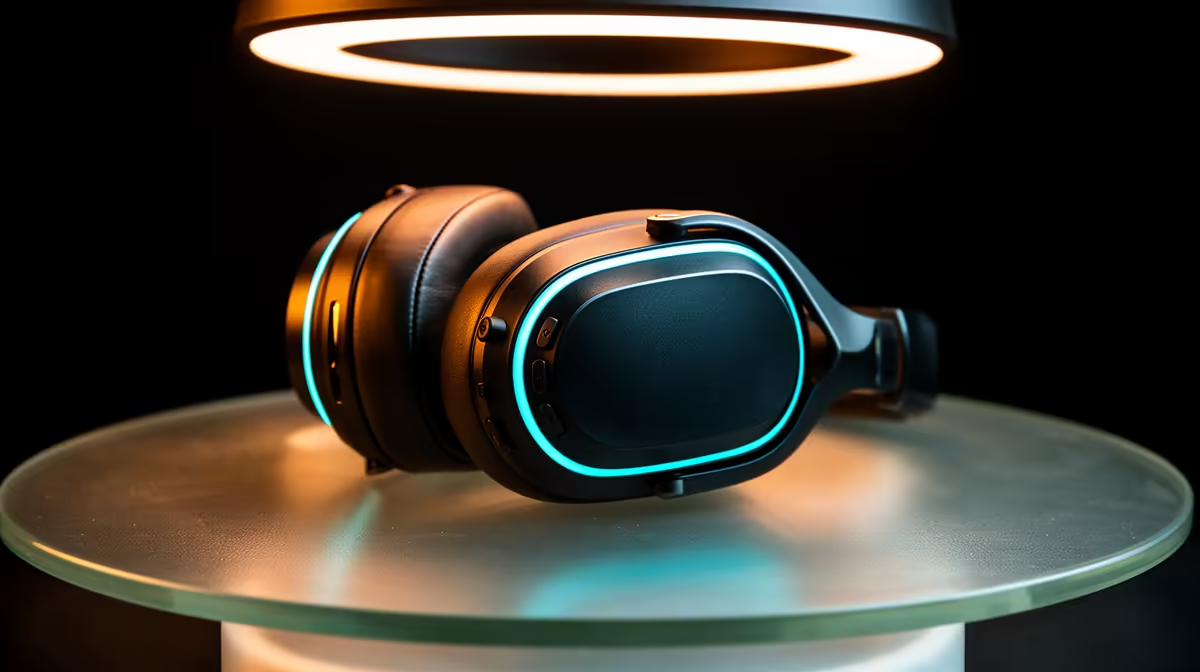
The headphone or in-ear monitor is where most of your money should go first, because it is the component you actually hear. The split here is between open-back and closed-back designs. Open-back headphones have a wider, more natural soundstage and are the audiophile favourite for critical listening at home, but they leak sound and let noise in, so they suit a quiet room. Closed-back models seal the ear, block outside noise, and stop your mic from picking up bleed during recording, which makes them the safer creator choice.
Headphones Versus IEMs
In-ear monitors put the driver right at your ear canal, giving excellent isolation and detail in a pocketable form. Creators use IEMs to monitor a live take without a microphone catching the playback. Over-ear headphones stay more comfortable across a long editing session and generally present a larger sense of space. Many serious users own both: IEMs for tracking and travel, over-ears for mixing. The headphones and headsets range at Evetech covers both ends, from sealed studio cans to detailed IEMs.
Pillar Two: The Source Chain
A headphone is only as good as what drives it. This is where a DAC and a headphone amplifier come in, and they do two different jobs.
What a DAC Does
A DAC, or digital-to-analogue converter, turns the digital audio file into the analogue signal your headphones can play. Every device already has one built in, but laptop and phone DACs are compromised by electrical noise from the rest of the system. A dedicated external DAC gives a cleaner, lower-noise conversion, which shows up as a blacker background and more separation between instruments. The difference is most obvious on detailed open-back headphones in a quiet room.
What a Headphone Amp Does
An amplifier supplies the power to drive the headphone drivers to a proper volume with control. Easy-to-drive headphones run fine straight from a phone, but higher-impedance audiophile models need more current than a laptop jack can deliver, and without it they sound thin and quiet at full volume. A headphone amp gives the drivers room to move, tightening the bass and adding dynamic punch. Many products combine a DAC and amp in one box, which is the tidy way to upgrade both at once.
When to bother: if your current headphones already sound loud and full from your laptop, a DAC and amp will give a smaller, subtler improvement. If they sound weak or you can hear hiss, the source chain is your weak link and the upgrade is worth it.
Pillar Three: Recording Tools
For creators, capture quality decides everything downstream. The two core pieces are the microphone and, for higher-end setups, an audio interface.
USB Versus XLR Microphones
A USB microphone plugs straight into your PC and works immediately, which makes it the fastest route to clean voice recording for podcasts and streams. An XLR microphone uses a professional connector and cannot plug into a PC directly; it needs an audio interface in between. The XLR path costs more and adds a box to your desk, but it gives you better preamps, room to upgrade the mic later, and proper gain control. Beginners are well served by a quality USB mic; people building toward a studio choose XLR.
The Audio Interface
An audio interface is the hub of an XLR setup. It supplies phantom power to condenser microphones, provides the preamp that boosts the mic signal cleanly, and handles monitoring so you can hear yourself in real time with no delay. It also acts as a high-quality DAC and headphone amp for playback, which means a good interface can serve both your recording and your listening at once. For a creator who records regularly, an interface is the single most useful upgrade after the microphone itself.
Building It in the Right Order
Spend on the headphones first, since that is what you hear all day. Add a microphone next if you create content, choosing USB for simplicity or XLR plus an interface for a path that grows with you. Add a dedicated DAC and amp last, only once your headphones are clearly being held back by your laptop output. Buying in that sequence means every rand improves something you can actually notice rather than chasing specs that make no audible difference. To gauge what other SA creators and listeners are choosing, the top-selling headsets at Evetech are a quick reality check before you commit.
Frequently Asked Questions
Do I really need a separate DAC and amp?
Only if your headphones are being held back by your device's built-in output. If your current setup already sounds loud, full and clean, the gain from an external DAC and amp is modest. If you hear hiss or weak volume, especially with high-impedance headphones, the upgrade is worth it.
Open-back or closed-back headphones for a creator?
Closed-back for recording, because they isolate noise and stop sound leaking into your microphone. Open-back for critical listening and mixing in a quiet room, where the wider soundstage helps. Many creators keep one of each.
USB or XLR microphone for starting out?
USB. It plugs straight into your PC, needs no interface, and modern USB mics sound excellent for podcasts and streams. Move to XLR with an interface once you want better preamps, phantom power for condenser mics, and a setup you can upgrade piece by piece.
What does an audio interface actually do?
It connects XLR microphones to your computer, supplies phantom power, boosts the mic signal with a clean preamp, and lets you monitor your voice with no delay. It also doubles as a quality DAC and headphone amp for playback.
How much should I spend to get good sound?
A capable starter system begins around R4,000 once you add a solid pair of headphones and a USB microphone. Audiophile and full creator rigs scale well beyond that, but the first few thousand rand on the right headphones buys the biggest jump in quality.