


Black Myth: Wukong 2 Ultrawide Support: 21:9 and 32:9 Setup Guide
Black Myth: Wukong 2 Ultrawide Support: 21:9 and. Clear setup instructions with SA-specific considerations, troubleshooting tips & recommended components.
Read moreCustomise EQ presets SteelSeries GG app to tune gaming and music audio fast. Follow clear steps to create, save, import, and optimise presets for clarity and punch 🎧⚙️
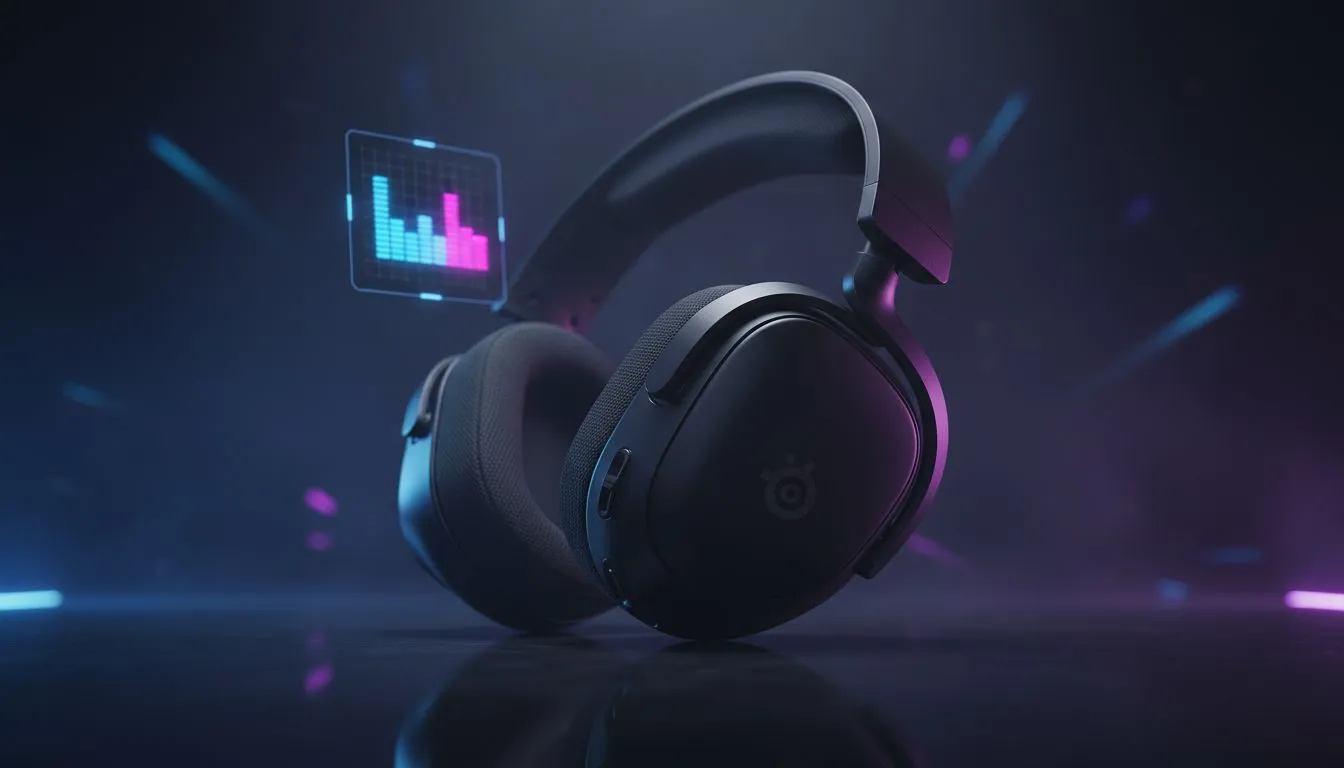
Ever felt like your footsteps in Apex Legends sound like a wet sponge? You aren't alone. Most South African gamers plug in their gear and hope for the best... but you’re leaving performance on the table. Learning how to customise EQ presets in the SteelSeries GG app is the quickest way to turn muddy audio into a competitive edge. Let’s get your setup tuned properly. 🔧
Before you can dive into the nitty-gritty of decibels and frequencies, you need the right software environment. SteelSeries GG is the primary hub for all modern SteelSeries peripherals. It splits into two main sections: Engine and Sonar. While Engine handles basic lighting and simple EQ, Sonar is where the real magic happens for competitive play.
If you are still rocking an older pair of cans that don't support modern software, it might be time for an upgrade. You can find a massive variety of headphone headsets at Evetech that fully support these advanced tuning features. Once the software is installed, ensure your headset is selected as the primary playback device in Windows to avoid any routing conflicts.
The process is straightforward once you know where to look. Follow these steps to start tweaking your sound:
When using Sonar, try the 'Performance' spatial audio preset. It reduces the reverb often found in 'Immersive' modes, making it much easier to pinpoint exactly which floor an enemy is running on during intense clutch moments in Warzone.
Standard "flat" audio is great for studio work, but it’s rarely ideal for gaming. In South Africa's competitive local servers, every millisecond counts. By boosting the 4kHz to 8kHz range, you make the sharp sound of a grenade pin or a distant reload much more audible.
While SteelSeries offers incredible depth, some players prefer the plug-and-play nature of other brands. For instance, many local pros still swear by Razer headphones and headsets for their specific THX calibrated profiles. If you want a premium experience without the software headache, the Razer Barracuda X Chroma Wireless Headset in Phantom White is a fantastic alternative that delivers crisp audio for under R2,500. 🚀
Don't forget that your SteelSeries GG app can handle more than just gaming. You can create separate profiles for music and movies. For music, a slight "V-shape" EQ... where you boost the lows and highs while slightly dipping the mids... usually provides a more energetic and fun listening experience. ⚡
The beauty of the GG app is the ability to link these presets to specific applications. You can set the software to automatically switch to your "Movie" preset the moment you launch Netflix, ensuring you get deep, cinematic bass without lifting a finger. ✨
Ready to Level Up Your Audio? Finding the right sound profile is the first step, but you need the right hardware to hear the difference. Explore our massive range of gaming headsets and find the perfect gear to dominate the lobby today.
Open SteelSeries GG, go to Audio settings, select your headset, use the equaliser to adjust bands, then save a new preset. This lets you customise EQ SteelSeries GG quickly.
Yes. Create and name different presets in the GG app, then switch between gaming and music profiles for tailored sound.
After adjusting bands, click save to store the preset. Use export in the presets menu to share the file or back it up.
No. EQ presets change playback for your headset not microphone input. Mic settings are separate under the GG app audio tab.
Boost low-mid bands slightly and raise upper-mids for clarity. Avoid extreme boosts to prevent distortion when you customise EQ for gaming.
Open the equaliser, choose the current preset, and select reset or default to restore factory EQ settings in GG app.
Yes. Use the import option in the presets menu to load shared preset files and instantly apply refined community settings.
Black Myth: Wukong 2 Ultrawide Support: 21:9 and. Clear setup instructions with SA-specific considerations, troubleshooting tips & recommended components.
Read more
Setting Up HDMI 2.1 Cable. Tested & verified settings for best FPS and visual quality on SA hardware budgets.
Read more
Every spec on PCIe 5.0 explained in plain English. What matters for gaming and creator work in 2026, what's marketing fluff, and how each number translates to real-world performance.

A head-to-head look at WiFi 7: real-world performance, ZAR pricing and which option delivers better value for SA builders. The clear answer — no fluff.

Everything you need to set up and tune PCIe 5.0 properly: the prep work, the settings that actually matter, and the mistakes to skip. Written for SA builders in 2026.

Everything you need to set up and tune X870E Motherboard properly: the prep work, the settings that actually matter, and the mistakes to skip. Written for SA builders in 2026.

Wondering what a 512GB SSD capacity really holds? This guide breaks down how many games, photos, and documents fit on 512GB, with real-world ranges 📦💾

Every spec on vrm explained in plain English. What matters for gaming and creator work in 2026, what's marketing fluff, and how each number translates to real-world performance.

Every spec on motherboard explained in plain English. What matters for gaming and creator work in 2026, what's marketing fluff, and how each number translates to real-world performance.

Premium vs Midrange Motherboards in South Africa: real-world performance, SA pricing, power draw and which one delivers better value for your build for SA buyers. The clear answer — without the fluff.
Wondering what a 512GB SSD capacity really holds? This guide breaks down how many games, photos, and documents fit on 512GB, with real-world ranges 📦💾
Every spec on PCIe 5.0 explained in plain English. What matters for gaming and creator work in 2026, what's marketing fluff, and how each number translates to real-world performance.
A head-to-head look at WiFi 7: real-world performance, ZAR pricing and which option delivers better value for SA builders. The clear answer — no fluff.

Every spec on USB4 explained in plain English. What matters for gaming and creator work in 2026, what's marketing fluff, and how each number translates to real-world performance.