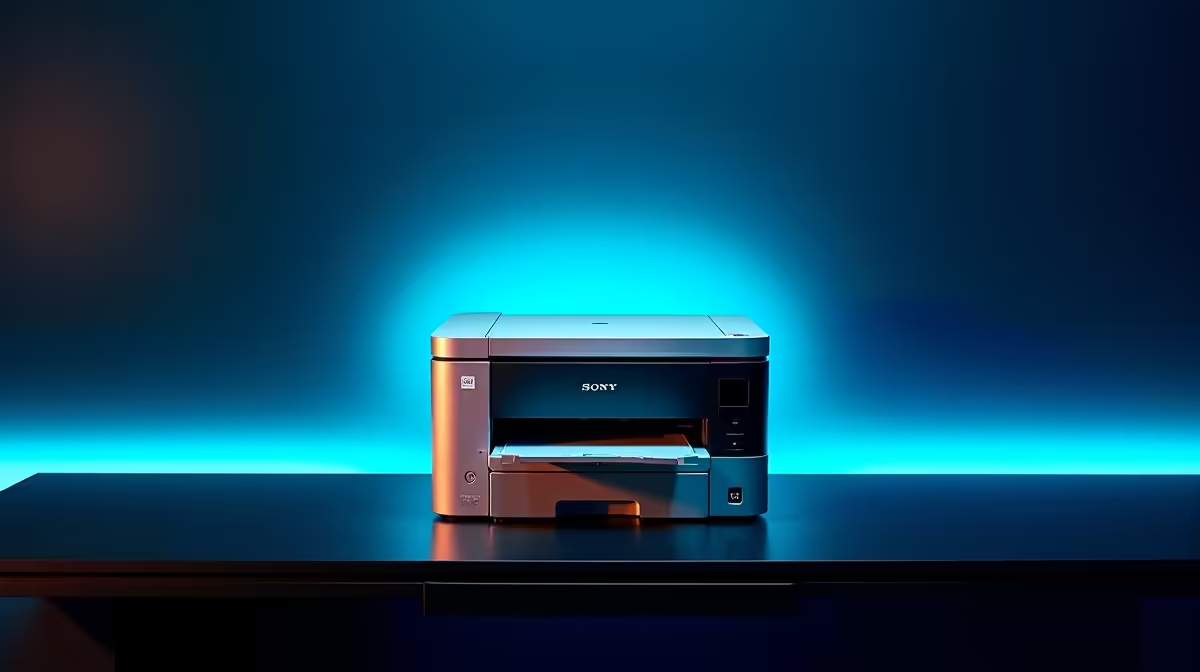
A data science student choosing a shared printer should focus on monthly page volume, cost per page and secure network access. Most analysis stays digital, so the printer may handle reports, forms and occasional posters rather than constant output. Measure the real workload before buying a high-duty model.
List pages and paper sizes
Count black text, colour charts and scanned pages from a normal month. Decide whether the group needs automatic duplex printing, an automatic document feeder or A3 support. Check paper capacity against busy submission periods. A cheap cartridge printer can create high running costs when several students print long drafts.
The factpacks offer no verified shared-printer SKU or price. Compare current models by toner or ink yield, drum cost, duty cycle, print language, driver support and local warranty. Confirm replacement supplies before purchase. Test Windows, macOS and mobile printing if the office uses all three.
Secure the shared device
Change the administrator password, reserve a local network address and document the approved driver source. Keep the printer management page off the public internet. Use access controls when reports contain personal or research data, and clear abandoned pages from the output tray.
The ASUS Vivobook S 14 OLED combines a Core i5-13420H processor, 16GB memory and 512GB storage at a verified R10,719 as a portable data-study reference. Confirm course tools and printer-driver support. Choose the printer after a supply-cost calculation proves the shared workload justifies it.
Equipping a shared student office? > Ask Evetech to compare suitable laptops and networking hardware.