


AIO Liquid 240mm Setup and Configuration: Complete Tutorial
AIO Liquid 240mm Setup and Configuration. Clear setup instructions with SA-specific considerations, troubleshooting tips & recommended components.
Read moreDDR4 16GB Setup and Configuration: Complete. Clear setup instructions with SA-specific considerations, troubleshooting tips & recommended components.
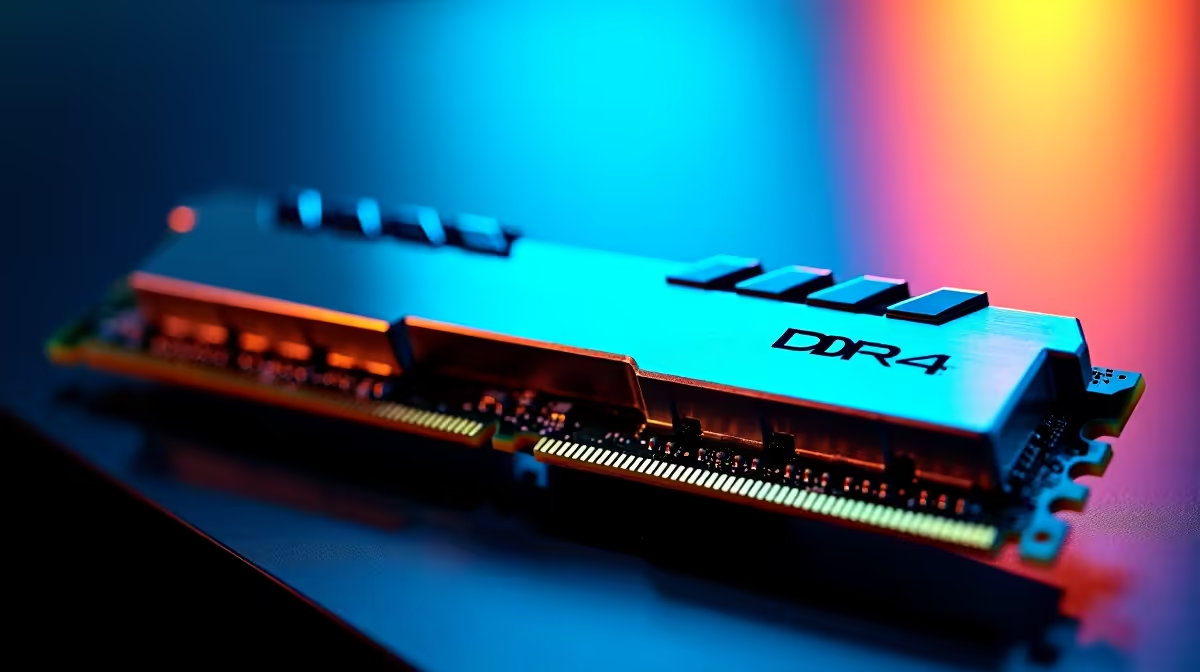
If you’re a gamer or tech enthusiast in South Africa, you’ve felt how slow load times and stuttering kill gaming thrills. Unlocking your PC’s full potential starts with memory. A DDR4 16GB setup strikes the right balance: smooth multitasking, faster game loads, and future-proof reliability. Whether you stream, game, or create, this memory upgrade delivers noticeable speed improvements without breaking the bank.
DDR4 RAM is the industry-standard memory type powering most gaming builds today. Compared to older DDR3, DDR4 modules run at higher speeds and consume less power—crucial for keeping your rig cool during intense sessions. When paired in a 16GB dual-channel setup, you get efficient data transfer rates that reduce bottlenecks and help your processor breathe.
In South Africa, gaming titles like Call of Duty: Warzone and Cyberpunk 2077 can max out memory usage. 16GB ensures your system runs these without constant memory swaps or frame drops. Evetech’s buy memory range offers DDR4 kits at competitive ZAR prices, suited perfectly for local gamers.
Before buying, confirm your motherboard supports DDR4 RAM and the maximum capacity per slot. Most motherboards released after 2016 support DDR4, but it’s best to double-check your model.
Buying RAM in matched pairs (e.g., 2×8GB) boosts performance via dual-channel mode. Visit Evetech’s best gaming PC deals for bundles that include optimized DDR4 memory pre-installed.
Switch off your PC and unplug it. Open the case, locate the DIMM slots, and snap the DDR4 sticks in firmly until you hear a click. Handling RAM by edges avoids static or dirt damage—stay grounded!
Power on and enter BIOS (usually DEL or F2 key). Locate the memory settings and enable XMP profiles to run your DDR4 RAM at rated speeds. Save and exit. This step ensures your 16GB setup operates at full potential.
Mixing RAM brands can cause instability. Stick to a single brand and model for better compatibility and fewer crashes.
Upgrading RAM isn’t everything—you also need a balanced system. A powerful GPU, like those found in Evetech’s pre-built PC deals, complements your 16GB memory well. For on-the-go gamers, Evetech’s laptops for sale come with pre-configured DDR4 setups designed to handle modern game loads smoothly.
Finally, check out Evetech’s specials regularly for discounts on gaming hardware bundles that include DDR4 memory upgrades—smart buys for budget-conscious South Africans.
Upgrade Your Gaming Rig Ready to boost your rig’s performance with a solid DDR4 16GB setup? Shop now at Evetech for performance that leaves lag in the dust.
DDR4 16GB Setup and Configuration: Compl available at Evetech.co.za with local warranty and fast delivery.
DDR4 16GB Setup and Configuration: Compl - check Evetech for latest stock and SA pricing.
Depends on your use case. DDR4 16GB Setup and Configurat offers good value at current Rand pricing.
AIO Liquid 240mm Setup and Configuration. Clear setup instructions with SA-specific considerations, troubleshooting tips & recommended components.
Read more
Setting Up DDR5 64GB Kit. Tested & verified settings for best FPS and visual quality on SA hardware budgets.
Read more
Overwatch 2 Setup Guide Gamers. Clear setup instructions with SA-specific considerations, troubleshooting tips & recommended components.
Read more
R and RStudio on Mac: Data Science Setup Guide. Clear setup instructions with SA-specific considerations, troubleshooting tips & recommended components.
Read more
NVIDIA Broadcast Setup with GPU: Streamer Guide. Clear setup instructions with SA-specific considerations, troubleshooting tips & recommended components.
Read more
Core Ultra 7 265K Temperature Guide: Normal Range. Complete product range with SA pricing, key specs & recommendations for different budgets.
Read more
AMD RX 9050 XT: Rumoured Specs, Price & Release. SA-focused analysis with local pricing data, real-world insights & actionable buying advice.

Can RTX 4080 Super Run AI Workloads for SA Developers Detailed answer with SA data, expert analysis & practical recommendations for local buyers.

Can RTX 4090 Run AI Workloads for SA Developers Detailed answer with SA data, expert analysis & practical recommendations for local buyers.

Top Settings for Intel Arc B580 at Ultrawide 1440p picks evaluated on performance, value & SA availability with current Rand pricing from Evetech.

RTX 4060 CS2 Low Settings at 1080p: FPS Results. Real-world benchmark data, FPS numbers & performance analysis. What SA gamers can actually expect.

Visual Artifacts: Possible GPU Issue Issue #1. Diagnosis steps, proven fixes & when to seek professional help. SA-specific support info included.

Can the RTX 4090 Handle 1440p 144Hz Gaming. Performance testing verdict with real data & practical recommendations for SA buyers.

Top ASUS GPU Under R15000 picks evaluated on performance, value & SA availability with current Rand pricing from Evetech.

GTA 6 Max Settings on RTX 5070. Tested & verified settings for best FPS and visual quality on SA hardware budgets.

Cyberpunk 2077 Max Settings on RTX 5080. Tested & verified settings for best FPS and visual quality on SA hardware budgets.

Starfield Max Settings on RTX 5070 Ti. Tested & verified settings for best FPS and visual quality on SA hardware budgets.

Top RTX 5090 Under R5000 picks evaluated on performance, value & SA availability with current Rand pricing from Evetech.