Quick Answer
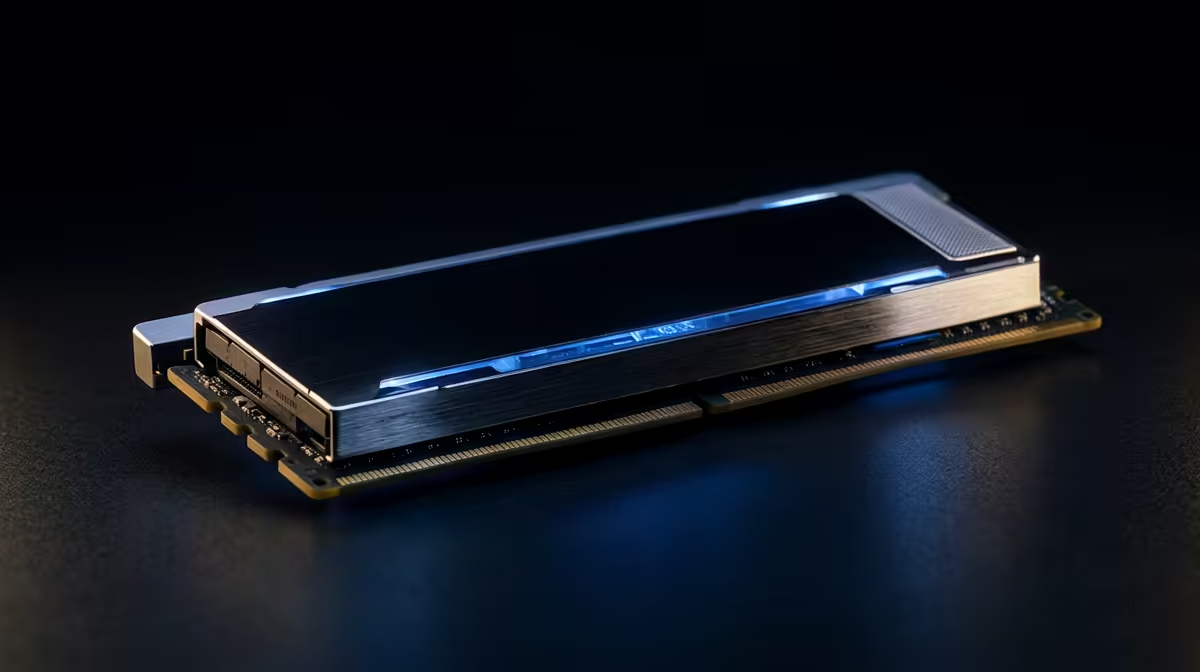
For 4K video editing, 32GB of DDR5-6000 is the floor and 64GB (around R4,500 to R6,500 at Evetech) is worth it once large datasets, 4K timelines or many VMs are involved. Capacity prevents the disk-swapping stalls that kill these workloads; speed matters less than having enough RAM. A 2x32GB DDR5-6000 CL30 kit is the practical pick.
Capacity vs speed for DDR5
On AM5, DDR5-6000 CL30 is the documented sweet spot for the Infinity Fabric, giving strong gaming and app performance. Past DDR5-6400 the gains shrink and stability can suffer. For 4K video editing, get the capacity you need first (32GB or 64GB), then DDR5-6000 speed, rather than chasing extreme MHz on a small kit.
Dual-channel, kits and the common mistakes
Always buy a matched kit so both sticks run in dual channel; mixing two single sticks risks instability and lost bandwidth. Enable EXPO/XMP in BIOS or the RAM runs at a slow default. For 4K video editing, the usual SA buyer mistakes are buying one big stick, forgetting to enable EXPO, and over-paying for RGB over the right capacity.
FAQ
Is 32GB of RAM enough?
Yes, 32GB is the comfortable modern choice for gaming and most creative work, with headroom for multitasking. Only heavy workloads like 4K editing, large datasets or many virtual machines justify stepping up to 64GB.
What DDR5 speed should I buy?
DDR5-6000 CL30 is the sweet spot on AM5, balancing performance and stability. Going faster brings shrinking returns and can be harder to run stably, so capacity and CL30 timings matter more than chasing extreme MHz.
Can I mix RAM sticks?
It is best to buy a single matched kit so both sticks run in dual channel reliably. Mixing brands or capacities can cause instability or drop you out of dual channel, costing real bandwidth, so always buy the kit together.
Buyer's tip
Before checkout, plan for a 2x16GB or 2x32GB DDR5-6000 CL30 kit, and remember to enable EXPO XMP in BIOS after install or it will run at a slow default speed.