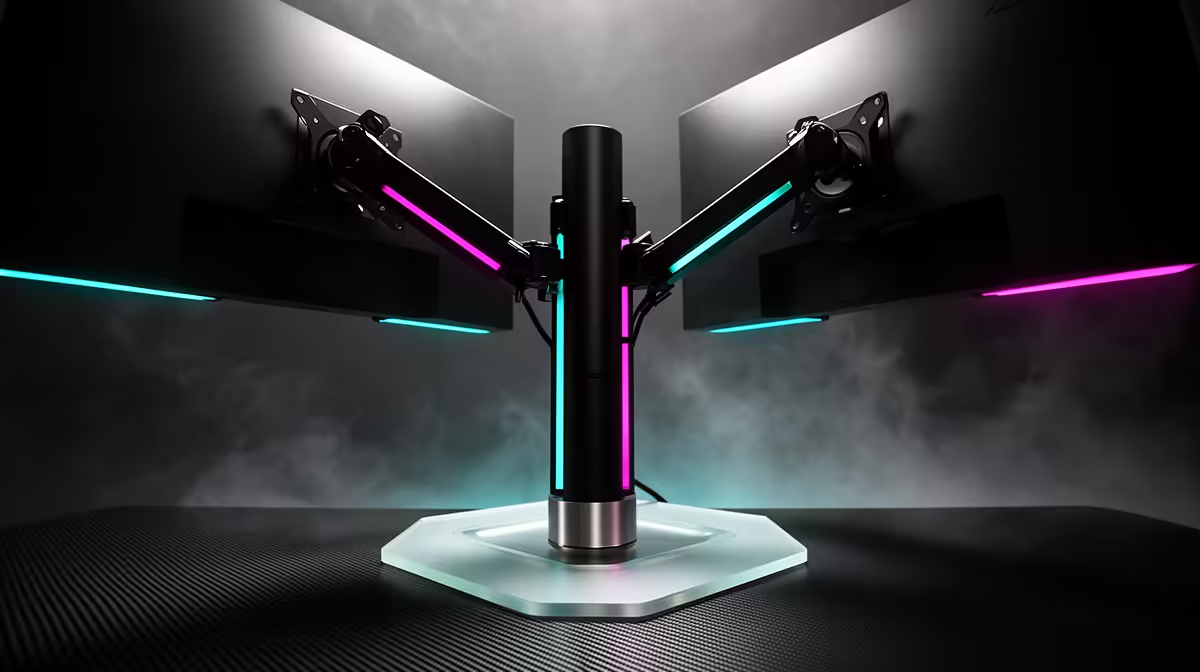
The MSI MAG 274F at R3,006 suits a creator desk where one gaming monitor needs fast 200Hz play while leaving room for chat, audio, and capture controls on a second screen.
Is a monitor arm worth it for a dual-use desk?
A desk arm is worth buying when your screen blocks keyboard space, webcam placement, or mouse movement. The MSI MAG 274F at R3,006 gives you a 200Hz panel, so lifting it off the desk makes practical sense if you are switching between full-screen gaming and a streaming layout without constantly shifting gear.
The ViewSonic VX2779A at R2,350 is the value speed pick here because its 240Hz spec gives competitive players more headroom than a basic office display. On an arm, it can sit at eye level for gaming, then swing slightly aside when the stream preview, browser, or controls need more visible desk space.
The Dell SE2726H at R1,797 is the budget-friendly 144Hz option for a cleaner setup. If you mostly play, monitor chat, and keep one extra window open, its lower price leaves more room in the budget for the actual arm while still giving you a smoother panel than 60Hz.
Creator desk setup for gaming and streaming
For a tighter SA home creator desk, the AOC 27in QHD 200Hz at R3,200 makes the strongest case for an arm because QHD gives more usable screen space while 200Hz keeps games feeling responsive. The Dahua LM25 at R1,850 is better for a smaller secondary display where 200Hz still feels quick without taking over the desk.
Ready to choose the right gaming monitor?
Use Dell SE2726H 144Hz at R1,797 as the gaming room benchmark, then check whether its listed spec matches the space, workload, and upgrade path.