


Storage Specs Explained for Beginners
Storage Specs Explained for Beginners. Plain-English explanation of what it means, why it matters & how it affects your buying decisions in SA.
Read moreDGX-class AI mini PC setup made simple 🚀 Train and run local models faster, cut cloud costs, and build a powerful edge AI workstation at home or in the office.
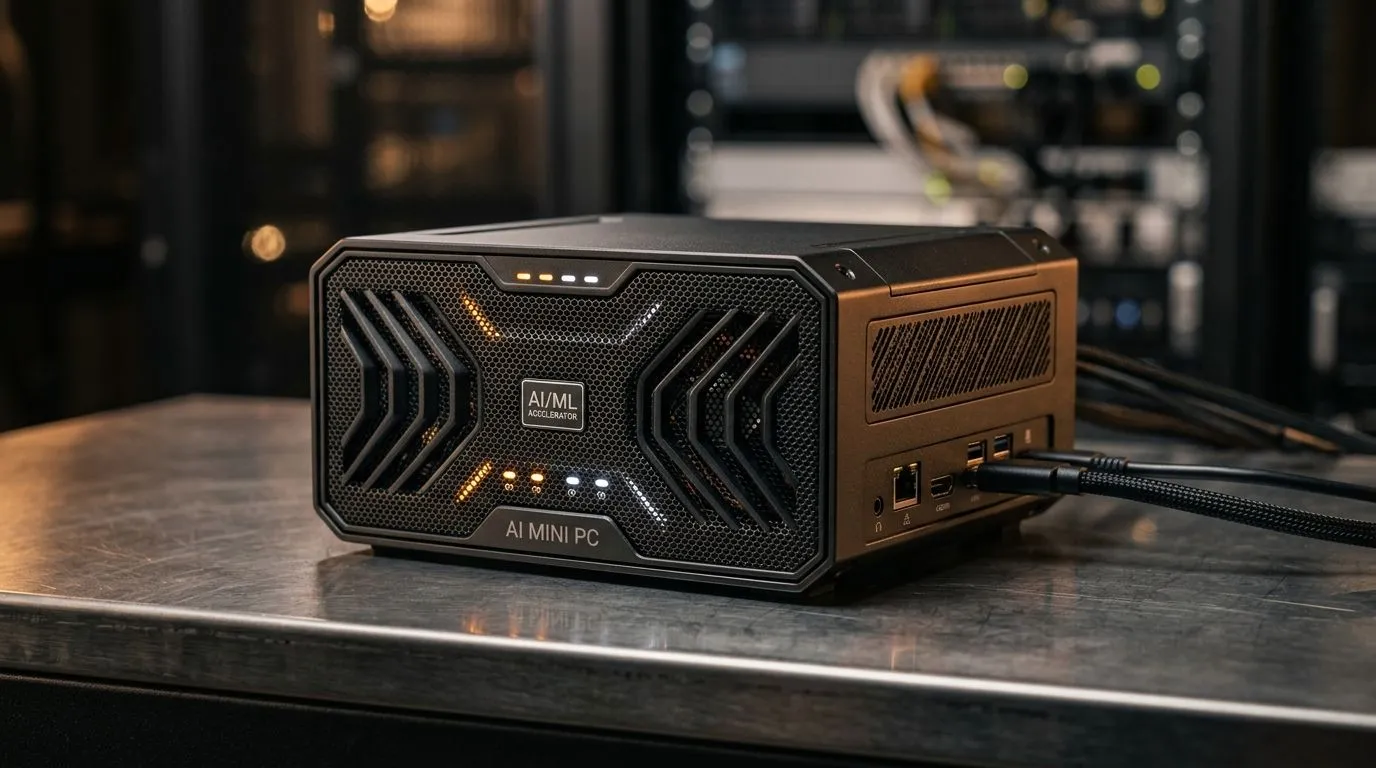
So you want to train or fine-tune a local AI model… without turning your desk into a space heater? In South Africa, the beauty of a DGX-Class AI Mini PC setup is that you can keep footprint small, noise down, and still chase serious compute. ✨
If you game at night and tinker on weekends, this is the sweet spot. You get a dedicated box for experiments… and your main PC stays for fragging. Let’s set up a practical local training workflow using the mini PC options Evetech stocks, without the usual “wishful thinking” mistakes.
A “DGX-class” approach is about architecture and intent: strong GPU compute, enough RAM, fast storage, and reliable cooling. Mini PCs can’t always match full desktop GPU thermals, but the right configuration can still do real fine-tuning and inference.
Start by answering these quick questions:
For a wide starting point, browse Evetech’s mini PC categories here: Explore Evetech’s mini PC range
And if you prefer a brand-focused shortlist, use these pages: Find more mini PCs on this listing Minisforum options for compact AI builds
Once you have a mini PC you trust, set it up like a proper dev workstation. Here’s a sequence that reduces pain later:
Model training is I/O hungry. If your storage is slow, your GPU sits around waiting. Even when specs look fine on paper, slow disks can bottleneck your loop.
Rule of thumb: aim for fast SSD storage and keep your datasets on the same drive you train from.
A clean install helps you avoid dependency chaos. Install your GPU drivers first, then set up your Python environment, then your ML libraries.
If you’re building around MSI mini PCs, you can narrow your options here: MSI mini PCs for focused builds
And if you’re considering Ninkear models for compact performance setups: Ninkear mini PCs
Try fine-tuning first. For many creators and developers, that’s the fastest path to visible results. You can still validate quality, test prompting, and measure improvements without going “full training from scratch”.
your training box, use a dedicated project folder structure and keep datasets separate from your checkpoints. For example: data, models, runs. When you’re iterating quickly, this reduces mistakes and makes it easier to roll back to a known-good run.
Mini PCs can run hot. If clocks throttle, your training time jumps. Watch temperatures during short “smoke tests” before you run overnight jobs.
If you ever feel tempted to rush… don’t. Run a 10–15 minute test first. It saves you from losing a full batch because of one driver or power setting.
Before you buy, double-check:
For SA buyers, also think about value in real terms: if a mini PC gets you results faster, it’s cheaper overall than waiting on upgrades later… even if the initial price looks similar.
You’ve got a plan. The only missing piece is hardware that fits your budget and your workload. Want help picking the right DGX-class style mini PC without the guesswork?
Ready to Find Your Perfect Match? The Mac vs Windows debate is complex, but for maximum power, choice, and value in South Africa, Windows is hard to beat. Explore our massive range of laptop specials and find the perfect machine to conquer your world.
It is a compact system built to deliver high AI performance for local model training and local inference, similar in purpose to enterprise AI workstations.
Yes, for smaller models and fine-tuning tasks. A strong GPU, fast RAM, and NVMe storage are key for local model training.
Choose the strongest GPU your chassis and power budget support. More VRAM helps most for LLM inference and training.
32GB is a practical minimum, while 64GB or more helps with larger models, data loading, and multitasking.
Linux is often preferred for AI mini PC setup because it offers better tooling, driver support, and easier framework installation.
Use a fast NVMe SSD for datasets, models, and caches. It reduces load times and improves workflow responsiveness.
Use strong airflow, quality thermal paste, and sensible power limits. Cooling matters a lot during long local model training sessions.
Storage Specs Explained for Beginners. Plain-English explanation of what it means, why it matters & how it affects your buying decisions in SA.
Read more
Will RDNA 5 Use the Same Silicon as the Next. Plain-English explanation of what it means, why it matters & how it affects your buying decisions in SA.
Read more
Google Workspace on Mac: Drive, Docs, Sheets and. Everything you need to know with SA pricing, step-by-step instructions & expert recommendations.
Read more
Back-to-School Parent Guide: Storages. Everything you need to know with SA pricing, step-by-step instructions & expert recommendations.
Read more
to Esports Tournaments. Everything you need to know with SA pricing, step-by-step instructions & expert recommendations.
Read more
Easter Storage Buying Guide. Hand-picked gift ideas at every budget tier. SA pricing & Evetech availability included.
Read more
AMD RX 9050 XT: Rumoured Specs, Price & Release. SA-focused analysis with local pricing data, real-world insights & actionable buying advice.

Can RTX 4080 Super Run AI Workloads for SA Developers Detailed answer with SA data, expert analysis & practical recommendations for local buyers.

Can RTX 4090 Run AI Workloads for SA Developers Detailed answer with SA data, expert analysis & practical recommendations for local buyers.

Top Settings for Intel Arc B580 at Ultrawide 1440p picks evaluated on performance, value & SA availability with current Rand pricing from Evetech.

RTX 4060 CS2 Low Settings at 1080p: FPS Results. Real-world benchmark data, FPS numbers & performance analysis. What SA gamers can actually expect.

Visual Artifacts: Possible GPU Issue Issue #1. Diagnosis steps, proven fixes & when to seek professional help. SA-specific support info included.

Can the RTX 4090 Handle 1440p 144Hz Gaming. Performance testing verdict with real data & practical recommendations for SA buyers.

Top ASUS GPU Under R15000 picks evaluated on performance, value & SA availability with current Rand pricing from Evetech.

GTA 6 Max Settings on RTX 5070. Tested & verified settings for best FPS and visual quality on SA hardware budgets.

Cyberpunk 2077 Max Settings on RTX 5080. Tested & verified settings for best FPS and visual quality on SA hardware budgets.

Starfield Max Settings on RTX 5070 Ti. Tested & verified settings for best FPS and visual quality on SA hardware budgets.

Top RTX 5090 Under R5000 picks evaluated on performance, value & SA availability with current Rand pricing from Evetech.