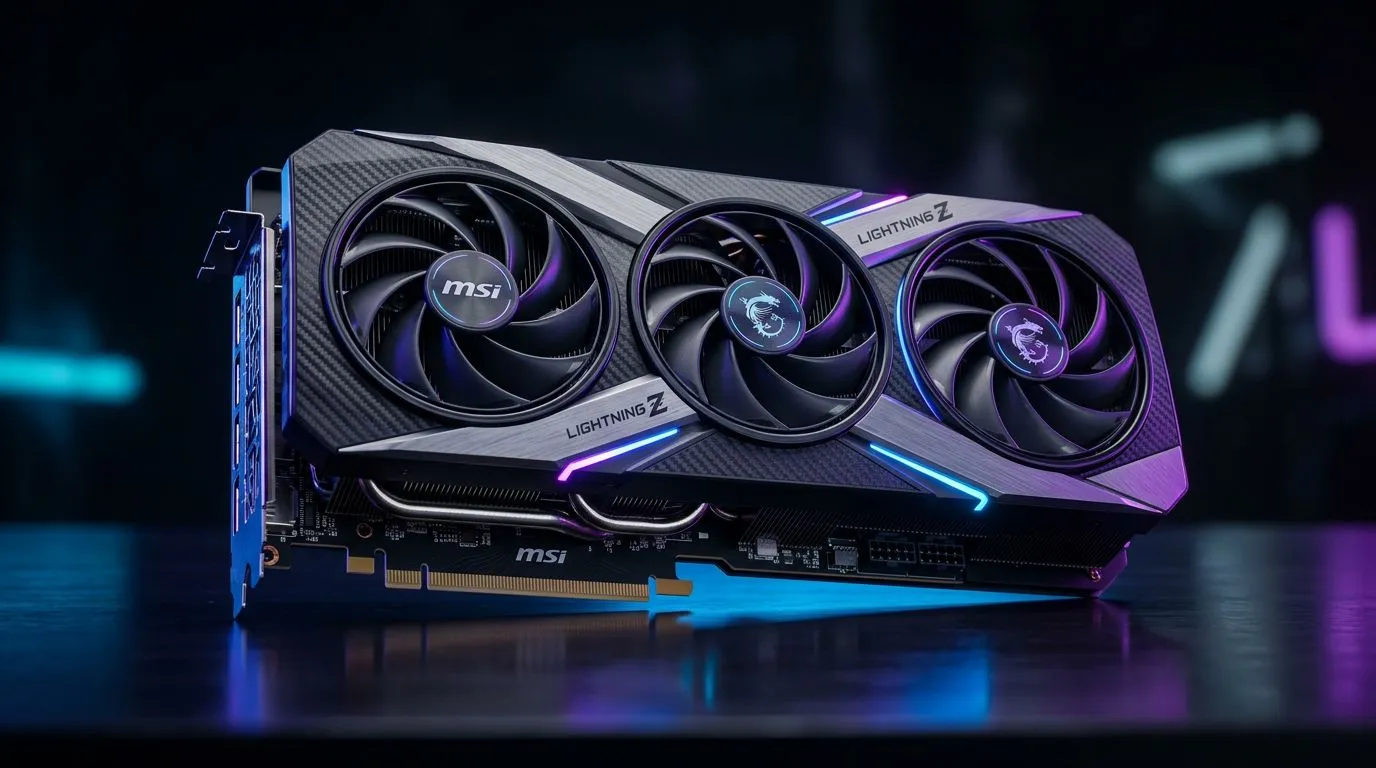
DirectX 12 Ultimate on MSI RTX 5090 Lightning Z: Why SA Gamers Should Care
If you’re building a new PC in South Africa, DirectX 12 Ultimate is one of those phrases you’ll keep hearing… and for good reason. It’s the graphics foundation that helps modern games run smoother, look more consistent, and scale better when you flip between settings.
Now add an MSI RTX 5090 Lightning Z to the conversation, and you get a serious “no compromises” platform for high-FPS 1440p and 4K gaming. But what does DirectX 12 Ultimate on MSI RTX 5090 Lightning Z: Key Features Explained actually mean in practice? Let’s break it down clearly, so you can buy with confidence. ⚡
DirectX 12 Ultimate on MSI RTX 5090 Lightning Z: The Core Tech Explained (No Fluff)
DirectX 12 Ultimate is Microsoft’s umbrella for several advanced rendering features. Together, they help the GPU and game engine deliver modern lighting, shadows, and effects with less performance guesswork.
What “Ultimate” bundles (and what you’ll notice)
Depending on the game, you may see support for:
- Ray tracing for more realistic reflections and lighting (when enabled).
- Variable Rate Shading (VRS) to improve performance by focusing detail where it matters.
- Mesh shaders to handle complex geometry more efficiently.
- Sampler Feedback to improve texture streaming behaviour.
In real gameplay, that usually translates to fewer stutters and more consistent frame pacing… especially in busy scenes like city streets, firefights, and dense map geometry.
Why the MSI RTX 5090 Lightning Z matters
Even if the game supports DX12 Ultimate features, performance still depends on the GPU’s power and cooling. The Lightning Z line is designed for enthusiasts who want sustained boosts under load.
If you’re shopping MSI specifically, it helps to browse the full selection so you can compare models and configurations. Start here:
DirectX 12 Ultimate on MSI RTX 5090 Lightning Z: Key Features Explained for Gamers
Below is how DX12 Ultimate features typically show up in games that support them. Not every title uses every feature, so think of these as “tools the game can use”.
Ray tracing: where visuals usually improve first
Ray tracing often gives you the most visible difference. Watch for:
- Cleaner reflections (especially in wet environments)
- Better indirect lighting cues
- Sharper light behaviour around objects
Tip: enable it gradually. Start with medium ray tracing settings, then raise resolution quality.
Variable Rate Shading (VRS): the performance stabiliser
VRS helps the GPU spend more effort on what you can actually see clearly. You’ll typically feel it as:
- Smoother frame times
- Better FPS in action-heavy moments
Mesh shaders: for complex worlds
Modern maps can be geometry-heavy. Mesh shaders help manage that complexity efficiently, which can reduce “spiky” performance during chaotic scenes.
Sampler Feedback: texture streaming that behaves better
When textures stream in correctly, you get fewer “pop-in” moments and a more stable look during camera movement.
DirectX 12 Ultimate on MSI RTX 5090 Lightning Z: Buyer’s Checklist for South Africa
Before you spend, check these practical points. This is where many local buyers save money by avoiding mismatched systems. 🚀
1) Your monitor resolution and refresh rate
- 1080p high refresh? Prioritise FPS consistency.
- 1440p or 4K? Prioritise ray tracing and resolution scaling.
2) CPU balance
DX12 Ultimate doesn’t remove CPU limits. Make sure your CPU can handle the game’s draw calls without lag spikes.
3) Power supply headroom
High-end GPUs need stable power. If your PSU is borderline, you can end up with instability under load. When in doubt, size up.
4) Storage speed for texture-heavy games
Texture streaming and modern assets benefit from faster SSDs. If you still run older drives, you’ll feel it.
Productivity Pro Tip ⚡
On Windows, use the PowerToys FancyZones utility to create custom snap layouts for your windows. It's a lifesaver for managing multiple apps on an ultrawide monitor, letting you organise your timeline, preview window, and asset folders perfectly for video editing.
DirectX 12 Ultimate on MSI RTX 5090 Lightning Z: How to Compare Alternatives (Still Keep It Simple)
Not every gamer buys one brand blindly. If you want to compare across vendors, use Evetech’s category pages to spot similar performance tiers and pricing in South Africa:
DirectX 12 Ultimate on MSI RTX 5090 Lightning Z: What to Do Next (Before You Click Buy)
So, should you chase DX12 Ultimate support? If you’re buying a high-end GPU for the next few years, yes. The features are forward-facing, and many modern titles are steadily adopting them.
Your best move is simple:
- Match the GPU to your resolution and games.
- Check system balance (CPU, PSU, cooling).
- Buy from a retailer with clear stock visibility and sensible filters.
CALL it “future-proofing”… but do it the practical way.
Ready to Find Your Perfect Match?
The Mac vs Windows debate is complex, but for maximum power, choice, and value in South Africa, Windows is hard to beat. Explore our massive range of laptop specials and find the perfect machine to conquer your world.