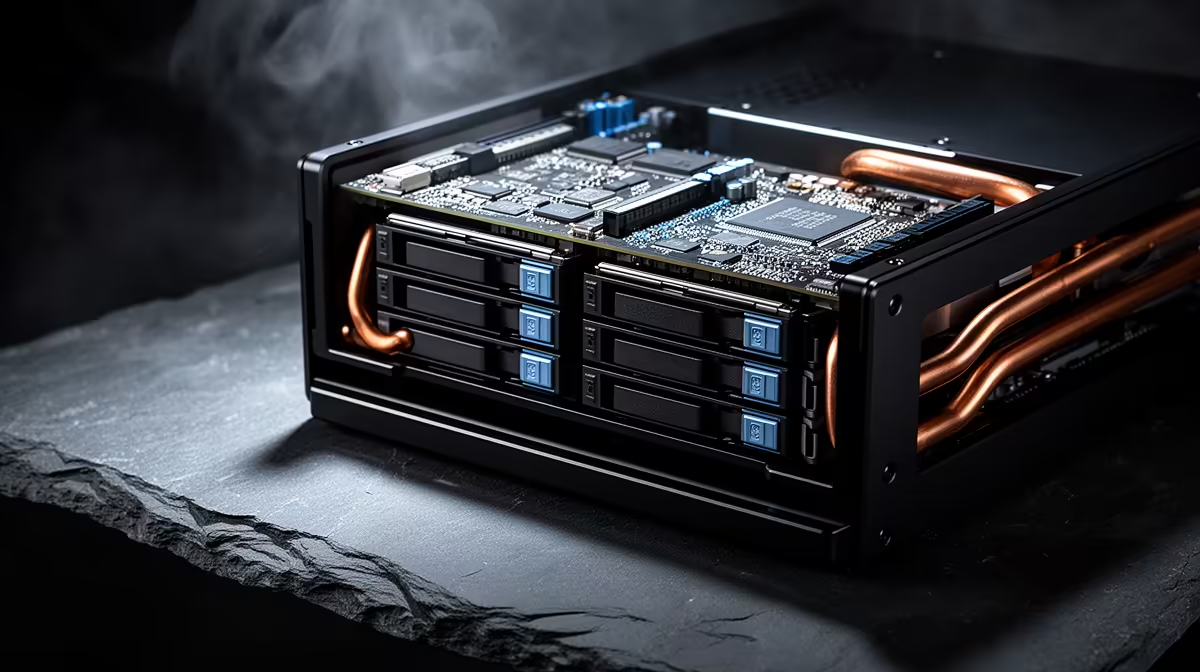
Anyone pricing out home storage hits the same fork in the road: build a box yourself or buy a finished unit that just works. The honest answer is that DIY NAS wins on raw value per rand, giving you more processor, memory and drive bays for the money, while a turnkey appliance charges a premium for a polished operating system and a setup your family could manage. Which one is right depends less on price and more on who has to look after it.
Quick Answer
A DIY NAS running TrueNAS or Unraid stretches a local budget further, delivering more CPU, RAM and bays per rand than a commercial appliance. An appliance from a brand like Synology or UGREEN costs more for the same hardware but pays it back in a refined OS and far simpler setup. DIY wins on value, appliances win on convenience.
The value case for building your own
The core appeal of DIY is that you spend on hardware rather than on a brand's software polish. The same money buys a faster processor, more memory and often more drive bays than an entry appliance offers, and you choose every component, so nothing is locked down. You also avoid vendor restrictions, including the drive-compatibility policies some brands impose, and upgrades stay cheap because you swap standard parts.
There is a caveat worth being straight about. Drive prices have climbed sharply since 2025, so the cost of the disks now dominates either route, and a four-bay DIY build with drives is a meaningfully bigger outlay than it was a year ago. That shifts some of the value maths: the chassis and parts are where you save, but the disks cost roughly the same whichever path you take.
What you trade away with DIY
The price advantage comes with a workload. With TrueNAS or Unraid, you are the administrator. You read the changelogs before updating, you manage firmware, and you learn concepts like datasets, pools and parity to set the system up correctly. For a tinkerer that is part of the fun and the system can be rock solid once configured. For someone who wants storage they never think about, it is friction.
Unraid leans toward flexibility and mixed-size drives with a gentle learning curve, while TrueNAS leans toward data integrity with its ZFS foundation and a steeper start. Both run comfortably on a small DIY box or a mini PC, which keeps the build compact and quiet. The drives that go inside, whether spinning disks or solid state, sit in the storage range, and the fast cache and boot drives people add often appear among the popular SSD picks.
The case for a finished appliance
An appliance earns its premium by removing the homework. The operating system is built for the hardware, the setup wizard walks you through volumes and shares, and mobile apps for photos, backups and remote access work out of the box. For a non-technical buyer, or anyone who wants to hand the storage to family members without explaining parity models, that polish is the whole point.
Software polish versus hardware value
The brands split along a clear line. Some, like Synology, lead on software maturity and a long support window with years of updates, but charge more for less hardware and may restrict which drives you can use. Others, like UGREEN, push hardware value with more memory and faster networking for a small premium, while their software is still catching up. Choosing means deciding whether you are buying mainly an operating system or mainly a spec sheet.
Running cost, noise and the long view
The purchase price is only part of the bill, because a NAS runs continuously, often for years. That makes power draw and noise real factors rather than afterthoughts. A purpose-built appliance is usually engineered for low idle power and quiet operation, since it is designed to sit in a living space and stay on. A DIY box built from desktop parts can draw more power at idle and run louder unless you deliberately choose efficient, quiet components, which is an extra design step the appliance route skips.
Over several years of always-on operation, the difference in electricity use between an efficient appliance and a power-hungry DIY build adds up, and it can narrow the value gap that DIY enjoys on the sticker price. The lesson is to size the DIY build for low idle draw if you go that way, choosing an efficient processor and a sensible power supply rather than repurposing whatever old hardware is lying around. Do that and DIY keeps much of its value advantage while staying liveable in a home.
Backups belong in the plan either way
Whichever route you take, a NAS is not a backup on its own. A drive array protects against a single disk failing, but it does not protect against accidental deletion, theft or a failure that takes out the whole unit. Both DIY and appliance platforms support scheduled backups to an external drive or a second location, and budgeting for that from the start is part of an honest cost comparison. An appliance makes this easier with built-in backup apps, while DIY gives you more control over how it is done, which is the same convenience-versus-flexibility trade that runs through the whole decision.
Who should pick which
Build a DIY NAS if you enjoy the hands-on side, want maximum hardware for the budget, value avoiding vendor lock-in, and are comfortable reading documentation. You will get the most storage and flexibility per rand, and the platform is free.
Buy an appliance if you want it to simply work, you would rather not learn storage administration, or the NAS needs to be usable by people who are not technical. The convenience is real and worth paying for when your time and simplicity matter more than squeezing out every last rand of hardware value. Either way, plan the drive budget first, since the disks are now the largest part of the bill.
Frequently Asked Questions
Is a DIY NAS actually cheaper than an appliance?
On hardware per rand, yes, you get more processor, memory and bays for the money. But drive prices now dominate either build, so the gap is smaller than it once was. The saving is mainly on the chassis and components, not the disks.
Is TrueNAS or Unraid better for a first DIY build?
Unraid is friendlier for beginners and handles mixed drive sizes well. TrueNAS is stronger on data integrity through ZFS but has a steeper learning curve. Pick based on how much administration you want to take on.
Can I run a NAS operating system on a mini PC?
Yes. Both TrueNAS and Unraid run well on a small PC or mini PC, which keeps the build compact and power-efficient. You just need enough drive connections and memory for your pool.
Why would I pay more for an appliance?
For the polished operating system, guided setup, and ready-made mobile apps. If you want storage that family members can use without learning administration, the convenience justifies the premium.
Do appliances restrict which drives I can use?
Some brands do, steering you toward their own validated drives, while others let you use any drive freely. Check the drive-compatibility policy before buying if you want to use disks you already own.
Deciding between building and buying comes down to whether you value hardware per rand or hands-off simplicity. Whichever way you lean, start your drive plan in the Evetech NAS storage range and spec the disks first.