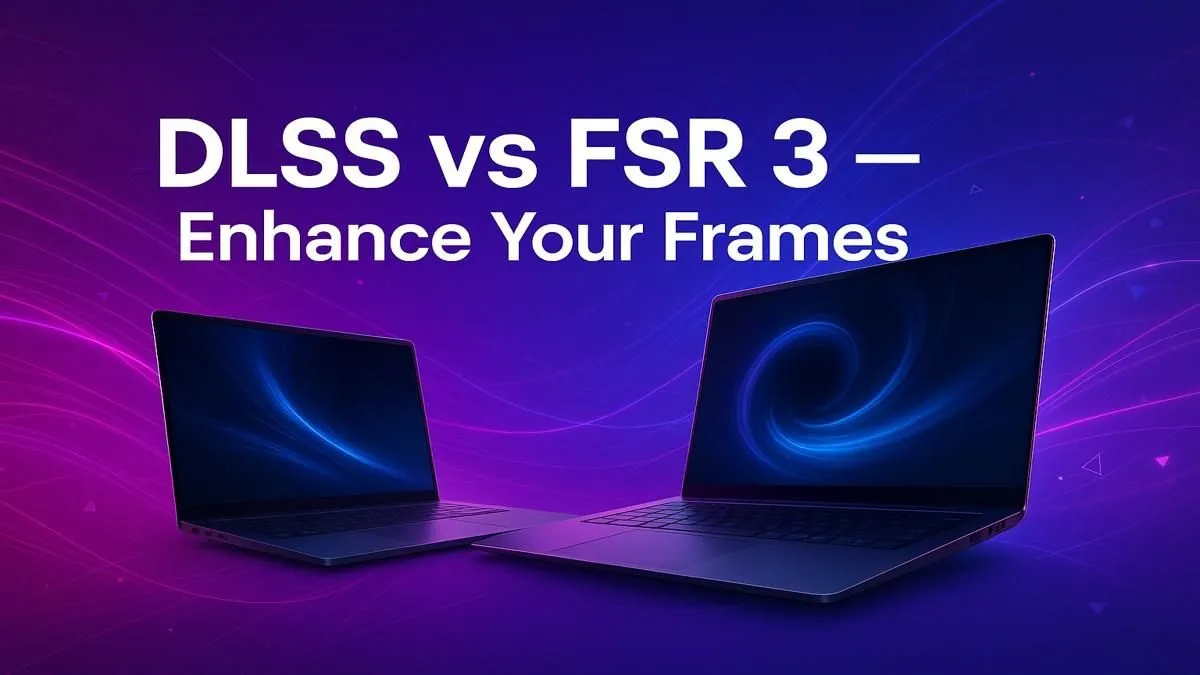
Staring at a stuttering frame rate counter while your gaming rig struggles with the latest titles? We've all been there. In the epic battle for smooth gameplay, two technologies promise to boost gaming frames instantly: NVIDIA's DLSS and AMD's FSR 3. But this isn't just tech jargon; it's your ticket to higher FPS without splashing out thousands of Rands on a new GPU. So, in the ultimate DLSS vs FSR 3 showdown, which one is right for you? 🚀
The Lowdown: Upscaling and Frame Generation
Before we dive deep, let's quickly demystify these terms. Both DLSS and FSR are clever technologies designed to give you more performance for free.
- Upscaling (Super Resolution): Your PC renders the game at a lower resolution (like 1080p) and then uses smart algorithms or AI to stretch it to your monitor's native resolution (like 1440p or 4K). The result? A massive performance boost because your GPU is doing less work.
- Frame Generation: This is the new frontier. The software creates entirely new frames and inserts them between the ones your GPU renders, making motion look incredibly smooth.
The goal of the DLSS vs FSR 3 comparison is to see who does this best.
Team Green's Secret Weapon: NVIDIA DLSS
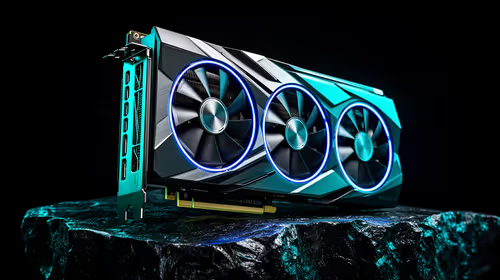
NVIDIA's Deep Learning Super Sampling (DLSS) uses artificial intelligence and dedicated Tensor Core hardware inside GeForce RTX graphics cards to work its magic.
DLSS 3 is the latest version, combining Super Resolution, Frame Generation, and NVIDIA Reflex for low latency. The AI model is constantly trained on supercomputers, giving it a remarkable ability to reconstruct images with incredible detail, sometimes even looking sharper than the native resolution. The catch? It's exclusive to NVIDIA's RTX hardware. Many of the most powerful gaming machines, including top-tier Intel laptops on special, are built around this powerful combination.
Key Strengths of DLSS:
- Superb Image Quality: Often considered the gold standard for upscaling.
- Excellent Performance Uplift: DLSS 3 can more than double your frame rates in supported titles.
- Mature Technology: Supported in hundreds of games.
Pro Tip: Keep Your Drivers Updated!
NVIDIA and AMD frequently release driver updates that optimise performance for DLSS and FSR. Before you even launch a game, make sure you have the latest GeForce Game Ready or AMD Software: Adrenalin Edition driver installed for the best results. ⚡
Team Red's Open Standard: AMD FSR 3
AMD's FidelityFX Super Resolution (FSR) takes a different approach. It's an open-source technology, meaning it doesn't require specific hardware and works on a huge range of GPUs—including AMD's own Radeon cards, older NVIDIA cards, and even Intel's Arc GPUs.
FSR 3 matches DLSS 3 by introducing AMD Fluid Motion Frames (AFMF), its own frame generation technique. While its upscaling might not always be quite as crisp as DLSS in a side-by-side comparison, its universal compatibility is a massive win for gamers on a budget or those with older rigs. It's a key feature that makes many of the latest AMD laptops on special such compelling value propositions.
Key Strengths of FSR 3:
- Wide Compatibility: Works on almost any modern gaming GPU.
- Open Source: No vendor lock-in, encouraging wider adoption.
- Significant FPS Boost: Delivers a huge performance uplift, breathing new life into older hardware.
DLSS vs FSR 3: Which One Wins for You? 🤔
So, how do you choose in the DLSS vs FSR 3 debate? It's simpler than you think and comes down to the GPU in your machine.
- If you have an NVIDIA GeForce RTX 20, 30, or 40-series card: Use DLSS. It's tailor-made for your hardware and generally offers the best balance of image quality and performance.
- If you have an AMD Radeon GPU or an older NVIDIA (GTX 10-series and up) card: FSR 3 is your champion. It gives you access to modern frame generation and upscaling tech that would otherwise be locked away.
Ultimately, both technologies are fantastic tools to help you boost gaming frames. Having the right hardware is the first step to unlocking this potential, and there are always amazing laptop specials for sale in South Africa that can get you into the game.
Ready for a Frame Rate Revolution?
Stop tolerating stutter and unlock the true potential of your games with a machine built for modern performance. Check out our best gaming laptop deals for performance that leaves lag in the dust.