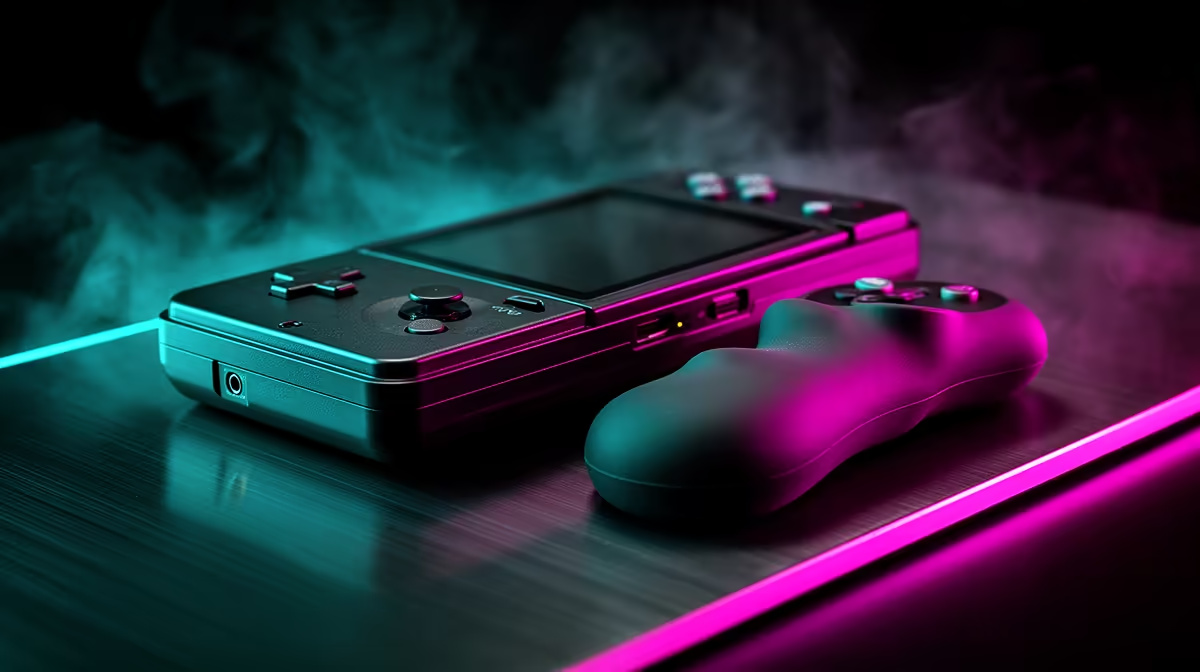
Forty minutes into a session on a slim retro handheld, your fingers start to cramp and your thumbs ache from pinching a flat slab. That fatigue is not you being soft; it is the shape of the device. A clip-on grip changes the geometry your hands have to hold, and whether you need one depends almost entirely on how small your handheld is. Grips for retro handhelds earn their keep on the tiny devices and add little to the larger ones.
Quick Answer
A clip-on grip is worth it if your handheld has a screen under about 3.5 inches, like a Miyoo Mini, where the flat slim body causes hand fatigue within 30 to 60 minutes. Devices in the 5 to 6 inch range already offer enough palm support that a grip adds bulk for little gain. Expect to pay a modest amount for a meaningful comfort upgrade.
Why Slim Handhelds Fatigue Your Hands
The appeal of a pocket handheld is its size, and that is also its ergonomic weakness. A flat-backed device gives your fingers nothing to wrap around, so your hand pinches rather than holds. The smaller and thinner the device, the harder your muscles work to keep a grip, and that constant low-level tension is what turns into ache after half an hour or so.
A grip solves this by adding depth and contour to the back of the device. Instead of pinching a thin slab, your palm wraps a fuller shape, your fingers find natural resting points, and the load spreads across your whole hand. The result is that you can play longer before fatigue sets in.
Which Devices Actually Benefit
This is where the decision gets practical, because not every handheld needs one.
Small Devices Gain the Most
Sub-3.5-inch handhelds like the Miyoo Mini and many compact Anbernic models are the prime candidates. Their flat, lightweight bodies are exactly the shape that causes fatigue, and a grip transforms how they feel in the hand. On these devices a grip is less an accessory and more a fix for a real comfort problem.
Larger Handhelds Need Less
Devices in the 5 to 6 inch class already have a body big enough to fill your hands, with shoulder buttons your fingers reach naturally. Adding a grip to one of these makes it bulkier and harder to pocket without delivering the same comfort jump. For most owners of larger handhelds, the stock ergonomics are good enough.
What to Look For in a Grip
If your device is in the grip-worthy category, a few features separate a good grip from a frustrating one.
Look first at how it attaches. The best grips clip or slot on without tools and come off in seconds, so you can pocket the bare device and grip it for longer sessions. A grip that needs disassembly defeats the purpose. Next, consider the material: a soft-touch or anti-slip surface holds securely without your fingers having to clamp, which is the whole point. Finally, check the fit lines up with the controls, especially that your index fingers fall comfortably onto the shoulder buttons rather than fighting for them. A grip that blocks a button is worse than none.
Grip Versus Other Comfort Add-Ons
A grip is not the only way to play more comfortably, but it targets the most common complaint directly. Thumb-stick caps and button upgrades refine the controls, while a grip changes how the whole device sits in your hands. If fatigue is your problem, the grip comes first; the smaller tweaks are refinements after that. You can see which devices are currently in stock in the handheld gaming range at Evetech to judge where your model falls on the size scale. For a wider look at what SA buyers are picking up in gaming hardware right now, the top-selling PCs and peripherals at Evetech give useful context.
Material and Build Choices
Grips come in a few distinct styles, and the right one depends on how much you value portability against pure comfort. Soft silicone clip-on grips are the lightest and cheapest, adding a thin contoured layer that takes the edge off a flat back without much bulk. They slip on and off easily and suit someone who still wants a roughly pocketable device.
Moulded hard-shell grips, often 3D-printed to match a specific model, go further. They build a substantial handle onto the back that completely reshapes how the device feels, with deeper finger channels and a fuller palm rest. The trade-off is size: these turn a pocket handheld into something you carry in a bag, so they suit home play more than commuting. Decide which matters more to you before buying, because a grip that is too bulky to bring along ends up in a drawer.
Comfort Is About More Than the Grip
Even the best grip works alongside good habits. Take a short break every hour or so to let your hands relax, keep your wrists neutral rather than bent, and avoid a death grip on the device when a relaxed hold will do. A grip removes most of the strain a slim handheld causes, but pairing it with sensible session lengths is what keeps longer play genuinely comfortable over time.
Frequently Asked Questions
Do I need a grip for my retro handheld?
It depends on size. Handhelds under about 3.5 inches, like the Miyoo Mini, benefit most because their flat slim bodies cause hand fatigue quickly. Devices in the 5 to 6 inch range already have enough palm support that a grip adds little.
How much comfort difference does a clip-on grip make?
On a small flat-backed device the difference is significant, letting you play comfortably well past the 30 to 60 minute point where fatigue usually starts. The grip adds depth so your palm wraps the device instead of pinching it.
Will a grip stop my handheld fitting in a pocket?
It adds bulk, yes, which is why the best grips clip on and off in seconds without tools. You pocket the bare device and add the grip for longer sessions at home.
What should I look for when buying a grip?
Choose one that attaches without tools, uses an anti-slip surface, and aligns with the controls so your index fingers rest naturally on the shoulder buttons. A grip that blocks a button is worse than no grip.
Does a bigger handheld need a grip too?
Usually not. Larger 5 to 6 inch handhelds already fill the hands and place the shoulder buttons within easy reach, so a grip mostly adds bulk rather than comfort for those models.
Match the accessory to your device size and play longer in comfort. Browse the handheld console range at Evetech to check your model and pair it with the right comfort upgrade.