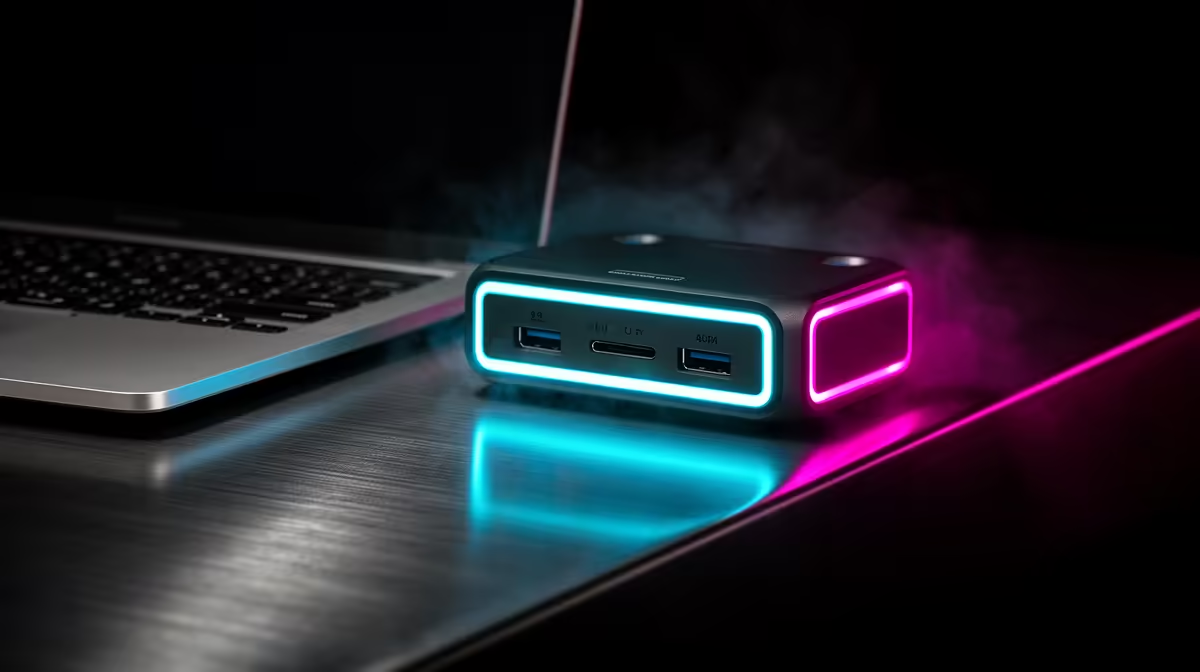
Apple put Thunderbolt 5 in the marketing for the M5 MacBook Pro generation, and accessory makers were quick to follow with TB5 docks promising 80Gbps. Before you spend extra on one, the honest answer is that a Thunderbolt 5 dock only earns its keep on the MacBook models that actually carry TB5 ports, and the base M5 14-inch is not one of them.
Quick Answer
A Thunderbolt 5 dock delivers its full 80Gbps only when plugged into a Mac with TB5 ports. The base M5 14-inch MacBook Pro ships with Thunderbolt 4, so a TB5 dock gives it no extra bandwidth and no extra displays over a good TB4 dock. The M5 Pro and M5 Max models are where TB5 pays off.
How Thunderbolt 5 differs from Thunderbolt 4
Thunderbolt 4 tops out at 40Gbps. Thunderbolt 5 doubles the baseline to 80Gbps and can push up to 120Gbps in a bandwidth-boost mode aimed at high-refresh and multi-monitor display work. That headroom matters for driving several high-resolution screens, fast external NVMe storage and bandwidth-hungry capture gear all at once.
But Thunderbolt is a two-way handshake. The dock and the Mac both have to speak TB5 to hit those numbers. Connect an 80Gbps dock to a 40Gbps port and the whole link negotiates down to 40Gbps. You have bought capability the laptop cannot use.
Why the port, not the dock, sets the ceiling
Bandwidth is always limited by the slowest link in the chain. The TB5 dock is not the bottleneck; the Thunderbolt 4 controller in the base M5 is. No firmware update or premium cable changes that, because the port silicon itself is TB4.
Which M5 MacBooks actually have TB5
This is the part that decides your purchase. Within the M5 MacBook Pro family, the higher-tier M5 Pro and M5 Max configurations carry Thunderbolt 5 ports, while the base M5 14-inch is fitted with Thunderbolt 4. So the same "MacBook Pro" name covers both standards depending on the chip you chose at checkout.
Not sure which you have? Check the chip in About This Mac, or read the port spec for your exact model. If it says Thunderbolt 4, a TB5 dock will work perfectly, but only ever at TB4 speeds. You can confirm the configuration against the current line-up on the MacBook range at Evetech before deciding which dock tier to buy.
What a TB4 dock already gives the base M5
A quality Thunderbolt 4 dock is no slouch. It can drive dual external displays, deliver power back to the laptop, and hang fast storage and peripherals off a single cable. For most students, office users and even many creators, that is the entire workflow handled. The base M5 paired with a TB4 dock is a complete, clean desk setup with nothing left on the table.
When a TB5 dock is the right buy
If you own an M5 Pro or M5 Max, TB5 is worth it when your workload genuinely fills the pipe: three or more high-resolution monitors, high-refresh panels, external NVMe arrays for video editing, or capture hardware running alongside displays. In those cases the jump from 40Gbps to 80Gbps (and the 120Gbps display boost) is real, usable bandwidth, not a spec-sheet number.
If your needs are two screens, power and a few peripherals, even a TB5-equipped Mac is comfortably served by a TB4 dock, and you can put the saving toward storage or a monitor. Buy the dock that matches the work, not the one that matches the marketing. For a sense of which laptops and accessories SA buyers are pairing together, the current best-selling laptops give a quick read on what is moving.
The 16-inch MacBook Pro is always TB5
One clarification that saves buyers a frustrating return: the 16-inch MacBook Pro does not ship with the base M5 chip. It is only available with M5 Pro or M5 Max, which means every 16-inch M5 MacBook Pro carries Thunderbolt 5 ports. If you purchased the 16-inch, you already have a TB5 Mac and a TB5 dock will run at full bandwidth without any negotiation downgrade.
This makes the 16-inch a natural pairing for a top-tier dock if your workload fills the pipe. The 14-inch is where the decision requires care, because its base M5 and M5 Pro/Max configurations exist side by side and look visually identical until you read the port spec.
What you actually get from a TB4 dock today
A quality Thunderbolt 4 dock in 2026 is a mature, well-understood product. It provides 40Gbps of bandwidth, enough to drive two high-resolution external displays, deliver 90 to 100W of charging back to the laptop, and hang a collection of USB peripherals, fast external SSDs and wired ethernet off a single cable. Networking from a TB4 dock typically tops out at 2.5 Gigabit Ethernet, which is faster than most SA home fibre plans deliver.
For a student or professional whose heaviest dock task is two external 4K screens, a fast SSD and wired internet, TB4 is the comfortable ceiling with nothing left unused. Paying the TB5 premium to unlock bandwidth you will never saturate is money that could go toward a better monitor or a larger internal SSD.
Frequently Asked Questions
Will a Thunderbolt 5 dock damage or slow my Thunderbolt 4 MacBook?
No. TB5 docks are backward compatible and work fine on a TB4 port. They simply run at the TB4 ceiling of 40Gbps. Nothing is harmed, you just do not get the extra speed.
Does the base M5 14-inch MacBook Pro have Thunderbolt 5?
No. The base M5 14-inch ships with Thunderbolt 4 ports. Thunderbolt 5 is found on the M5 Pro and M5 Max configurations in the same family.
How do I tell if my MacBook has TB5 or TB4?
Open About This Mac to see your chip, then check the port specification for that model. M5 Pro and M5 Max carry TB5; the base M5 carries TB4.
Is a Thunderbolt 4 dock enough for two monitors?
Yes. A good TB4 dock drives dual external displays, supplies power to the laptop and connects storage and peripherals over one cable. For most users that covers the whole desk.
When is the extra cost of a TB5 dock justified?
Only on a TB5-equipped Mac with a demanding setup: three or more high-resolution or high-refresh displays, fast external NVMe arrays, or capture gear running at the same time. Lighter setups do not fill the extra bandwidth.
Does the 16-inch MacBook Pro M5 always have Thunderbolt 5?
Yes. The 16-inch MacBook Pro is only available with the M5 Pro or M5 Max chip, both of which ship with Thunderbolt 5 ports. There is no Thunderbolt 4 variant of the 16-inch in the M5 generation, so any 16-inch M5 owner can buy a TB5 dock and receive full bandwidth.
What Ethernet speed does a Thunderbolt 4 dock support?
Most Thunderbolt 4 docks include 2.5 Gigabit Ethernet, which is well above typical residential and business fibre speeds in South Africa. Thunderbolt 5 docks step up to 10 Gigabit Ethernet, which matters only in environments with a 10GbE network infrastructure already in place.
Confirm which chip your MacBook runs before you spend. Browse the MacBook range at Evetech to check the port spec for your model, then match it to the right dock tier.