Quick Answer
For 4K video editing, a docking station upgrade path runs from a R1,800-R2,800 USB 3.2 Gen 2 dock for a single 4K display and fast storage, to a R5,000-R8,000 Thunderbolt 4 dock for dual 4K monitors and high-speed scratch drives. The deciding spec is bandwidth: 4K editing needs the 40 Gbps a Thunderbolt 4 dock provides for dual displays and fast external SSDs.
Starter: Single 4K and Fast Storage
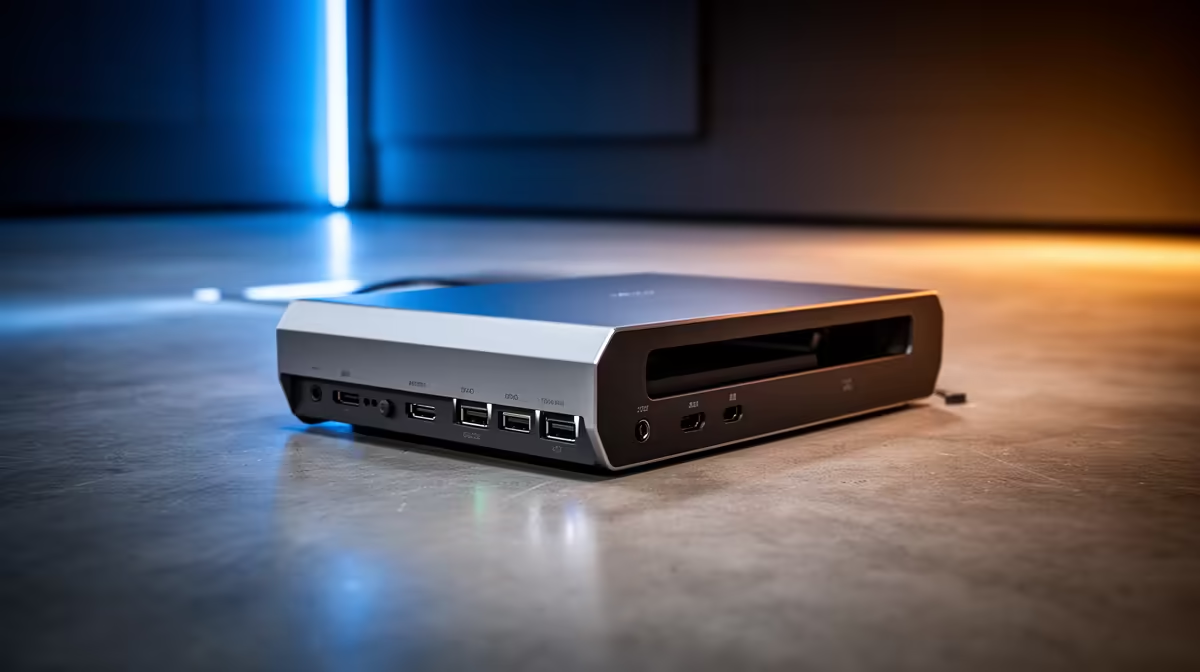
The starter tier suits editing on a laptop with one 4K display. A R1,800-R2,800 USB 3.2 Gen 2 dock at 10 Gbps drives a single 4K monitor at 60 Hz and connects a fast external SSD for media, off one cable with power delivery to charge the laptop. The limit is bandwidth: 10 Gbps handles one 4K display plus storage but cannot run dual 4K or feed a high-speed scratch drive at full pace. For a solo editor on one screen, this tier is a solid, affordable start.
Serious: Thunderbolt 4 for Dual 4K and Speed
The serious tier is a Thunderbolt 4 dock at 40 Gbps, R5,000-R8,000, which drives dual 4K monitors at 60 Hz and connects NVMe-class external SSDs at full speed for scrubbing 4K timelines smoothly. The extra bandwidth is what 4K editing genuinely needs as your project and display count grow; a 10 Gbps dock bottlenecks dual 4K and fast storage at once. Buy this tier when you run two 4K displays or edit straight off a fast external drive.
SA Buying Notes
Locally stocked docks at Evetech list connection type (USB-C, USB4, Thunderbolt 4), bandwidth, display outputs and power delivery. For 4K editing, confirm your laptop has a Thunderbolt 4 port to use a Thunderbolt dock's full speed; on a USB-C-only laptop it falls back to lower bandwidth. Match power delivery to your laptop's charger wattage.
FAQ
What docking station do I need for 4K video editing?
A USB 3.2 Gen 2 dock for a single 4K display and fast storage, or a Thunderbolt 4 dock for dual 4K monitors and full-speed external SSDs. The choice depends on how many 4K displays you run and whether you edit off fast external storage.
Why does bandwidth matter for 4K editing docks?
Because 4K displays and fast media drives both demand bandwidth, and a 10 Gbps dock cannot run dual 4K plus a fast scratch drive at full speed. A 40 Gbps Thunderbolt 4 dock provides the headroom for smooth dual-4K editing and fast storage.
Do I need Thunderbolt 4 for editing?
For dual 4K displays or editing straight off a fast external SSD, yes, since lesser docks bottleneck that load. For a single 4K display with fast storage, a USB 3.2 Gen 2 dock is enough and cheaper, provided your laptop's port matches.
dock to your display count and confirm your laptop's port: a Thunderbolt 4 dock drives dual 4K and full-speed SSDs, but on a USB-C-only laptop it drops to lower bandwidth that can bottleneck a 4K timeline.