Quick Answer
For Python data analysis, the docking-station upgrade path runs from a basic USB-C hub (around R600-R1,200) for a single monitor up to a Thunderbolt or high-bandwidth USB-C dock (R2,500-R5,000) that drives dual monitors and fast external storage. Start basic if one screen suffices; upgrade to dual-display and fast storage when your datasets and notebooks demand more screen real estate and quick disk access.
The upgrade path for a data-analysis dock
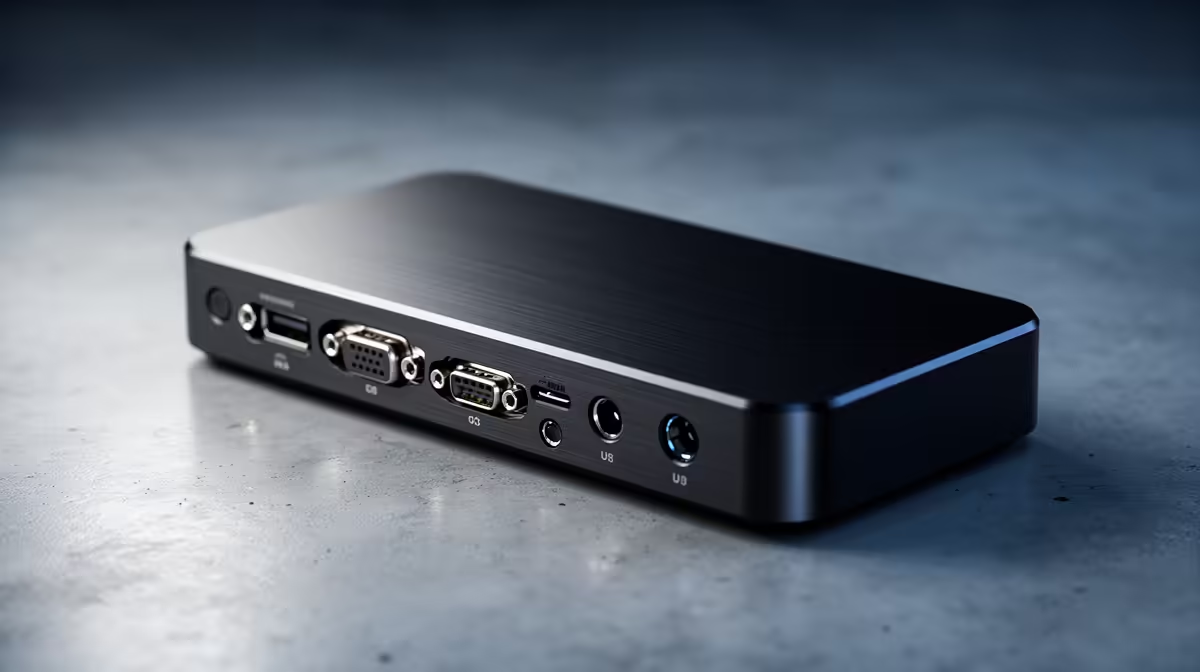
Python data analysis benefits from screen space, viewing a notebook, a dataset, and documentation at once, and from fast storage for large data files. The starter rung is a USB-C hub (R600-R1,200) that adds one HDMI output and a few ports, enough for a single external monitor alongside the laptop screen. For early coursework or modest datasets, that is sufficient.
The upgrade rung is a powered or Thunderbolt dock (R2,500-R5,000) that drives two external monitors and connects fast external storage. Dual monitors genuinely speed data work by letting you keep code, output, and references visible together, and a Thunderbolt dock's bandwidth supports fast NVMe enclosures for large datasets. Power delivery of 85-100W keeps a larger laptop charged through long analysis sessions.
Choosing your rung
If a single external monitor and your laptop screen are enough and your datasets are small, the basic hub covers it. If you work with large datasets, want dual monitors for productivity, or need fast external storage, step up to a Thunderbolt or high-bandwidth dock. Confirm your laptop supports the dock's display and power capabilities, since dual-4K output and Thunderbolt speeds need a compatible laptop port. For serious data work, the upgrade is worth it.
FAQ
What dock suits Python data analysis?
For a single monitor and small datasets, a basic USB-C hub (R600-R1,200) works. For dual monitors and fast external storage with larger datasets, a Thunderbolt or high-bandwidth dock (R2,500-R5,000) is the worthwhile upgrade for serious data work.
Do dual monitors help with data analysis?
Yes, considerably. Keeping a notebook, dataset output, and documentation visible at once speeds the workflow. A dock that drives two external monitors lets a laptop run a productive dual-screen data-analysis setup that a single screen cannot match.
Does Python data work need a Thunderbolt dock?
Only if you handle large datasets needing fast external storage or want dual high-resolution monitors. Thunderbolt's bandwidth supports fast NVMe enclosures and dual-4K output. For modest data work, a standard USB-C dock is enough.
If you work with large datasets, step up to a Thunderbolt dock with dual-monitor support and a fast NVMe enclosure; the screen space and storage speed make a real difference to a Python analysis workflow.