


Storage Specs Explained for Beginners
Storage Specs Explained for Beginners. Plain-English explanation of what it means, why it matters & how it affects your buying decisions in SA.
Read moreEvery spec on low-latency nvme performance make a noticeable explained in plain English. What matters for gaming and creator work in 2026, what's marketing fluff, and how each number translates.
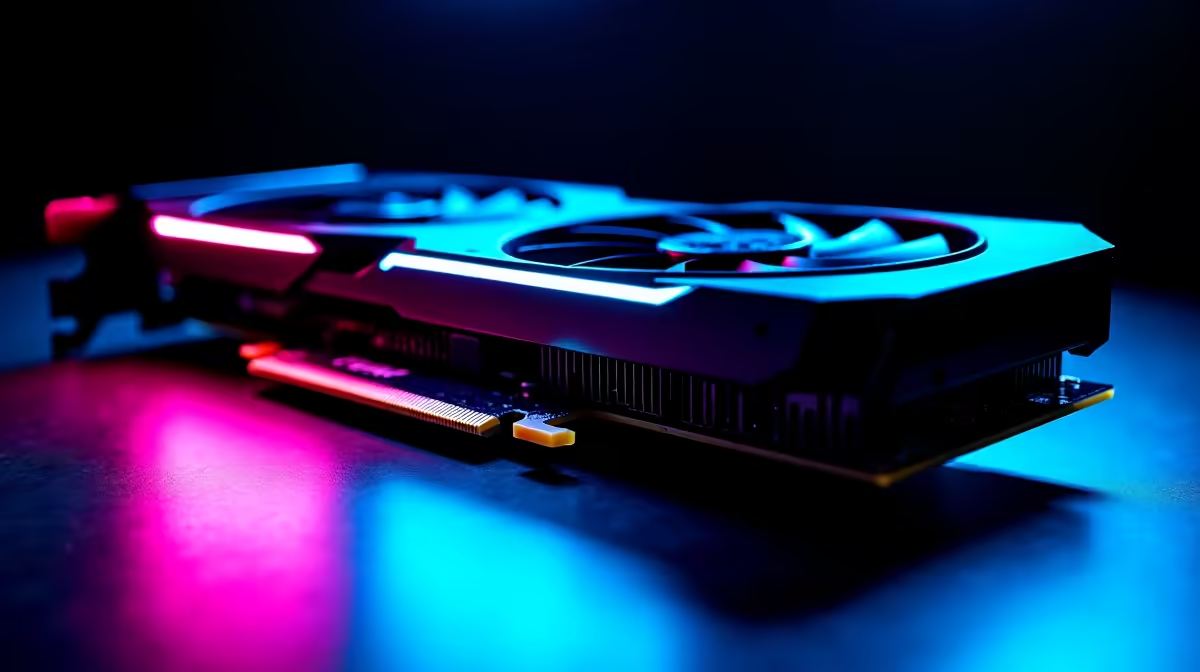
You are holding the angle in Valorant. Your ping is perfectly stable. Suddenly, an enemy swings, your game micro-stutters for a fraction of a second, and you are staring at the respawn screen. Sound familiar? Many South African gamers blame their internet connection or graphics card. But the real culprit might be your storage drive. Let us explore if low-latency NVMe performance makes a noticeable difference in competitive gaming.
When we talk about frame rates, we usually look at processors and graphics cards. However, modern competitive titles stream high-resolution textures on the fly. If your drive cannot feed data to your RAM and GPU fast enough, you get frame drops.
This data bottleneck creates micro-stutters. A traditional hard drive might boast decent sequential read speeds. However, its random read latency is simply too high for modern esports. This is why every modern rig built for competitive play needs rapid storage. If you are looking to upgrade your setup, checking out the latest gaming PC deals is a great way to see how standard Gen 4 NVMe drives have become in top-tier builds.
So, does low-latency NVMe performance make a noticeable difference in competitive gaming? Absolutely. It is not about increasing your maximum frames per second. It is about protecting your one percent lows.
These lows represent the absolute lowest frame rates you experience during chaotic moments. When a smoke grenade pops, your PC scrambles to load new assets. A low-latency NVMe drive processes these asset requests in microseconds. This keeps your frame time graph perfectly flat. It ensures your mouse inputs remain crisp and responsive when it matters most.
Keep your NVMe drive at least 20% empty. SSDs rely on free space to shuffle data efficiently. Filling your drive to the brim will severely throttle your read and write speeds, bringing back those dreaded in-game stutters.
Competitive gaming is no longer restricted to heavy desktop towers. Modern mobile processors and PCIe Gen 4 storage mean you can take that low-latency advantage anywhere. You might be at a local LAN event. You might be grinding ranked matches during a weekend away. Either way, having a rapid drive is crucial for consistent performance.
You can easily find this desktop-class storage speed on the move. Just browse the powerful notebooks for sale in South Africa. These machines use the exact same NVMe technology to ensure your games load instantly and run flawlessly.
Upgrading to a top-tier NVMe SSD is highly cost-effective. You do not need to spend tens of thousands of Rands to eliminate storage bottlenecks. In fact, keeping an eye on daily tech specials can help you score a lightning-fast 1TB or 2TB drive for a fraction of the usual cost.
Fast storage ensures your system boots instantly. It loads maps before the competition even connects. It is a small investment in ZAR that yields a massive return in competitive reliability.
Ready to Eliminate In-Game Stutter? Do not let slow storage cost you the clutch. Upgrading your NVMe drive is the easiest way to ensure buttery-smooth performance in South Africa. Explore our massive range of SSD upgrades and find the perfect drive to conquer your ranked lobbies.
The SSDs, tools and accessories referenced in this article are stocked at Evetech.co.za with local SA warranty, ZAR pricing and nationwide delivery.
The article breaks down the real-world impact on gaming FPS, creator workflows and everyday responsiveness — not just raw spec numbers.
Only a handful of specs meaningfully change your experience. The guide ranks them by real impact so you spend on what counts.
We cover upgrade headroom, platform longevity and the specific features worth paying extra for if you plan to keep this build for several years.
The article includes a clear generational uplift summary so you can judge whether upgrading from your current hardware is worthwhile.
Storage Specs Explained for Beginners. Plain-English explanation of what it means, why it matters & how it affects your buying decisions in SA.
Read more
Will RDNA 5 Use the Same Silicon as the Next. Plain-English explanation of what it means, why it matters & how it affects your buying decisions in SA.
Read more
Google Workspace on Mac: Drive, Docs, Sheets and. Everything you need to know with SA pricing, step-by-step instructions & expert recommendations.
Read more
Back-to-School Parent Guide: Storages. Everything you need to know with SA pricing, step-by-step instructions & expert recommendations.
Read more
to Esports Tournaments. Everything you need to know with SA pricing, step-by-step instructions & expert recommendations.
Read more
Easter Storage Buying Guide. Hand-picked gift ideas at every budget tier. SA pricing & Evetech availability included.
Read more
AMD RX 9050 XT: Rumoured Specs, Price & Release. SA-focused analysis with local pricing data, real-world insights & actionable buying advice.

Can RTX 4080 Super Run AI Workloads for SA Developers Detailed answer with SA data, expert analysis & practical recommendations for local buyers.

Can RTX 4090 Run AI Workloads for SA Developers Detailed answer with SA data, expert analysis & practical recommendations for local buyers.

Top Settings for Intel Arc B580 at Ultrawide 1440p picks evaluated on performance, value & SA availability with current Rand pricing from Evetech.

RTX 4060 CS2 Low Settings at 1080p: FPS Results. Real-world benchmark data, FPS numbers & performance analysis. What SA gamers can actually expect.

Visual Artifacts: Possible GPU Issue Issue #1. Diagnosis steps, proven fixes & when to seek professional help. SA-specific support info included.

Can the RTX 4090 Handle 1440p 144Hz Gaming. Performance testing verdict with real data & practical recommendations for SA buyers.

Top ASUS GPU Under R15000 picks evaluated on performance, value & SA availability with current Rand pricing from Evetech.

GTA 6 Max Settings on RTX 5070. Tested & verified settings for best FPS and visual quality on SA hardware budgets.

Cyberpunk 2077 Max Settings on RTX 5080. Tested & verified settings for best FPS and visual quality on SA hardware budgets.

Starfield Max Settings on RTX 5070 Ti. Tested & verified settings for best FPS and visual quality on SA hardware budgets.

Top RTX 5090 Under R5000 picks evaluated on performance, value & SA availability with current Rand pricing from Evetech.