

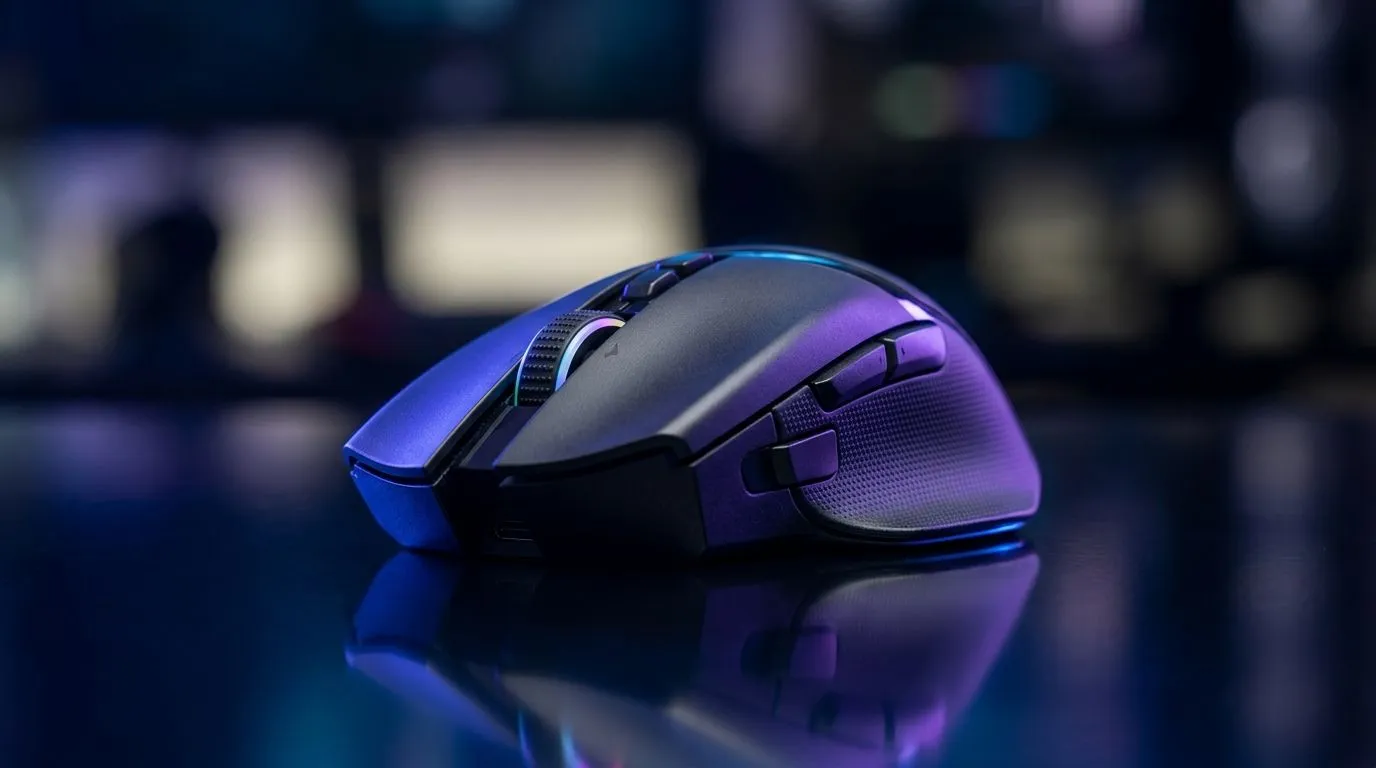
DPI in Gaming: What Sensor Sensitivity Means for Accuracy
If you’ve ever wondered why your aim feels crisp one match and off the next… you’re not imagining it. In South Africa, where FPS lobbies can turn chaotic fast, your mouse settings matter. DPI in Gaming: What Sensor Sensitivity Means for Accuracy explains why “set it to 800” is only half the story. Let’s break it down in plain terms, then help you dial in a setup that feels consistent on your desk, your mousepad, and your monitor.
DPI in Gaming: What it actually changes
DPI (dots per inch) is how many cursor movements your mouse translates into screen movement. Higher DPI usually means more sensitivity per inch of physical movement. Most gaming mice let you switch DPI profiles quickly, so you can adapt from flick-heavy shooters to steadier aiming.
But here’s the catch… DPI isn’t the whole “accuracy” equation.
Evetech’s gaming mouse selection highlights a range of sensor and tracking options across budgets, which is why it’s worth choosing a mouse that supports fine-tuning rather than one-size settings. You can browse accessories and mice here: https://www.evetech.co.za/buy-mouse-accessories/x/1595.aspx
The real accuracy trio: DPI, polling, and tracking
- DPI controls sensitivity.
- Polling rate (how often the mouse reports to the PC) affects responsiveness.
- Tracking affects whether movement stays smooth, especially during fast swipes.
Not every sensor behaves the same on every surface. Glass, worn cloth, and brand-new desk mats can all feel different within the same DPI setting.
If you’re upgrading for more consistent aim feel, compare wired options too. Wired mice can reduce latency variables that come with wireless setups. Start here: https://www.evetech.co.za/buy-wired-mouse/x/1596.aspx
DPI in Gaming: How to set it for your playstyle
A good DPI setup is one where you can do both micro-adjustments and full sweeps without overshooting.
Try this quick method:
- Pick a DPI that makes 180-degree turns controllable in your game.
- Lower it until small movements feel stable.
- Then check your aim with a slower practice mode (or custom aim drills).
Don’t forget your in-game sensitivity (often called “mouse sensitivity” or “ADS sensitivity”). DPI and in-game sensitivity multiply together. If you change one, your muscle memory will fight you.
If you prefer a tidy setup and want freedom of movement, wireless can still be accurate when configured right. Take a look: https://www.evetech.co.za/buy-wireless-mouse/x/1597.aspx
Micro-story: the “mystery” overshoot
I’ve seen this exact scenario: a player switches from a low-DPI mouse to a high-DPI model, keeps the same in-game sensitivity, and suddenly every target looks slightly “behind” their crosshair. The fix wasn’t a new mousepad or a settings reset… it was simply reducing DPI (or in-game sensitivity) until the movement-to-aim relationship matched the old feel.
DPI in Gaming: Sensor sensitivity tips for consistent results 🔧
Productivity Pro Tip ⚡
Windows, use a mouse sensitivity tester (or a simple pointer-speed check) and then test your 180-degree turn on a consistent surface. Change only one variable at a time: DPI first, then game sensitivity. This keeps your muscle memory accurate instead of guessing.
Choose the right mouse and save on the right day
If you’re shopping, aim for a mouse that supports adjustable DPI steps, stable tracking, and profiles you can toggle quickly during ranked. Evetech regularly has gaming mouse deals in South African pricing ranges, which can be a smart way to upgrade without overpaying. Check what’s trending right now: https://www.evetech.co.za/best-gaming-mouse-deals/x/054.aspx
For deeper browsing by category, specs, and models, you can also explore the gaming mouse collection here: https://www.evetech.co.za/components/gaming-mouse-117.aspx
DPI in Gaming: Quick checklist before you lock it in ✨
- Surface test: same mousepad, same desk spot, same lighting.
- One change at a time: DPI first, then in-game sensitivity.
- Comfort over hype: if you can’t control it, accuracy won’t matter.
- Profile your use case: different games, different DPI needs.
When you treat DPI as part of a bigger accuracy system, your aim stops feeling random… and starts feeling yours.
Ready to Find Your Perfect Match? The Mac vs Windows debate is complex, but for maximum power, choice, and value in South Africa, Windows is hard to beat. Explore our massive range of laptop specials and find the perfect machine to conquer your world.











