


AIO Liquid 240mm Setup and Configuration: Complete Tutorial
AIO Liquid 240mm Setup and Configuration. Clear setup instructions with SA-specific considerations, troubleshooting tips & recommended components.
Read moreDiscover how dual booting rugged laptops with Windows and Linux boosts performance and versatility. 💻⚡ Perfect for field professionals needing reliable OS flexibility.
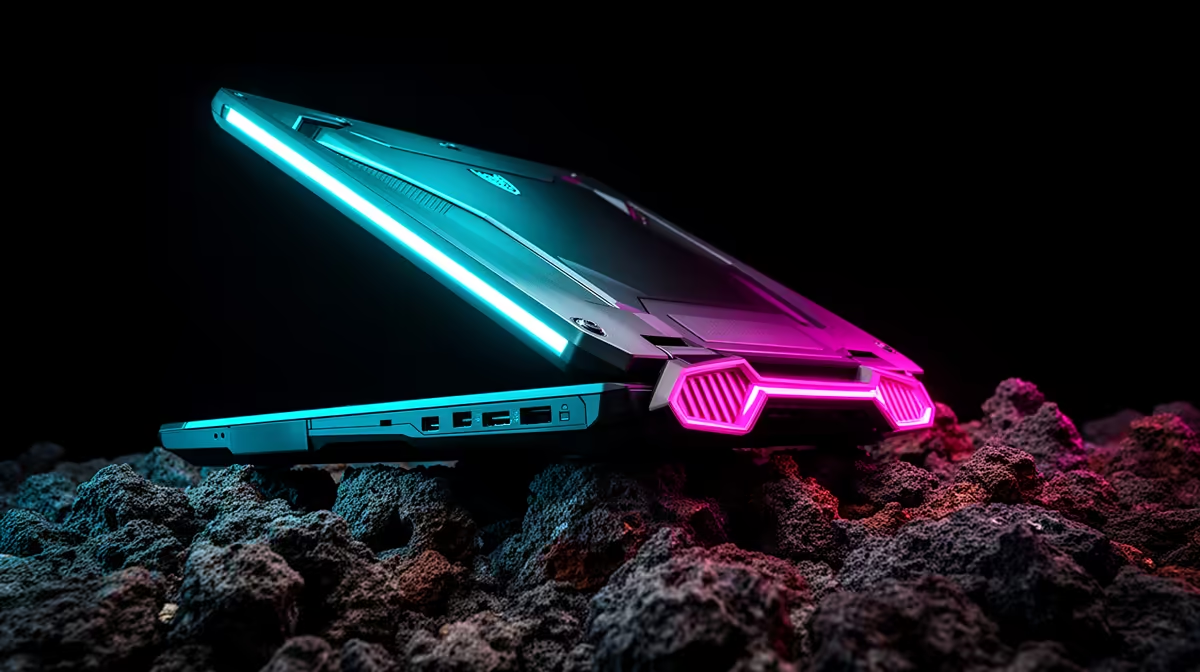
Ever felt the tug-of-war between Windows’ gaming prowess and Linux’s raw, unadulterated efficiency? South African tech enthusiasts and serious gamers know the struggle. What if you didn't have to choose? Imagine a single, robust machine that lets you seamlessly switch between your favourite AAA titles and powerful development environments. We're talking about taking control to optimise performance with dual boot Windows and Linux rugged laptops.
For years, the debate raged: Windows or Linux? For many South Africans, the answer isn't "either/or" but "both." Dual-booting allows you to harness the best of both operating systems on a single, powerful device. Picture this: you're crushing opponents in an online skirmish on Windows, then a quick reboot takes you to a streamlined Linux environment for coding, data analysis, or graphic design – all without skipping a beat. This versatility is especially potent when paired with the durability of a rugged laptop, designed to handle the bumps and spills of life, from loadshedding-induced power surges to dusty workshop environments. If you're looking for robust machines, check out the latest laptop specials for sale in South Africa at Evetech.
Let's be honest, Windows remains the undisputed champion for PC gaming. Its vast ecosystem, unparalleled driver support for graphics cards, and compatibility with the latest titles make it indispensable for any serious gamer. From Cyberpunk 2077 to Call of Duty, Windows ensures you get the frames and features you expect. Beyond gaming, it’s the standard for professional software suites like Adobe Creative Cloud and Microsoft Office, making it a reliable daily driver for most. When you need that pure gaming power, Windows delivers. Explore Evetech's best gaming laptop deals to find your next battle station.
Switching gears, Linux offers a completely different, yet equally compelling, experience. It’s renowned for its efficiency, security, and open-source flexibility. For developers, sysadmins, or anyone who values a highly customisable and resource-light operating system, Linux is a dream. You can run demanding applications with fewer system resources, giving you more power for the task at hand. Need to spin up a virtual machine, compile complex code, or simply enjoy a snappier browsing experience? Linux excels. Its robust security features also offer peace of mind, especially when dealing with sensitive data. Whether you prefer the raw power of AMD laptops on special or the tried-and-tested reliability of Intel laptops on special, Linux runs beautifully on both architectures.
Before you install, always back up your data! Then, ensure you allocate enough disk space for both Windows and your chosen Linux distribution. A minimum of 100GB for each OS is a good starting point, especially if you plan to install many applications.
Why combine this powerful dual-boot strategy with a rugged laptop? Simple: reliability. Rugged laptops are built to military standards, designed to withstand drops, vibrations, dust, extreme temperatures, and even spills. This means your carefully configured dual-boot system is housed in a fortress. In a country where unexpected power cuts can interrupt work or play, or where you might be working outdoors or in challenging industrial environments, a rugged machine ensures your critical data and operating systems remain intact and accessible. It’s the ultimate peace of mind for those who demand uncompromising performance and durability.
Setting up a dual-boot system isn't as daunting as it sounds, but it does require careful planning. Here’s a quick roadmap:
Once your dual-boot system is up and running, a few strategies can help you truly optimise performance with dual boot Windows and Linux rugged laptops.
By embracing the power of dual-booting on a rugged laptop, you’re not just getting two operating systems; you’re unlocking a new level of flexibility and performance tailored to your exact needs. Whether you're a hardcore gamer, a dedicated developer, or a professional who needs a machine that won't quit, this setup offers the ultimate in versatility and resilience.
Unleash Your Laptop's Full Potential Ready to experience the best of both worlds? Explore Evetech's extensive range of high-performance laptops, perfect for creating your ultimate dual-boot setup. Shop now at Evetech for performance that leaves lag in the dust.
Yes! Our rugged laptops are built for seamless dual boot operation.
Dual boot systems provide isolated secure environments for both OS platforms.
Look for at least 8GB RAM and NVMe storage for optimal dual OS performance.
Minimal price increase for dual system rugged laptops with high ROI potential.
Custom partition and OS prioritization options available during purchase.
Routine driver updates ensure both OS environments maintain peak performance.
Select models offer factory-installed Windows and Linux dual boot configurations.
AIO Liquid 240mm Setup and Configuration. Clear setup instructions with SA-specific considerations, troubleshooting tips & recommended components.
Read more
Setting Up DDR5 64GB Kit. Tested & verified settings for best FPS and visual quality on SA hardware budgets.
Read more
Overwatch 2 Setup Guide Gamers. Clear setup instructions with SA-specific considerations, troubleshooting tips & recommended components.
Read more
R and RStudio on Mac: Data Science Setup Guide. Clear setup instructions with SA-specific considerations, troubleshooting tips & recommended components.
Read more
NVIDIA Broadcast Setup with GPU: Streamer Guide. Clear setup instructions with SA-specific considerations, troubleshooting tips & recommended components.
Read more
Core Ultra 7 265K Temperature Guide: Normal Range. Complete product range with SA pricing, key specs & recommendations for different budgets.
Read more
AMD RX 9050 XT: Rumoured Specs, Price & Release. SA-focused analysis with local pricing data, real-world insights & actionable buying advice.

Can RTX 4080 Super Run AI Workloads for SA Developers Detailed answer with SA data, expert analysis & practical recommendations for local buyers.

Can RTX 4090 Run AI Workloads for SA Developers Detailed answer with SA data, expert analysis & practical recommendations for local buyers.

Top Settings for Intel Arc B580 at Ultrawide 1440p picks evaluated on performance, value & SA availability with current Rand pricing from Evetech.

RTX 4060 CS2 Low Settings at 1080p: FPS Results. Real-world benchmark data, FPS numbers & performance analysis. What SA gamers can actually expect.

Visual Artifacts: Possible GPU Issue Issue #1. Diagnosis steps, proven fixes & when to seek professional help. SA-specific support info included.

Can the RTX 4090 Handle 1440p 144Hz Gaming. Performance testing verdict with real data & practical recommendations for SA buyers.

Top ASUS GPU Under R15000 picks evaluated on performance, value & SA availability with current Rand pricing from Evetech.

GTA 6 Max Settings on RTX 5070. Tested & verified settings for best FPS and visual quality on SA hardware budgets.

Cyberpunk 2077 Max Settings on RTX 5080. Tested & verified settings for best FPS and visual quality on SA hardware budgets.

Starfield Max Settings on RTX 5070 Ti. Tested & verified settings for best FPS and visual quality on SA hardware budgets.

Top RTX 5090 Under R5000 picks evaluated on performance, value & SA availability with current Rand pricing from Evetech.