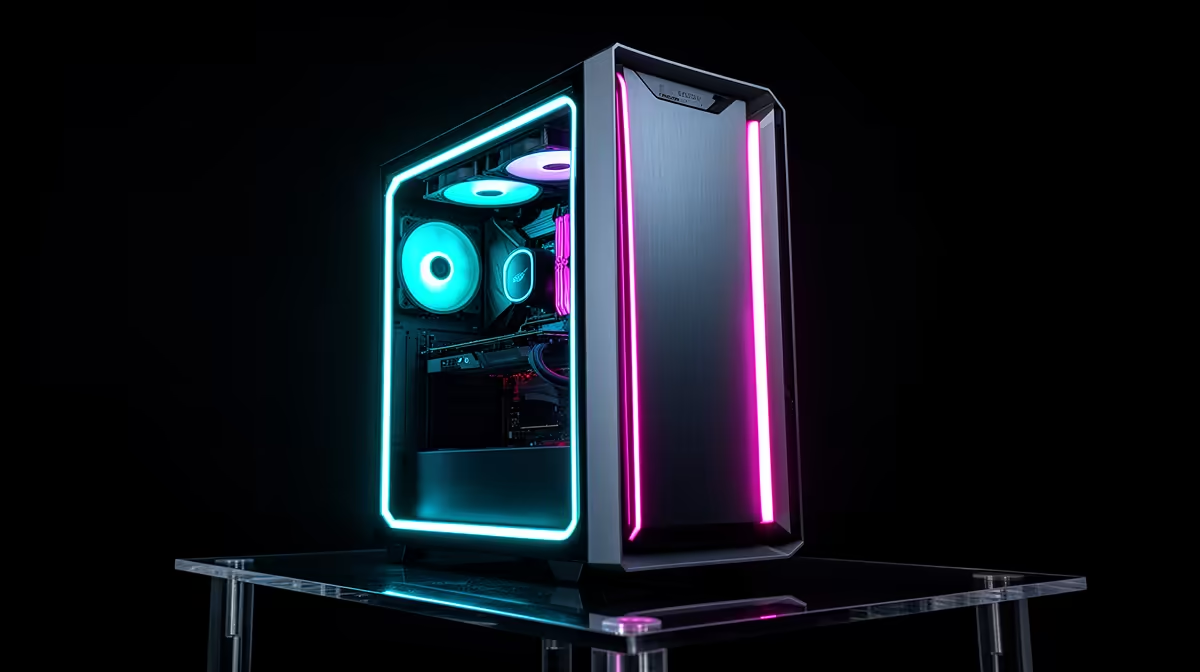
You do not have to choose between Windows and Linux for gaming. You can keep both and pick at boot. Dual-booting Windows and Linux for gaming lets Windows handle the handful of titles locked behind kernel-level anti-cheat, while Linux runs the vast majority of your Steam library through Proton, often at the same frame rate or better. Each system lives on its own partition, and a menu at startup lets you choose. It is the pragmatic setup for a gamer who wants Linux without abandoning the games that still demand Windows.
Quick Answer
Dual-booting installs Windows and Linux on separate partitions of the same drive, with a boot menu letting you pick at startup. The point is coverage: Windows runs the small set of multiplayer titles whose kernel anti-cheat blocks Linux, while Linux handles the roughly 90% of Steam games that run well through Proton, sometimes 1 to 3% faster than Windows thanks to leaner system overhead.
Why Dual-Boot Instead Of Picking One
Linux gaming in 2026 is genuinely good. Proton, Valve's compatibility layer, runs most Windows games on Linux transparently, and big single-player titles like Cyberpunk 2077, Elden Ring, and Alan Wake 2 play flawlessly. On identical hardware Linux often loses no more than a couple of percent of frame rate, and sometimes wins because it carries less background overhead. The catch is multiplayer. A number of live-service titles use kernel-level anti-cheat that either refuses to run on Linux or is not enabled by the developer for it. Dual-booting solves this without compromise: Linux for everything that works, which is most of your library, and Windows kept ready for the specific competitive games that still require it.
Choosing Your Linux Side
The distribution you pick shapes how smooth the experience is. For a gamer coming from Windows, a gaming-focused distro saves enormous setup time.
Bazzite, The Easy On-Ramp
Bazzite, built on Fedora Atomic, ships pre-configured for gaming: Steam, Proton, and graphics drivers including NVIDIA are ready out of the box, and it offers a console-style interface that feels familiar to anyone who has used a Steam Deck. For most people switching over, it is the path of least resistance.
Other Solid Choices
Linux Mint is a gentle, traditional desktop that runs games well once you add Steam, and Ubuntu remains a dependable, widely documented base. The key practical point is that all of them run Proton, so your Steam library behaves the same regardless of which you choose; the difference is in how much initial configuration each demands.
Setting Up The Dual-Boot Safely
The order matters and a few habits prevent grief. Back up anything important first, because partitioning carries risk. The cleanest approach is to install Windows first, then install Linux second, because the Linux installer's boot manager, GRUB, will detect Windows and add it to the boot menu automatically. Give each system its own partition with enough room for games, which eat space fast. At startup the GRUB menu lets you pick Linux or Windows; if you spend most of your time in Linux, set it as the default and Windows is two keypresses away when a kernel-anti-cheat game calls for it.
Handling UEFI and Secure Boot
Modern systems use UEFI firmware rather than the older BIOS, and Windows 11 is built around Secure Boot. Most current Linux distributions, including Ubuntu and Bazzite, support Secure Boot with signed kernels, so you can leave it enabled in most cases. Where you run into trouble is with kernel-level anti-cheat on the Linux side: some competitive titles require Secure Boot to be active, while others demand it be off. Check what the games you care about need before you configure the EFI partition. The EFI System Partition is shared infrastructure between Windows and Linux, so mount it during Linux installation without formatting it to preserve the Windows bootloader.
Fast Startup and Shared Drives
One gotcha on Windows is Fast Startup. This feature leaves the Windows partition in a semi-hibernated state when you shut down, which can prevent Linux from mounting shared drives correctly. Disable Fast Startup in Windows power settings before you finish setting up the dual-boot, particularly if you plan a shared data partition for large game installs.
A Note On Hardware
A dual-boot setup rewards a roomy SSD, because two operating systems plus two sets of games consume storage quickly. A capable GPU and plenty of RAM matter on both sides equally. If you are building or upgrading for this, the best-selling gaming PCs with South African buyers give a sense of the spec that handles modern titles on either OS.
Keeping Both Systems In Good Shape
Once the dual-boot is running, a few practices keep it smooth over time. Update each system independently and keep the GRUB bootloader healthy by running an update command in Linux after any major kernel change. If Windows ever pushes a feature update that resets the boot order, you can restore GRUB from a live USB in minutes. Keeping game installs on a shared data partition where practical means you are not duplicating large downloads across both systems, though some games behave better installed natively on each side.
Frequently Asked Questions
Do all my Steam games work on Linux?
Most do. Proton runs roughly 90% of Steam titles, including major single-player games, often at frame rates within a couple of percent of Windows. The main exceptions are multiplayer games with kernel-level anti-cheat, which is exactly why you keep Windows on the dual-boot.
Why install Windows before Linux?
Installing Windows first, then Linux, lets the Linux boot manager detect Windows and add it to the startup menu automatically. Doing it the other way around can leave Windows overwriting the boot menu, which means extra repair work to get the dual-boot menu back.
Will dual-booting slow down my games?
No. Each operating system runs natively on its own partition with full access to your hardware, so there is no performance penalty from having both installed. Linux often matches or slightly beats Windows on the same machine because it carries less background overhead.
Do I need two separate drives?
Not necessarily. You can dual-boot on a single drive by creating separate partitions, though a large SSD helps because two systems and two game libraries fill space quickly. Two drives, one per OS, is cleaner if you have the slots and budget.
Can I share game files between Windows and Linux?
To a degree. You can keep game data on a shared partition to avoid downloading the same large titles twice, though some games behave better installed natively per OS. A shared data partition is the common compromise for big libraries.
Dual-booting gives you Linux for almost everything and Windows for the anti-cheat holdouts, with no performance cost on either side. If you are building or upgrading a rig to run both well, browse the gaming PC range at Evetech and set up a machine ready for the best of both worlds.