

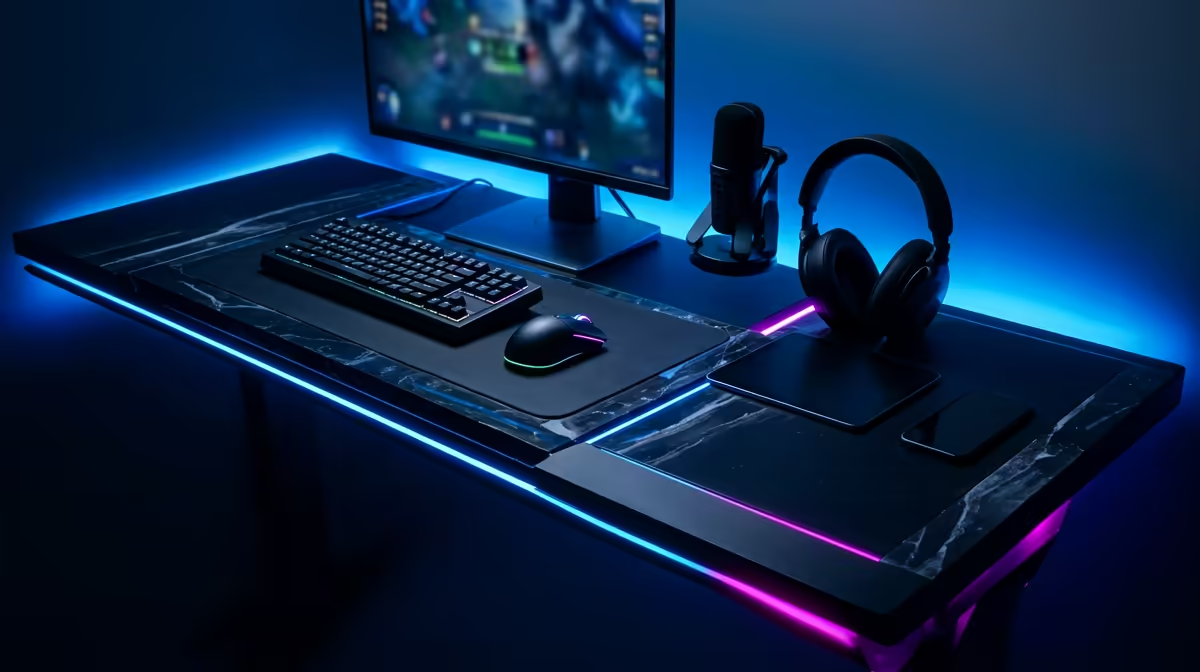
Dreaming of hitting 'Go Live' but worried your gaming rig can't handle the heat? You're not alone. Many South African gamers want to share their epic plays, but building a powerful dual-purpose machine feels complicated and expensive. The good news? It doesn't have to be. Crafting the ultimate streaming and gaming setup in South Africa is totally achievable, and this guide will show you exactly where to focus your budget for maximum impact. Let's get you broadcast-ready. 🚀
The Heart of Your Dual-Purpose Setup
When you're only gaming, the graphics card (GPU) does most of the heavy lifting. But when you start streaming, the game changes. Your processor (CPU) suddenly has a second, massive job: encoding your gameplay in real-time and sending it to platforms like Twitch or YouTube. This is the core challenge of any dual-purpose gaming and streaming setup.
A weak CPU will lead to dropped frames, a laggy stream, or poor in-game performance… a frustrating experience for both you and your viewers.
For a smooth experience, look towards CPUs with more cores and threads. An Intel Core i5 or AMD Ryzen 5 is a decent starting point, but a Core i7/Ryzen 7 or higher is the sweet spot for a high-quality streaming and gaming setup in South Africa. This investment ensures your PC can juggle a high-fidelity game and a 1080p stream without breaking a sweat. Pair it with at least 16GB of fast RAM, though 32GB is becoming the new standard for serious multitaskers.
Crystal Clear: Why Your Webcam and Mic Matter Most
You could have the most powerful PC in the country, but if your audience can't see or hear you clearly, they won't stick around. Your camera and microphone are your direct connection to your viewers, making them two of the most critical parts of your setup.
Look the Part
Forget using your old phone… the quality just isn't there. A dedicated webcam is a non-negotiable first step. You don't need to spend thousands of Rands on a DSLR right away. Investing in a quality webcam that supports 1080p resolution and 60 frames per second will make you look crisp and professional from your very first stream. Good lighting (which we'll cover next) can make an affordable webcam look like a premium one.
Sound Like a Pro
Here's a golden rule of streaming: viewers will tolerate a glitchy camera, but they will click away instantly for bad audio. Your headset mic might be fine for Discord, but it often sounds muffled and picks up background noise. A dedicated USB microphone is an affordable, plug-and-play upgrade that provides rich, clear audio, making you sound confident and professional. It’s one of the best Rand-for-Rand upgrades you can make to your gaming setup for streaming.
Pro Tip on South African Internet ⚡
For streaming in SA, upload speed is king. A stable fibre connection is ideal. Aim for at least 5-10 Mbps upload speed for a reliable 1080p stream. Before you go live, run a speed test and configure your streaming software (like OBS Studio) bitrate to about 75% of your total upload speed to avoid buffering.
Setting the Scene: Lighting and Control ✨
With your core hardware and AV sorted, it's time to create the vibe. This is what separates a basic setup from a memorable one. Great lighting and smart peripherals not only improve your production quality but also make streaming more fun and efficient.
Let There Be Light
Proper lighting is the secret ingredient that makes webcams look amazing. A simple "key light" (your main light source) positioned in front of you can eliminate shadows and dramatically improve your camera's image quality. You can start with a simple ring light. To add depth and personality to your background, consider adding some colour with ambient lighting kits from brands like Cololight, which can be customised to match your brand or in-game events.
Take Command of Your Stream
Switching scenes, muting your mic, playing sound alerts, or shouting out a new follower... doing this mid-game can be a clumsy mess of Alt-Tabbing. This is where a stream controller, like the famous Elgato Stream Deck, comes in. These devices give you a panel of customisable LCD buttons to trigger actions instantly. Many streamers also rely on programmable keyboards and mice, with gear from a trusted brand like Corsair offering powerful macro customisation through its iCUE software.
Your South African Streaming Blueprint 🔧
Building the perfect streaming and gaming setup in South Africa is a journey, not a destination. You can start small and upgrade components over time.
Here’s a quick recap of the priorities:
- PC Core: Prioritise a strong CPU (6+ cores) and at least 16GB of RAM.
- Audio: A dedicated USB microphone is your most important peripheral.
- Video: A solid 1080p webcam is your next essential purchase.
- Ambiance: Good lighting and smart controls elevate your stream from amateur to pro.
Focus on getting these fundamentals right, and you'll have a rock-solid foundation for building an audience and sharing your passion. When you're ready to find the right components, you can browse a full range of streaming essentials to fit any budget.
Ready to Go Live? Building your dream streaming and gaming setup in South Africa is an exciting first step. It’s not just about specs… it’s about creating content you’re proud of. Explore our curated range of streaming essentials and find the perfect gear to launch your channel today.











