An engineering student should choose a photo-editing PC around the largest image files, editing software and engineering applications used in the same term. A balanced processor, enough memory, fast SSD and suitable display matter more than a creator label. Portability may decide between a laptop and a fixed desk.
Combine both course workloads
List the photo editor, CAD or analysis tools, largest projects and required operating system. Open a representative image catalogue while the normal engineering software and browser tabs remain active. Watch memory use, preview speed and export time to reveal the real headroom needed.
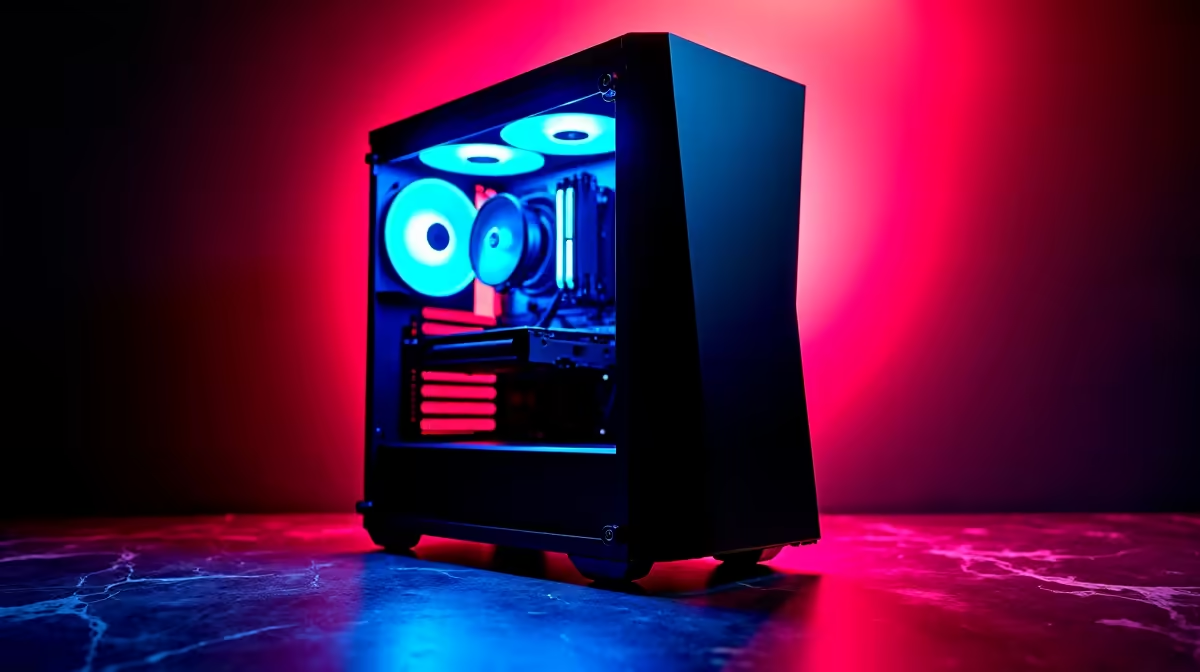
The Minisforum UM750L mini PC is listed with a Ryzen 5 7545U processor, 16GB memory and a 1TB SSD at R4,600. It is a balanced factpack option for a fixed desk. Verify every course application, operating-system inclusion, display outputs, upgrade conditions and warranty before purchase.
For the screen, the AOC U27G42 27-inch 4K monitor is listed at R4,819. Resolution alone does not prove colour suitability, so confirm colour coverage, calibration controls and connections for the intended photo workflow.
Keep original images and assignments in versioned backups. Run one complete edit, export and engineering practical before choosing. Repeat after major software updates. The best computer handles both courses without forcing constant file shuffling or application closures.
Building a dual-purpose study desk? > Compare Evetech desktop PCs by processor, memory, storage and display support.