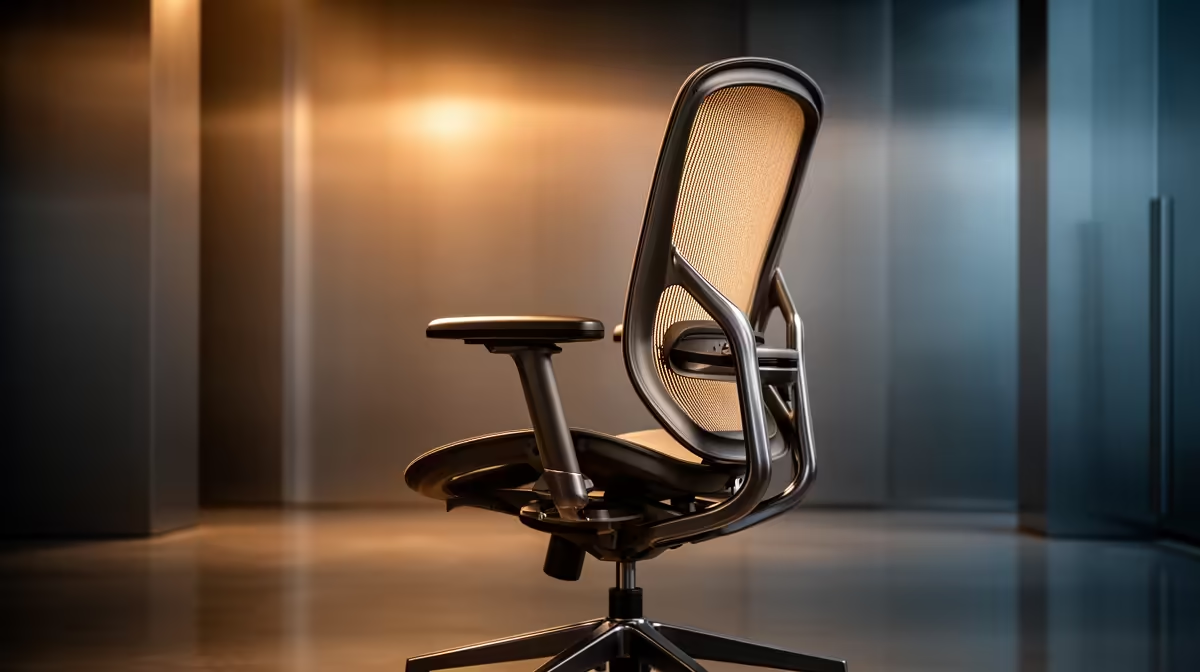
A spreadsheet-heavy desk needs a chair that fits the user, clears the work surface and supports posture changes through long review blocks. The number of rows does not determine the chair. Seat depth, back support, armrest position and stable feet matter during data entry, reconciliation and meetings.
Test a verified chair candidate
The verified GAMDIAS ZELUS E5 chair costs R1,540 and provides a specific option for a physical trial. Review the latest ZELUS E5 measurements, adjustment details and weight guidance before the spreadsheet-desk trial. Adjust the seat so the feet stay supported and the edge leaves space behind the knees. Armrests should allow the chair to approach the keyboard without lifting the shoulders. Test typing and mouse movement for at least twenty minutes.
Correct the complete workstation
Place the main spreadsheet display where the neck remains neutral and keep the mouse near the keyboard. If the desk height leaves the feet unsupported, add a correctly sized footrest. Alternate data entry with review and short movement breaks. Recheck chair fasteners after assembly and keep cables away from the wheels. The chair cannot solve slow formulas or insufficient computer memory, so benchmark the workbook separately. Persistent pain, tingling or weakness requires qualified health advice. Record the preferred seat and armrest positions beside the desk so shared-office adjustments can be reversed before the next reconciliation session.
Improving a spreadsheet workstation? > Compare Evetech chairs around body measurements, then review the computer and display as separate needs.