Quick Answer
On a premium 360mm ARGB liquid cooler, the features that genuinely affect your experience are coldplate quality, pump generation, fan blade design, radiator fin density, ARGB lighting integration, and software compatibility. Display heads and sleeved tubing are secondary aesthetic features that do not affect thermal performance.
Coldplate, Pump, and Radiator: The Thermal Core 🔧
The coldplate is where heat transfers from the CPU IHS into the coolant. Premium 360mm AIOs use copper micro-fin or micro-channel coldplates with mirror-polished contact surfaces, which reduce interface resistance by up to 15% compared to plain copper blocks. Pump quality determines how quickly heated coolant moves to the radiator. Units using Asetek 8th gen pumps or proprietary high-flow pumps from ASUS ROG (the Ryujin III uses a dual-impeller design) cycle coolant more frequently, reducing thermal soak on the coldplate. Radiator fin density at 20 to 22 FPI with a 27mm to 38mm thick core maximises surface area for heat exchange. Premium 360mm units in South Africa fall in the R2,800 to R4,500 range, and spending more within that bracket mainly buys better pump and coldplate engineering.
ARGB Fan Design and Lighting Integration 💡
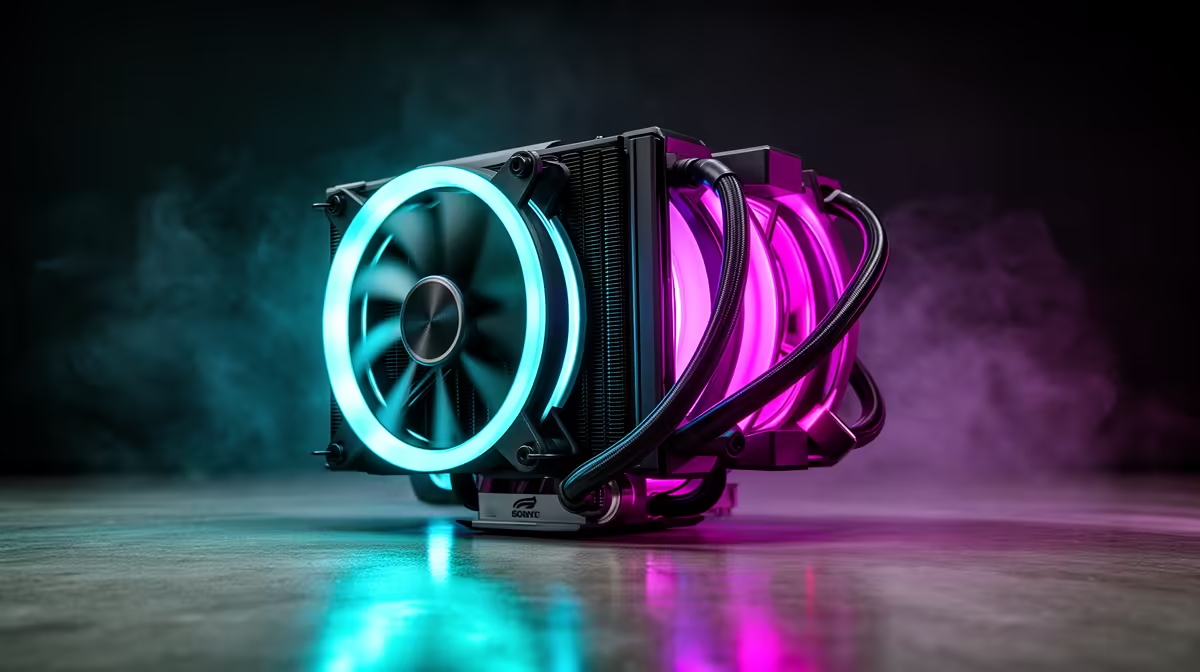
Premium ARGB fans on a 360mm AIO use translucent blades with addressable RGB LEDs on the hub and ring, creating uniform glow patterns visible through the fan shroud. High-end fans like the ASUS ROG AF 12S feature an illuminated outer ring that blends with the radiator edge, making the entire cooling surface glow as one unit. Better fans use dual ball bearing or fluid dynamic bearing designs rated for 50,000 hours rather than the sleeve bearings found in budget units. ARGB integration requires a 5V ARGB header on the motherboard for sync with Aura Sync, Mystic Light, or RGB Fusion, depending on your board brand. Ensure your motherboard has at least one 5V 3-pin ARGB header to avoid relying on a standalone controller.
Display Heads, Sleeved Tubing, and Software Features ✨
Pump head LCD or AMOLED displays show real-time CPU temperature, fan RPM, and custom images. The ASUS Ryujin III 360 includes a 3.5-inch LCD; the Corsair iCUE Link H150i uses a smaller round LCD. Sleeved tubing does not affect cooling but resists kinking and looks more polished than bare tubes in a windowed case. Software quality matters: iCUE from Corsair and Armoury Crate from ASUS both allow per-fan curve tuning, pump speed locking, and ARGB effect programming from a single interface. Check that the cooler's software does not conflict with your motherboard's own RGB and fan control suite before committing to a brand.
Lock Pump to 100% for Sustained Workloads ⚡
Many premium AIOs default to a silent pump curve that reduces flow rate at idle and light loads. For sustained gaming sessions or workstation tasks on a Ryzen 9 9900X or Core i9 equivalent, set pump speed to 100% fixed in the companion software to maintain consistent coolant circulation and prevent gradual temperature creep during long sessions.
FAQ
Does a premium 360mm AIO cool significantly better than a budget 360mm?
Generally by 5 to 8 degrees Celsius on high-TDP CPUs, primarily due to better coldplate contact and higher pump flow rate. Budget 360mm units perform similarly on mid-range CPUs with lower power draw.
What ARGB header does a 360mm AIO typically require?
Most premium ARGB AIOs use a 5V 3-pin ARGB header for motherboard sync. Some also include a proprietary USB header for software control independent of the motherboard's RGB controller.
How long does a premium 360mm AIO typically last?
Pump lifespan on Asetek 8th gen and comparable premium pumps is rated at 60,000 to 70,000 hours. Coolant may benefit from a flush and refill around the five to seven year mark, though most sealed AIOs are not designed for user servicing.
Ready to spec a premium AIO for your build?
Evetech stocks a wide range of 360mm ARGB liquid coolers with full feature and compatibility details on every product listing, including socket support and software bundle information.