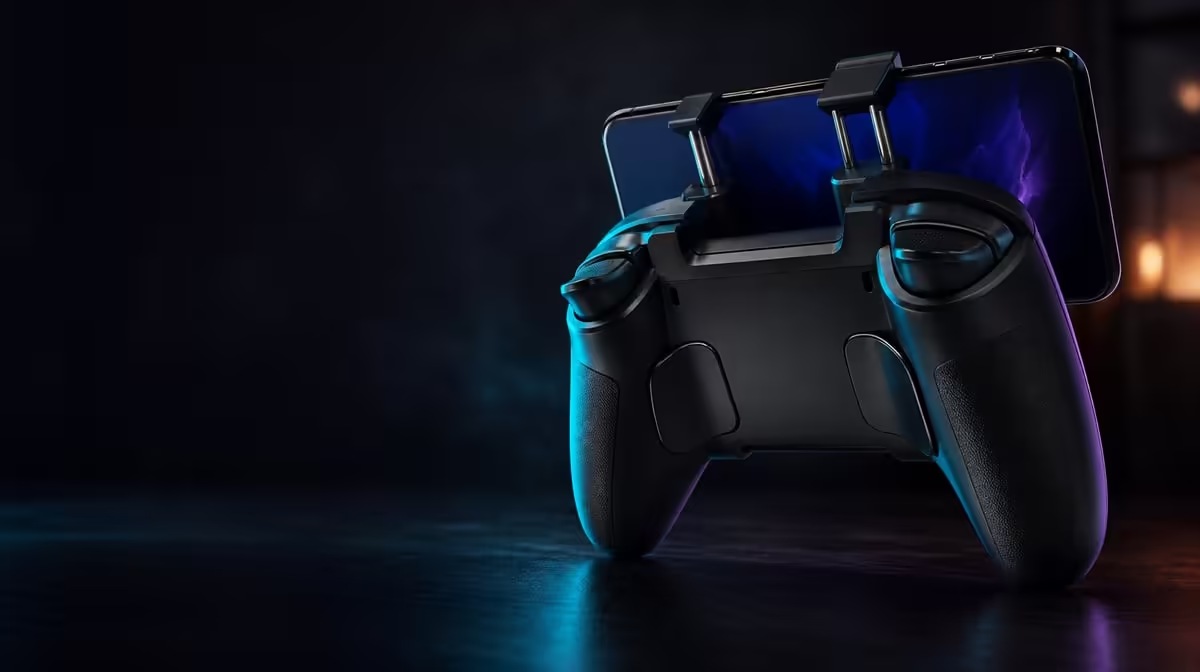
Customisation is useful when it removes a repeated annoyance and remembers the solution. The GameSir X5s customisation features cover physical ABXY changes, software mappings and Turbo, all inside a R699 controller that also carries Hall sticks and tri-mode connectivity. The key is to keep labels, actions and repetition separate so a profile remains understandable.
Quick Answer
The R699 GameSir X5s can change its visible ABXY arrangement, supported digital mappings and Turbo behaviour. Save a default profile, photograph the original button caps and alter one layer at a time. Connection and game recognition must work before customisation is judged.
🔤 Swappable ABXY changes what the player sees
Physical button caps communicate a layout convention. If a game's prompt says one letter while the player expects another position, hesitation can follow even when the digital action is technically correct.
Record the original cap order before moving anything. Decide which convention the target game or platform uses, rearrange the physical letters and inspect the result. Do not remap digital actions during the same step.
Press each position in a neutral menu and write down the command. If labels are now clear but the game action is wrong, the physical layer has done its job and software should address the next layer.
Repeat the check inside gameplay. Some titles use one assignment for menus and another for play, so a successful interface test is only half of the layout audit. Keep the cap arrangement unchanged while inspecting the second context.
Swappable caps are most useful for players who move among games or devices with different conventions. A player who never checks labels and stays with one familiar layout may leave them unchanged. That conditional value is honest and still useful.
The Evetech gaming controller category provides a place to compare layout flexibility within the full control package.
🗺️ Software mapping changes the command
A mapping determines which action a button sends. Start with the most important mismatch, change only that assignment and test it in both the game's menu and normal play. Some titles maintain separate interface and gameplay controls.
Create distinct profiles where Android and PC prompts differ. Name each profile by device and game rather than by vague version numbers. Preserve an untouched baseline that proves default input worked before customisation.
Software can also organise supported stick or motion settings, but those should have named goals. "Reduce near-centre overshoot" is a testable aim. "Tune everything" invites changes that have no success condition.
Keep a change log with three items: old value, new value and reason. If the result is worse, restore the old value rather than adjusting two more settings to compensate. This tiny record protects a working profile from gradual confusion.
Test Hall stick settings with gyro disabled, then calibrate motion separately. Physical movement can make a stable stick appear off centre, while a large deadzone can hide the fine control gyro was meant to complement.
Hall Effect sticks should be checked at neutral before deadzone changes. Six-axis gyro should be calibrated while still before motion response is adjusted. Keeping each task narrow prevents one custom profile from masking a problem elsewhere.
⚡ Turbo changes repetition, not meaning
Turbo repeats an assigned input. It does not change the printed ABXY letter and does not select a different command. This makes it a third customisation layer.
Choose one suitable action in a controlled scene. Enable Turbo and watch several repetitions, then switch the function off and verify ordinary one-press behaviour. If repetition creates more confusion than convenience, leave the feature out of that profile.
Avoid adding Turbo to several buttons at once. Unexpected repeated input is easier to diagnose when only one assignment can cause it. Keep a note of the profile and action so it does not surprise the player in another game.
Review Turbo after a normal session. A feature that looked helpful in a short test may create accidental commands during fast play. Keeping or removing it should be based on the repeated task, not the satisfaction of seeing it work once.
The X5s also includes HD Vibration. Feedback can make a repeated action feel more intense, but it does not prove that the digital repeat rate changed. Separate physical sensation from command behaviour.
Browse Evetech gaming accessories after the custom controls work predictably.
🔌 Profiles should follow stable setups
Three routes connect the X5s: Bluetooth, USB-C and receiver-based 2.4GHz. Confirm device recognition and default input over the chosen path before loading a custom profile. If every command disappears, investigate connection and game support rather than remapping buttons.
Bluetooth makes sense for receiver-free Android use. USB-C provides a direct comparison. The 2.4GHz option needs a compatible dongle that is not included, which adds another item to the receiver-based setup beyond the R699 controller.
After a connection change, load the intended game profile and run an end-to-end check: navigate a menu, perform each important action, move the sticks, press the triggers and test the single Turbo command if used.
Create a profile lifecycle rather than keeping endless versions. Start from default, make changes for one named purpose, verify the full input sequence and archive the result in your notes. If the purpose disappears, return to baseline instead of carrying obsolete settings forward.
Separate Android and PC profiles can be valuable when prompts differ. Preserve the working version for one platform while building the other, and do not use one shared profile as a battleground between two conventions.
Finish every custom profile with a reset drill. Return to the untouched baseline, prove that default controls still work, and then reload the personalised version. A customisation system that cannot be reversed confidently adds friction rather than removing it. The X5s tools are most valuable when changes remain deliberate, documented and easy to compare.
The best customisation system is reversible. Keep the cap diagram, default profile and purpose of every custom profile. Delete the urge to change a working setting simply because another option exists.
At R699, the X5s offers physical and digital flexibility without requiring a separate premium model. Its value appears when customisation shortens setup and reduces errors. The Evetech accessory favourites page can help complete the wider space after the controller profile is settled.
Frequently Asked Questions
What changes physically on the X5s?
The ABXY button caps can be rearranged to match a preferred visible convention. This does not automatically change the digital commands.
How does remapping differ from Turbo?
Remapping assigns a different action, while Turbo repeats a suitable assigned action. Configure and test them separately.
Why preserve the default profile?
It proves the original input state and provides a safe return point when a custom mapping or response adjustment behaves poorly.
Do connection modes replace profiles?
No. Connections establish the input path, while profiles organise supported mappings and settings. Confirm the path before loading custom controls.
How much is the customisable X5s?
The GameSir X5s costs R699, including swappable ABXY buttons, Turbo and software customisation.
Ready to customise with a clear purpose and a safe reset?
Explore Evetech gaming controllers and choose physical and software controls that simplify the games you actually play.