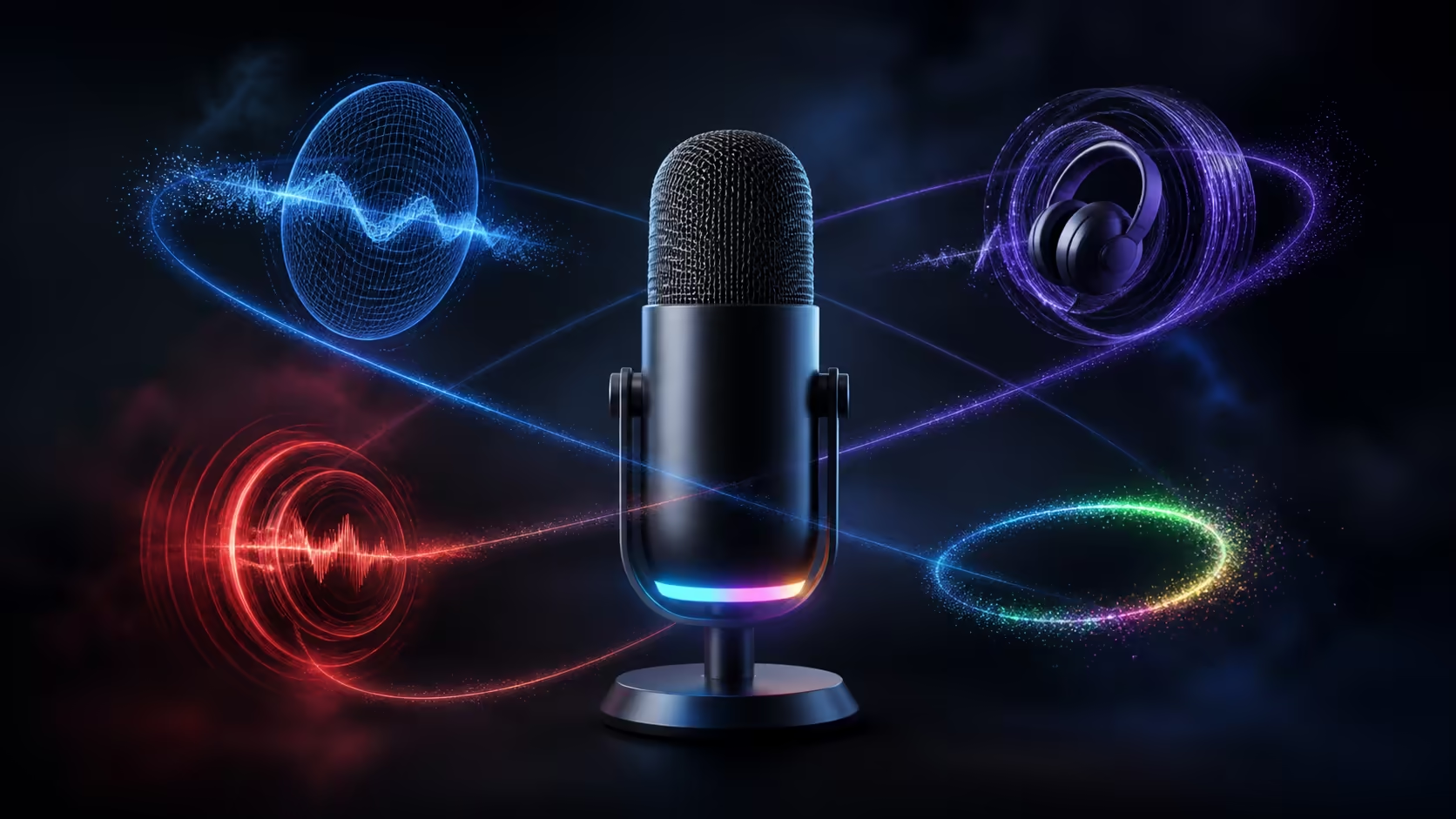
Feature lists become useful only when every item is linked to a specific job. USB microphone noise reduction, monitoring, mute and RGB address four different needs: unwanted signal, live feedback, immediate silence and desk appearance. The R299 MARVO Blast 50 combines all four, but its cardioid pickup and wired computer connection remain the foundation of the audio path.
Quick Answer
Treat pickup and USB connection as the capture base, noise reduction as cleanup, monitoring as feedback, mute as interruption control and RGB as visual styling. The R299 Blast 50 brings these functions together with a 3.5mm headphone jack, so buyers can judge each feature by how often it serves their actual routine.
🎙️ Begin with pickup and connectivity
Cardioid pickup favours the person speaking towards the front. It creates useful directional separation only when the microphone is close, correctly aimed and arranged so distractions do not occupy the same front area. The pattern cannot compensate for speech delivered into the rear or from across the room.
USB 2.0 Type-A describes the Blast 50's computer route. Confirm a usable port, seat the connector securely and keep the cable away from mouse movement or stand adjustment. The operating system and each voice application must then select the device as input.
These two functions answer the first questions: what should the microphone hear, and how does that signal enter the computer? Everything else sits around this core. Evetech's microphone range lets buyers compare those fundamentals before counting secondary features.
Create a clean baseline recording with close, normal speech and no optional software processing. Include a pause, a quiet sentence and a louder reaction. This reference makes the effect of every later control audible.
🧹 Use noise reduction after physical control
Noise reduction manages unwanted signal that remains in the captured audio. It works more naturally when the original source already favours voice through distance and direction. Treat it as refinement rather than permission to place the microphone far away.
Test processing on steady room sound, keyboard use and spoken pauses. Increase it cautiously and listen for damaged consonants, disappearing word endings or a background that changes unnaturally between phrases. The best setting makes a relevant distraction less prominent without calling attention to the processing itself.
Some unwanted sound follows a mechanical path. A desk bump travelling through the microphone support needs a stable mounting position before reduction is considered. Likewise, a loudspeaker feeding game or call audio into the room should be replaced by private listening for the test.
🎧 Separate monitoring from mute
Real-time monitoring provides immediate information. Through the 3.5mm jack, the speaker can hear distance changes, breath impact and incidental desk sound while the performance continues. Keep volume comfortable and focus on issues worth correcting rather than every tiny detail.
One-touch mute deliberately stops input. It belongs in the workflow for a cough, private remark or short interruption, not as a tool for repairing background noise that has already occurred. Practise a state check before returning so quick silence does not become an accidental long absence.
Monitoring and mute can be tested together. Record a short passage, interrupt it with a deliberate desk movement while muted, confirm the state and resume. The file should contain a clean break rather than the sound of the movement or an uncertain silent response.
Headphone comfort affects how consistently monitoring is used. Evetech's gaming headset category offers private-listening options for long calls, gaming and creation.
🎨 Put RGB in the correct part of the decision
RGB changes the visual presentation of the microphone and desk. It can support a camera-ready theme or personal preference, but it has no role in pickup direction, noise control or voice clarity. Evaluate the audio with your eyes closed before deciding how much visual styling matters.
The fact that RGB is included at R299 means it does not need to displace the Blast 50's practical features in this particular comparison. For another microphone, however, do not accept missing monitoring or an unsuitable connection solely for lighting.
Build a feature priority list
Rank the functions by use: capture, connection, feedback, interruption control, cleanup and appearance. A streamer may value monitoring daily; a short-take narrator may rely more on playback; a caller may prize mute. The correct order follows behaviour, not marketing prominence.
Test every feature in one rehearsal
Connect the Type-A cable, choose the microphone in the application and record normal commentary. Use the 3.5mm jack to monitor a change in distance, then press mute during a planned interruption. Add realistic keyboard and room sound before judging noise reduction.
Save the application file and replay it at a sensible level. Monitoring explains technique, while playback shows the captured result. Confirm that mute produced silence and that processing did not remove quiet word endings.
Separate feature interaction from feature count
Cardioid pickup and close placement improve the voice-to-room relationship before reduction acts. Monitoring helps the user preserve that position. Mute handles events too obvious or brief for cleanup. These functions support one workflow rather than operating as isolated badges.
RGB belongs to camera framing and desk styling after the audio route works. Set it last, then make sure the visual preference does not encourage an awkward microphone position.
Build profiles for different users
A streamer can weight monitoring and mute highly. A narrator may favour steady cardioid capture and playback comparisons. A remote worker can prioritise easy USB connection and private interruption control. Score the same R299 feature set against each actual routine instead of calling every function equally important.
Revisit the score after several sessions. A feature that saves a stream every week deserves more weight than one admired during setup but never touched. Keep one reference recording so perceived improvements can be compared with actual voice clarity.
Keep the feature score and update it only after enough real sessions reveal a change in use.
Frequently Asked Questions
What does microphone noise reduction try to control?
It reduces unwanted captured signal after distance, direction and room arrangement have created the best practical source.
How does real-time monitoring improve control?
It reveals technique and noise changes immediately, allowing the speaker to respond during a live session or long take.
What is one-touch mute designed to handle?
It stops input quickly for coughs, private comments and short interruptions that occur while another window is active.
Does RGB lighting affect the captured voice?
No. RGB changes appearance only. Pickup, position, level and processing determine the audio result.
Why does the pickup pattern still matter?
It determines directional sensitivity and therefore shapes how strongly the speaker and surrounding sources reach the microphone.
What is the purpose of the 3.5mm connection?
On the Blast 50 it provides a headphone route for real-time monitoring of microphone input.
How does USB 2.0 Type-A fit into the setup?
It is the wired connection carrying microphone audio to a compatible computer, where the device must be selected in software.
Which of these functions appear on the Blast 50?
The R299 model includes cardioid capture, noise reduction, real-time monitoring, one-touch mute, RGB and wired USB Type-A.
Ready to sort daily controls from visual extras before choosing a microphone?
Browse Evetech's microphones and gaming headsets, then rank every feature by the real task it completes at your desk.