


AIO Liquid 240mm Setup and Configuration: Complete Tutorial
AIO Liquid 240mm Setup and Configuration. Clear setup instructions with SA-specific considerations, troubleshooting tips & recommended components.
Read moreEvery spec on motherboard explained in plain English. What matters for gaming and creator work in 2026, what's marketing fluff, and how each number translates to real-world performance.
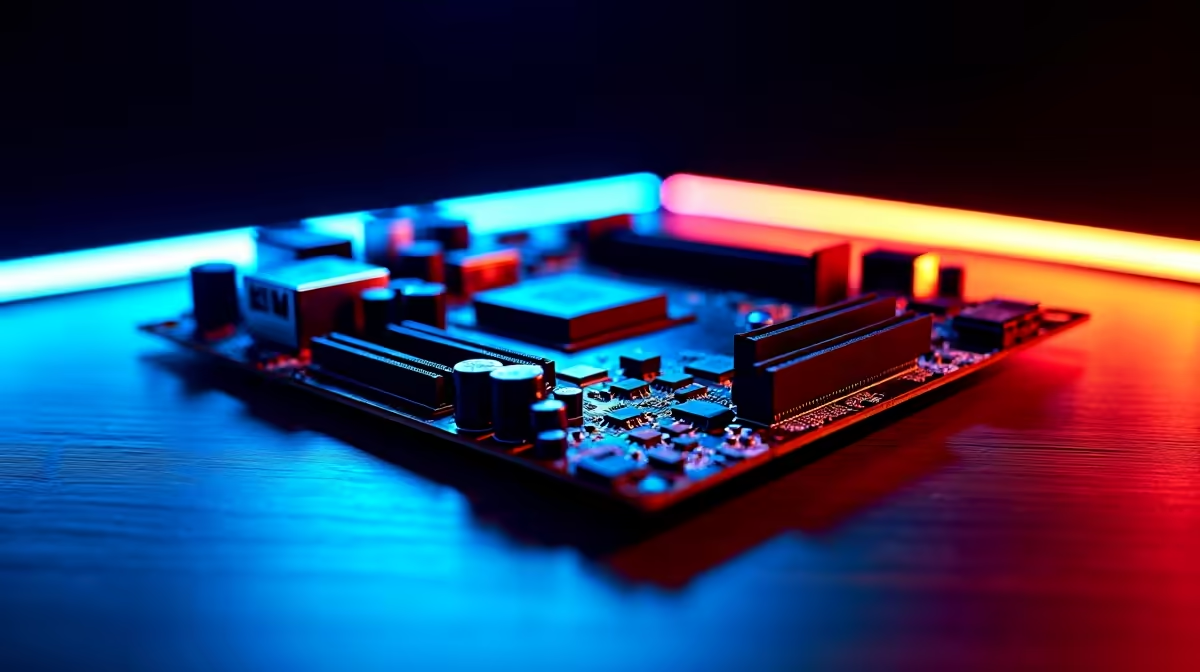
Building a high-end rig in South Africa means making every ZAR count. You have picked your processor and graphics card... but what about the board holding it all together? Spec sheets often splash numbers like "12+1+2+1" across the page. If that looks like a confusing math problem, you are not alone. Let us break down everything you need to know about 12+1+2+1 power stages before choosing a gaming motherboard.
Your power supply feeds 12 volts to your system. However, modern processors only need around 1.2 volts. Pushing a raw 12V into your processor would instantly fry it. That is where the Voltage Regulator Module comes in. The VRM steps down the voltage to safe levels.
When you browse a range of motherboards, you will see phase counts. The "12+1+2+1" formula simply tells you how power is divided across different components.
The first number is always the biggest. The "12" represents the dedicated power phases for your CPU cores. The first "+1" usually powers the integrated graphics or system-on-chip. The final "+2+1" combination handles secondary voltages. This includes your PCIe lanes and memory controllers.
A higher phase count means better power distribution. Think of it like a multi-lane highway. More lanes mean less traffic congestion. In motherboard terms, more phases mean less heat per component.
This thermal efficiency is crucial for system longevity. If you are eyeing the latest ASUS Intel motherboards, a robust VRM setup ensures your processor receives clean power. Clean power means better stability during intense gaming sessions.
When rendering video or playing demanding titles, power draw spikes aggressively. A board with 12+1+2+1 power stages handles these spikes effortlessly. It spreads the electrical load across multiple components. This prevents any single phase from overheating.
If you prefer to skip the building process entirely, many of our pre-built gaming PC deals feature premium motherboards with these exact power delivery systems.
If you plan to push your processor past factory limits, pair your 12+1+2+1 board with a premium liquid cooler. Keeping VRMs cool prevents thermal throttling during marathon gaming sessions.
Different platforms utilise power slightly differently. However, the core principle remains identical. Whether you are building an Intel rig or exploring high-end ASUS AMD motherboards, stable voltage is non-negotiable.
The secondary phases are especially vital for system memory. Overclocking your RAM puts extra stress on the memory controller. That final "+2+1" in the 12+1+2+1 power stages ensures your RAM stays perfectly stable.
This allows you to safely install ultra-fast high-speed memory kits without worrying about system crashes ✨.
At the end of the day, understanding 12+1+2+1 power stages before choosing a gaming motherboard saves you from future headaches. It guarantees that your expensive components receive the smooth, reliable power they deserve.
Ready to Build Your Dream Rig? Now that you understand the power behind the performance, it is time to upgrade your setup. Explore our massive range of gaming motherboards and find the perfect foundation for your next epic PC build.
The motherboards, tools and accessories referenced in this article are stocked at Evetech.co.za with local SA warranty, ZAR pricing and nationwide delivery.
The article breaks down the real-world impact on gaming FPS, creator workflows and everyday responsiveness — not just raw spec numbers.
Only a handful of specs meaningfully change your experience. The guide ranks them by real impact so you spend on what counts.
We cover upgrade headroom, platform longevity and the specific features worth paying extra for if you plan to keep this build for several years.
The article includes a clear generational uplift summary so you can judge whether upgrading from your current hardware is worthwhile.
AIO Liquid 240mm Setup and Configuration. Clear setup instructions with SA-specific considerations, troubleshooting tips & recommended components.
Read more
Setting Up DDR5 64GB Kit. Tested & verified settings for best FPS and visual quality on SA hardware budgets.
Read more
Overwatch 2 Setup Guide Gamers. Clear setup instructions with SA-specific considerations, troubleshooting tips & recommended components.
Read more
R and RStudio on Mac: Data Science Setup Guide. Clear setup instructions with SA-specific considerations, troubleshooting tips & recommended components.
Read more
NVIDIA Broadcast Setup with GPU: Streamer Guide. Clear setup instructions with SA-specific considerations, troubleshooting tips & recommended components.
Read more
Core Ultra 7 265K Temperature Guide: Normal Range. Complete product range with SA pricing, key specs & recommendations for different budgets.
Read more
AMD RX 9050 XT: Rumoured Specs, Price & Release. SA-focused analysis with local pricing data, real-world insights & actionable buying advice.

Can RTX 4080 Super Run AI Workloads for SA Developers Detailed answer with SA data, expert analysis & practical recommendations for local buyers.

Can RTX 4090 Run AI Workloads for SA Developers Detailed answer with SA data, expert analysis & practical recommendations for local buyers.

Top Settings for Intel Arc B580 at Ultrawide 1440p picks evaluated on performance, value & SA availability with current Rand pricing from Evetech.

RTX 4060 CS2 Low Settings at 1080p: FPS Results. Real-world benchmark data, FPS numbers & performance analysis. What SA gamers can actually expect.

Visual Artifacts: Possible GPU Issue Issue #1. Diagnosis steps, proven fixes & when to seek professional help. SA-specific support info included.

Can the RTX 4090 Handle 1440p 144Hz Gaming. Performance testing verdict with real data & practical recommendations for SA buyers.

Top ASUS GPU Under R15000 picks evaluated on performance, value & SA availability with current Rand pricing from Evetech.

GTA 6 Max Settings on RTX 5070. Tested & verified settings for best FPS and visual quality on SA hardware budgets.

Cyberpunk 2077 Max Settings on RTX 5080. Tested & verified settings for best FPS and visual quality on SA hardware budgets.

Starfield Max Settings on RTX 5070 Ti. Tested & verified settings for best FPS and visual quality on SA hardware budgets.

Top RTX 5090 Under R5000 picks evaluated on performance, value & SA availability with current Rand pricing from Evetech.