


AIO Liquid 240mm Setup and Configuration: Complete Tutorial
AIO Liquid 240mm Setup and Configuration. Clear setup instructions with SA-specific considerations, troubleshooting tips & recommended components.
Read moreAre you being fooled by fake HDR monitors? Many budget displays use edge-lit backlights to "cheat" brightness, failing to deliver a true HDR experience. We break down how this tech works, how to spot it, and what really matters for stunning visuals. Don't get burned by marketing hype! 🔥🖥️
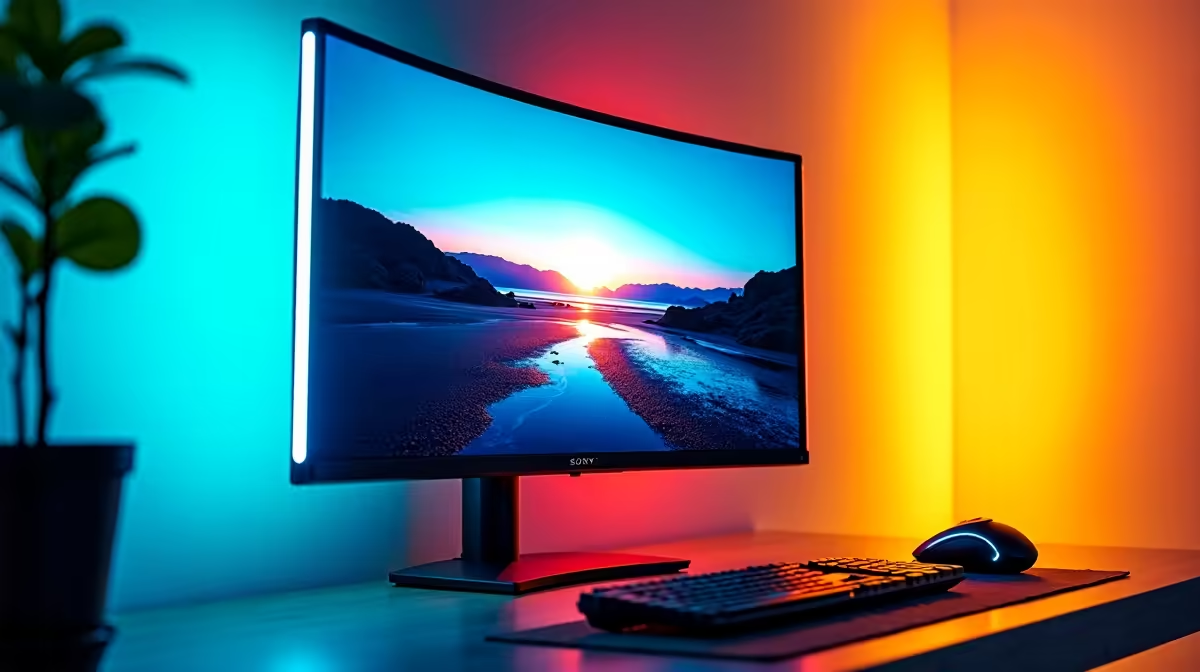
You’ve just dropped some serious cash on a new "HDR" monitor, expecting mind-blowing visuals in Helldivers 2. But when you toggle it on, the shadows look grey and the colours feel… off. What gives? You might be a victim of the fake HDR monitor trend. It’s a common marketing trick where panels that can't produce true HDR are sold as if they can. Let's expose the edge-lit brightness cheat so you don't waste your hard-earned Rands.
First, let's get on the same page. High Dynamic Range (HDR) isn't just about brightness. It's about contrast. True HDR allows a display to show brilliant, searing highlights right next to deep, inky blacks in the same scene. This wider range between the darkest and brightest parts of an image, combined with a richer colour palette, makes games and movies look incredibly lifelike and immersive.
Think of the dazzling explosions in a space battle or the subtle shadows in a dark forest. That's the magic HDR promises.
So, where does it go wrong? Many budget-friendly displays use a trick called the "edge-lit brightness cheat." Instead of having an advanced grid of lights behind the panel that can be dimmed individually (a technology called Full Array Local Dimming or FALD), these monitors have LEDs only along the edges.
To get an "HDR" sticker on the box, they simply crank the brightness of these edge lights to the max. The result? The entire screen gets brighter, but the black levels suffer terribly. Instead of deep blacks, you get a washed-out, milky grey. This is the core issue with most fake HDR monitors; they lack the local dimming needed for real contrast, making the image look worse than standard dynamic range (SDR). You'll find this issue across a wide range of PC monitors, especially those promising premium features at a suspiciously low price.
You don't need to be a tech guru to avoid the trap. When you’re browsing for a new screen, focus on a few key specifications that separate the real deal from the fake HDR monitors.
VESA (Video Electronics Standards Association) provides a rating system. Here's a quick guide:
When looking at high-end displays like high-quality 4K monitors, you'll see these higher certifications are standard.
For a genuine HDR experience that will make your games pop, always look for a VESA certification of DisplayHDR 600 or higher. Also, check independent reviews for the number of "local dimming zones"—the more zones, the better the contrast and HDR performance will be.
Marketing materials can be vague. Dig into trusted reviews that specifically test HDR performance. If a review doesn't mention local dimming zones, or confirms the monitor is edge-lit with global dimming, you're likely looking at a monitor with fake HDR. This is crucial even for niche products like portable monitors, where specs can sometimes be even more ambiguous.
This might sound controversial, but a monitor with basic HDR might not be a total write-off... if you know what you're buying. If your budget is tight and your main goal is simply a brighter-than-average screen for a well-lit room, an "HDR 400" display might suffice. The key is not to pay a premium for a feature that doesn't deliver on its promise.
You can often find great value by comparing options on our list of the best PC monitor deals, where you can weigh the specs against the price. Whether you're after one of the latest immersive curved monitors or just a solid all-rounder, knowledge is power. By browsing through all gaming monitors and comparing their certifications, you can find the perfect fit for your setup. And don't forget the right monitor accessories to complete your battle station. ✨
Ready for Real HDR? Don't let misleading specs ruin your next adventure. Now that you know how to spot the fakes, you can find a screen that delivers the stunning visuals you deserve. Explore our massive range of true HDR gaming monitors and see the difference for yourself.
Fake HDR refers to monitors that accept an HDR signal but lack the hardware, like high peak brightness and effective local dimming, to display it properly. This often results in a washed-out or dim image that lacks impact.
While VESA DisplayHDR 400 is a real certification, it's the lowest tier. It often lacks local dimming and has low peak brightness, making the HDR effect minimal compared to higher certifications like HDR 600 or 1000.
Look for a VESA DisplayHDR 600+ certification, a peak brightness of at least 600 nits, and a superior backlight like Full-Array Local Dimming (FALD) or Mini-LED, not just basic edge-lit dimming.
Your monitor likely has low peak brightness (nits). True HDR requires intensely bright highlights. If a display can't produce them, the entire HDR image is scaled down, making it appear dim and unimpressive.
Edge-lit monitors are not ideal for HDR. Their dimming zones are large vertical or horizontal bars, which prevents precise light control. This causes blooming and poor contrast, undermining the HDR experience.
Generally, no. The 'budget monitor HDR worth it' question is common, but the compromised experience often looks worse than a good SDR image. Prioritize a high-quality SDR panel over a poor HDR implementation.
Full-array local dimming (FALD) is significantly better. It places LEDs behind the entire screen for precise control, delivering the high contrast and deep blacks essential for impactful HDR.
AIO Liquid 240mm Setup and Configuration. Clear setup instructions with SA-specific considerations, troubleshooting tips & recommended components.
Read more
Setting Up DDR5 64GB Kit. Tested & verified settings for best FPS and visual quality on SA hardware budgets.
Read more
Overwatch 2 Setup Guide Gamers. Clear setup instructions with SA-specific considerations, troubleshooting tips & recommended components.
Read more
R and RStudio on Mac: Data Science Setup Guide. Clear setup instructions with SA-specific considerations, troubleshooting tips & recommended components.
Read more
NVIDIA Broadcast Setup with GPU: Streamer Guide. Clear setup instructions with SA-specific considerations, troubleshooting tips & recommended components.
Read more
Core Ultra 7 265K Temperature Guide: Normal Range. Complete product range with SA pricing, key specs & recommendations for different budgets.
Read more
AMD RX 9050 XT: Rumoured Specs, Price & Release. SA-focused analysis with local pricing data, real-world insights & actionable buying advice.

Can RTX 4080 Super Run AI Workloads for SA Developers Detailed answer with SA data, expert analysis & practical recommendations for local buyers.

Can RTX 4090 Run AI Workloads for SA Developers Detailed answer with SA data, expert analysis & practical recommendations for local buyers.

Top Settings for Intel Arc B580 at Ultrawide 1440p picks evaluated on performance, value & SA availability with current Rand pricing from Evetech.

RTX 4060 CS2 Low Settings at 1080p: FPS Results. Real-world benchmark data, FPS numbers & performance analysis. What SA gamers can actually expect.

Visual Artifacts: Possible GPU Issue Issue #1. Diagnosis steps, proven fixes & when to seek professional help. SA-specific support info included.

Can the RTX 4090 Handle 1440p 144Hz Gaming. Performance testing verdict with real data & practical recommendations for SA buyers.

Top ASUS GPU Under R15000 picks evaluated on performance, value & SA availability with current Rand pricing from Evetech.

GTA 6 Max Settings on RTX 5070. Tested & verified settings for best FPS and visual quality on SA hardware budgets.

Cyberpunk 2077 Max Settings on RTX 5080. Tested & verified settings for best FPS and visual quality on SA hardware budgets.

Starfield Max Settings on RTX 5070 Ti. Tested & verified settings for best FPS and visual quality on SA hardware budgets.

Top RTX 5090 Under R5000 picks evaluated on performance, value & SA availability with current Rand pricing from Evetech.