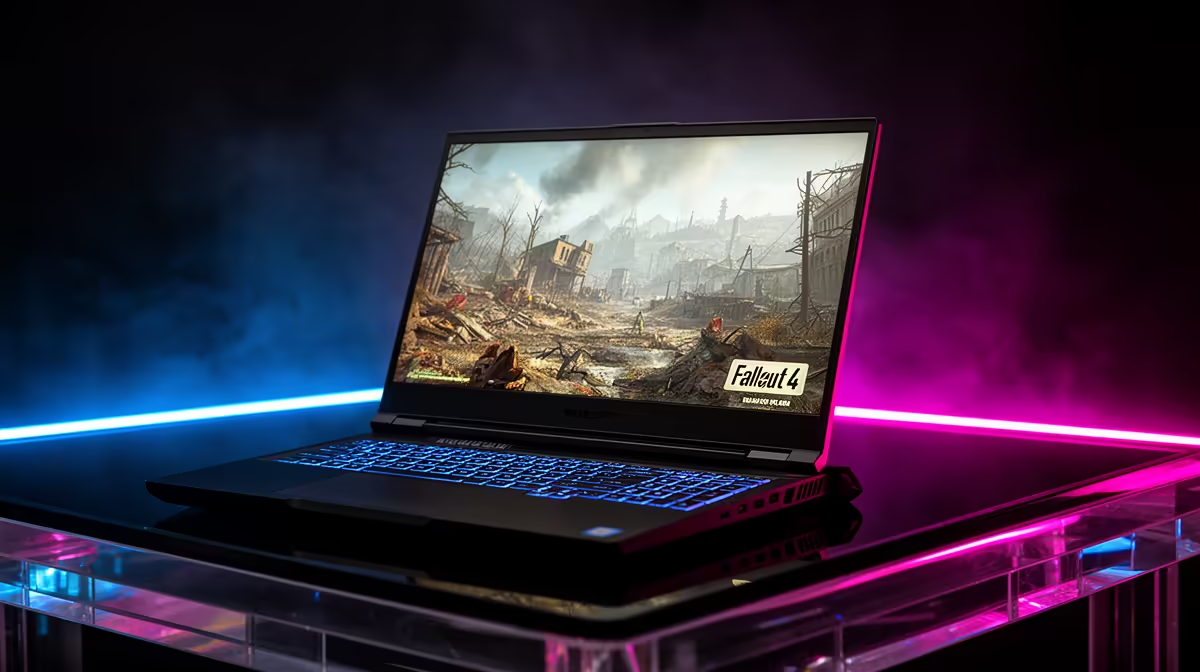
Quick Answer
Fallout 4 runs at 50-60fps at 1080p medium-high on the MSI Claw 8 AI+, with dips in downtown Boston where the engine is CPU-bound. Battery lasts around 2.5 to 3 hours. The MSI Claw 8 AI+ sits around R18,000-R21,000 at Evetech depending on configuration.
What SA Gamers Can Expect from Fallout 4 on the Claw 8 AI+
The MSI Claw 8 AI+ uses Intel's Lunar Lake APU with Arc graphics, holding 50-60fps at 1080p medium-high across the Commonwealth. Like all hardware, it dips in dense downtown Boston where Fallout 4's Creation Engine is CPU-limited. A 40fps cap smooths the engine's known stutter in busy areas. The large 8-inch 1080p panel makes the wasteland look sharp, and the device handles settlement-heavy saves well with its RAM. Keeping the Intel Arc drivers current is the most important maintenance step, as updates regularly improve frame rates and fix stutters.
Settings, Battery and Tuning on the Claw 8 AI+
Run 1080p medium-high with a 40fps or 60fps cap; the 40fps cap best tames the city stutter. Expect 2.5 to 3 hours at a moderate TDP. Keep Arc drivers updated for the best Fallout 4 performance, as Intel handhelds benefit notably from driver updates. Modding works through a Windows mod manager. Dock to a monitor for higher settings at home where the engine has more thermal headroom.
FAQ
What FPS does Fallout 4 get on the MSI Claw 8 AI+?
Around 50-60fps at 1080p medium-high, dipping in dense downtown Boston where the engine is CPU-bound. A 40fps cap smooths the stutter.
How long does the Claw 8 AI+ battery last for Fallout 4?
About 2.5 to 3 hours at 1080p medium-high with a frame cap at a moderate TDP. Lowering the TDP extends it for longer sessions.
Should I update drivers for Fallout 4 on the Claw 8 AI+?
Yes. Intel Arc handhelds benefit notably from driver updates, which improve Fallout 4 performance and stability. Keep them current for the best results.
4 on the MSI Claw 8 AI+, run 1080p medium-high with a 40fps cap to tame Boston's stutter, and keep Arc drivers updated for best performance.