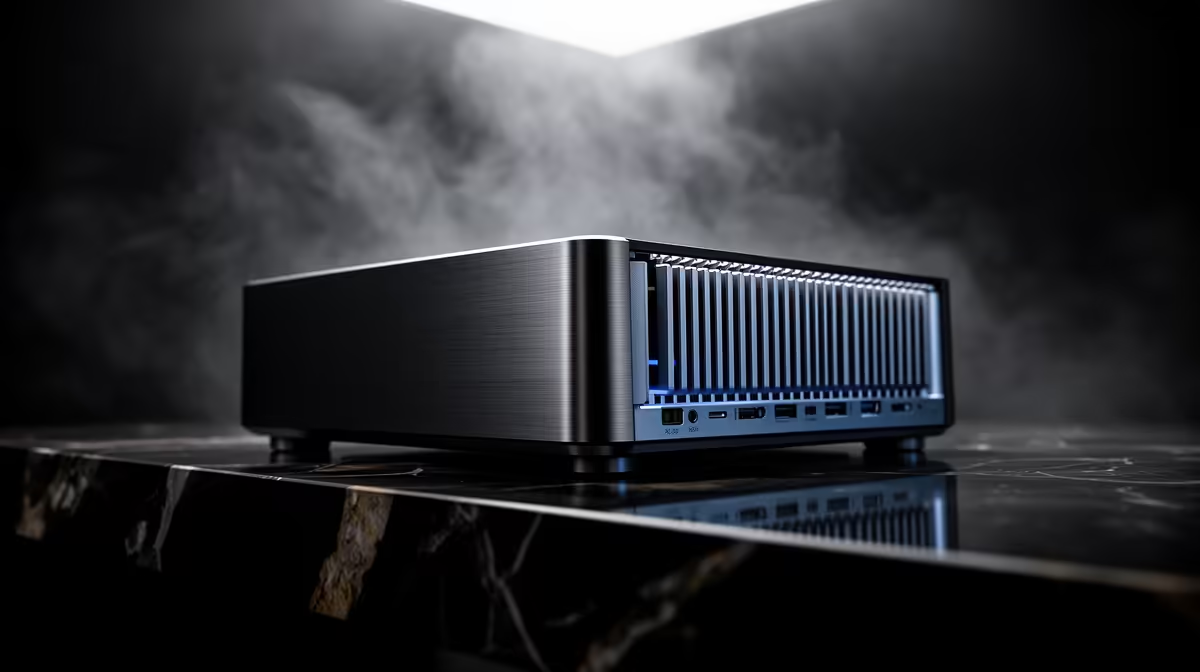
Stand a mini PC on a quiet shelf in a living room and the cooling choice you made at purchase decides whether it disappears into the background or hums away in the corner. The same choice decides whether it can hold full speed through a long render or backs off after a few minutes. A fanless vs fan-cooled mini PC decision is really a trade between perfect silence and sustained performance.
Quick Answer
Choose a fanless mini PC if silence and zero dust ingestion matter most; it has no moving parts but throttles sooner under heavy sustained load. Choose a fan-cooled mini PC if you need consistent high performance, since active airflow holds clock speeds longer at the cost of some audible noise.
How Each One Manages Heat
Every chip produces heat under load, and the whole job of a cooler is to move that heat away fast enough to keep the processor at full speed. The two designs solve this very differently.
A fanless mini PC uses the chassis itself as the heatsink. The processor connects to the metal body through heat pipes or a thick plate, and the case sheds heat passively into the air around it. There are no fans, so there is nothing to spin, nothing to wear out, and nothing to pull dust inside.
A fan-cooled mini PC adds active airflow. A small fan pulls cool air across a heatsink and pushes warm air out, moving heat far more aggressively than a passive case can. That lets the chip stay at higher clock speeds for longer, but the fan makes noise and draws air (and dust) through the chassis.
You can compare both cooling styles side by side in the mini PC range at Evetech, where the spec sheets indicate whether a model is passively or actively cooled.
The Fanless Case: Silence and Reliability
A fanless mini PC's biggest strength is that it makes no sound whatsoever. For a media player behind a TV, a small office machine, a digital signage box, or a bedroom PC, that silence is the whole point. There is no fan whine, no spin-up under load, nothing.
The second strength is reliability through simplicity. With no moving parts, there is one fewer thing to fail, and because no air is drawn through the case, dust does not accumulate on internal components. In a dusty environment that is a real long-term advantage.
The limit is sustained load. Independent testing of fanless N-series designs shows that under continuous heavy work held for fifteen to thirty minutes, performance can drop by 20 to 40 percent as the chip throttles to protect itself. For light and bursty work, web browsing, documents, media playback, light coding, this rarely shows. For continuous heavy work it does.
The Fan-Cooled Case: Sustained Performance
A fan-cooled mini PC holds its performance under pressure. Because the fan actively removes heat, the processor can stay at higher clocks through extended workloads such as video encoding, compiling, light content creation, or running several demanding apps at once. If you load the machine hard and for long stretches, the fan is what keeps it fast.
The cost is noise. Even a quiet fan is audible in a silent room, and it ramps up under load. There is also long-term maintenance: fans draw dust in over time, so occasional cleaning keeps airflow healthy and noise down. In a clean environment with reasonable cleaning habits, neither is a serious problem.
Passive Cooling in Warm SA Climates
South African summers raise ambient temperatures in many rooms, which matters for a fanless design since the passive case sheds heat into the surrounding air. A well-designed fanless mini PC built around a low-TDP N-series chip is engineered with enough thermal headroom to handle warm rooms, but placement matters. Sitting it in open air on a desk or shelf is fine; sealing it inside a closed cabinet blocks convection and defeats the passive cooling entirely. In warm months, keep the machine in a ventilated spot and it manages the temperature without complaint.
Which One Fits You
Pick Fanless If
You value silence above all, the PC lives in a quiet or dusty space, and your workload is light to moderate: media, office work, browsing, a home server with modest demands. The peace of mind from no moving parts and no dust ingress is the draw.
Pick Fan-Cooled If
You run sustained heavy tasks, want the most performance from the chip, and a faint hum under load does not bother you. A fan-cooled unit will not throttle as readily when you push it for long periods.
A useful middle ground exists: some fan-cooled mini PCs run their fans only when needed, staying silent at idle and spinning up only under load. That balances quiet everyday use with headroom for the occasional heavy job. To see which configurations local buyers favour, the PC best sellers list is a quick gauge of popular models in both cooling styles.
Frequently Asked Questions
Does a fanless mini PC overheat?
No, it is designed to manage its own heat through a passive case. Under very heavy sustained load it will reduce clock speed to stay within safe temperatures, but it does not run dangerously hot. For light and moderate work it stays cool and quiet.
Is a fan-cooled mini PC always noisy?
Not always. At idle and under light load many run very quietly, and some keep the fan off entirely until needed. The fan becomes audible mainly under sustained heavy load, when it ramps up to move more heat.
Which lasts longer, fanless or fan-cooled?
A fanless unit has no moving parts and draws no dust inside, which removes two common failure points. A fan-cooled unit lasts well too, provided you clean accumulated dust occasionally to keep airflow and noise in check.
Can a fanless mini PC handle gaming?
Light and older games can run on capable fanless models, but sustained demanding gaming generates heat that passive cooling struggles to clear, leading to throttling. For serious gaming, an actively cooled machine holds performance far better.
Are fanless mini PCs better for dusty environments?
Yes. Because no air is pulled through the chassis, dust does not settle on the internals, which is a real advantage in workshops, dusty rooms, or industrial settings where a fan would clog over time.