


Complete Guide: Setting Up AIO Liquid 420mm
Setting Up AIO Liquid 420mm. Tested & verified settings for best FPS and visual quality on SA hardware budgets.
Read moreChecklist: Compare specs; Weigh image quality vs battery; Recommend use cases. FHD vs 4K laptop display — expert guide to choose the best resolution for editing, coding, and travel ✨💻
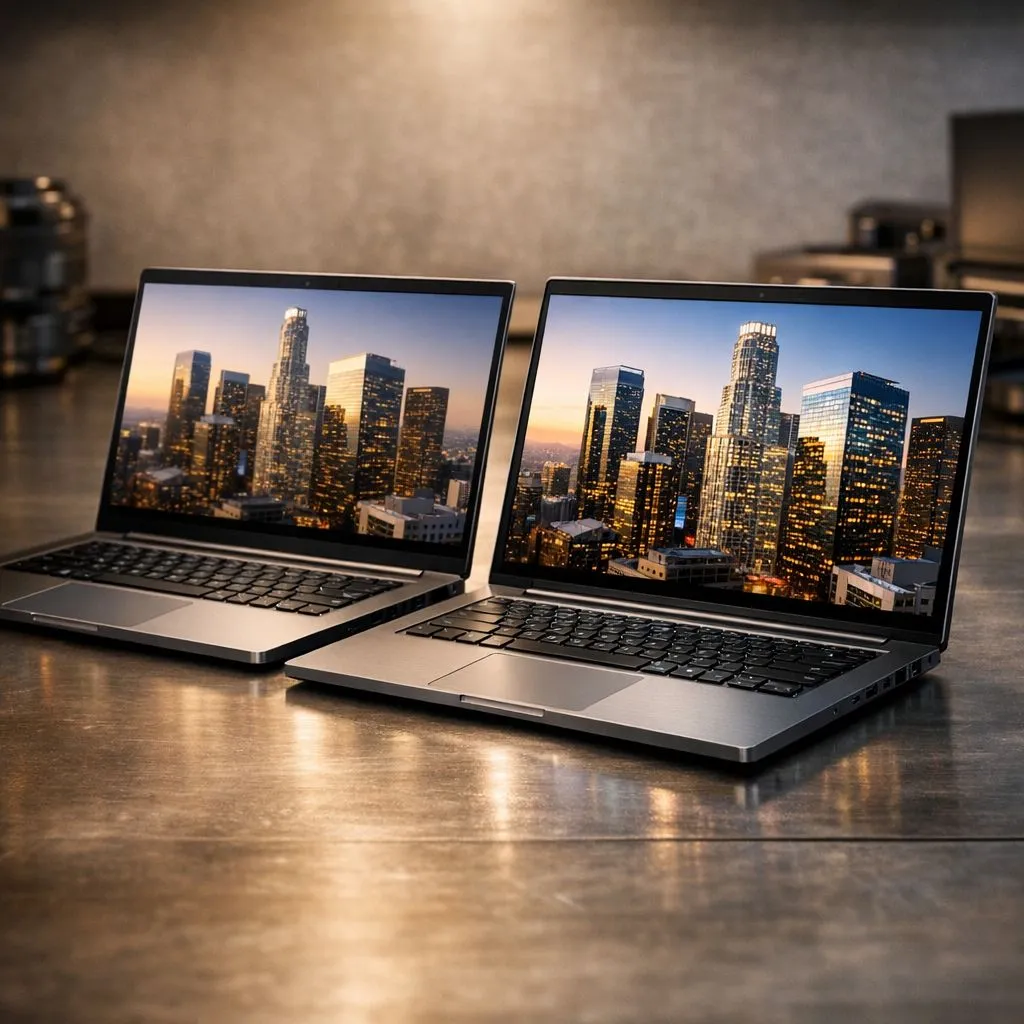
Choosing a laptop in South Africa often feels like a balancing act between budget and performance. When looking at the FHD vs 4K laptop display debate, the choice isn't always about "more pixels is better." For local pros, it's about battery life, colour accuracy, and that sweet spot of value. Should you stick with the reliable 1080p or jump to the crisp world of Ultra HD?
For the vast majority of users, Full HD (1920 x 1080) is still the king of efficiency. On a standard 15-inch screen, the pixel density is high enough that text remains sharp for daily office tasks. One of the biggest advantages is battery life... pushing four times fewer pixels than 4K means your laptop stays away from the plug for longer.
If you are a student or a mobile professional, finding gaming laptops under R20k with high-quality FHD panels is often the smartest move for your wallet and your productivity. You get a reliable machine that handles load-shedding stretches much better than a power-hungry 4K beast.
If your work involves high-end video editing, professional photography, or architectural rendering, the extra real estate of a 4K display is difficult to ignore. You can view 4K footage at native resolution while still having space for your editing timelines. The colour reproduction on these panels is usually superior, offering wider gamuts that are vital for print and digital media.
To drive those extra pixels without stuttering, you generally need GeForce RTX gaming laptops on special to ensure smooth performance in creative suites. The sheer clarity 4K provides can reduce eye strain during long sessions because the text looks like printed paper ✨.
A high-resolution screen requires a beefy processor to keep things snappy. If you are processing heavy spreadsheets or massive creative assets, checking out Intel laptops on special can reveal some incredible high-resolution options that don't compromise on speed.
On Windows, use the 'Scale and Layout' settings to set your 4K display to 150% or 200%. This gives you the incredible sharpness of Ultra HD without making the icons and text so small that you need a magnifying glass to read your emails.
Similarly, the efficiency found in Ryzen laptop deals helps offset the battery drain often associated with 4K screens. These processors are excellent at managing power, giving you a bit more breathing room when you're working on the go.
So, which should you choose? If you value frame rates in gaming and long battery life for meetings, FHD is your best friend. If your career depends on every single pixel and colour shade being perfect, 4K is worth the investment.
Ultimately, the right choice depends on your specific workflow... but you can find the best gaming laptop deals for both resolutions right here at Evetech. Whether you want the speed of 1080p or the luxury of 4K, there is a perfect machine waiting for you. 🔧
Ready to Find Your Perfect Match? The FHD vs 4K laptop display debate is complex, but for maximum power, choice, and value in South Africa, Evetech is hard to beat. Explore our massive range of laptop specials and find the perfect machine to conquer your world.
4K offers higher detail and pixel density; choose a 4K laptop display for photo and video editing when color accuracy and fine detail matter.
Yes. 4K panels typically consume more power and can reduce battery life. See battery impact 4k vs fhd and use power-saving profiles to extend runtime.
Often yes. FHD or FHD+ gives clear text, longer battery life, and lower cost—ideal for coding and daily productivity on the go.
Scaling can produce tiny UI elements, but modern OS scaling fixes most problems. Search 4k vs fhd scaling issues and use 150–200% where needed.
4K increases pixel density, but color accuracy depends on panel type and calibration. Check 4k laptop color accuracy vs fhd when choosing models.
Choose FHD+ for better battery life, lower heat, and lighter power draw. FHD+ vs 4K battery life often favors FHD+ for travel and all-day use.
4K provides more pixels and potential real estate, but scaling affects layout. For best resolution for laptop multitasking, pair 4K with a larger panel.
Setting Up AIO Liquid 420mm. Tested & verified settings for best FPS and visual quality on SA hardware budgets.
Read more
Intel XTU Download & Setup Guide: Intel CPU. Clear setup instructions with SA-specific considerations, troubleshooting tips & recommended components.
Read more
Cyberpunk 2077 Max Settings on RTX 4090. Tested & verified settings for best FPS and visual quality on SA hardware budgets.
Read more
The Complete Guide to GPU. Everything you need to know with SA pricing, step-by-step instructions & expert recommendations.
Read more
NVCleanstall Download & Setup Guide: NVIDIA. Clear setup instructions with SA-specific considerations, troubleshooting tips & recommended components.
Read more
to Driver Installation for Beginners. Everything you need to know with SA pricing, step-by-step instructions & expert recommendations.
Read more
AMD RX 9050 XT: Rumoured Specs, Price & Release. SA-focused analysis with local pricing data, real-world insights & actionable buying advice.

Can RTX 4080 Super Run AI Workloads for SA Developers Detailed answer with SA data, expert analysis & practical recommendations for local buyers.

Can RTX 4090 Run AI Workloads for SA Developers Detailed answer with SA data, expert analysis & practical recommendations for local buyers.

Top Settings for Intel Arc B580 at Ultrawide 1440p picks evaluated on performance, value & SA availability with current Rand pricing from Evetech.

RTX 4060 CS2 Low Settings at 1080p: FPS Results. Real-world benchmark data, FPS numbers & performance analysis. What SA gamers can actually expect.

Visual Artifacts: Possible GPU Issue Issue #1. Diagnosis steps, proven fixes & when to seek professional help. SA-specific support info included.

Can the RTX 4090 Handle 1440p 144Hz Gaming. Performance testing verdict with real data & practical recommendations for SA buyers.

Top ASUS GPU Under R15000 picks evaluated on performance, value & SA availability with current Rand pricing from Evetech.

GTA 6 Max Settings on RTX 5070. Tested & verified settings for best FPS and visual quality on SA hardware budgets.

Cyberpunk 2077 Max Settings on RTX 5080. Tested & verified settings for best FPS and visual quality on SA hardware budgets.

Starfield Max Settings on RTX 5070 Ti. Tested & verified settings for best FPS and visual quality on SA hardware budgets.

Top RTX 5090 Under R5000 picks evaluated on performance, value & SA availability with current Rand pricing from Evetech.