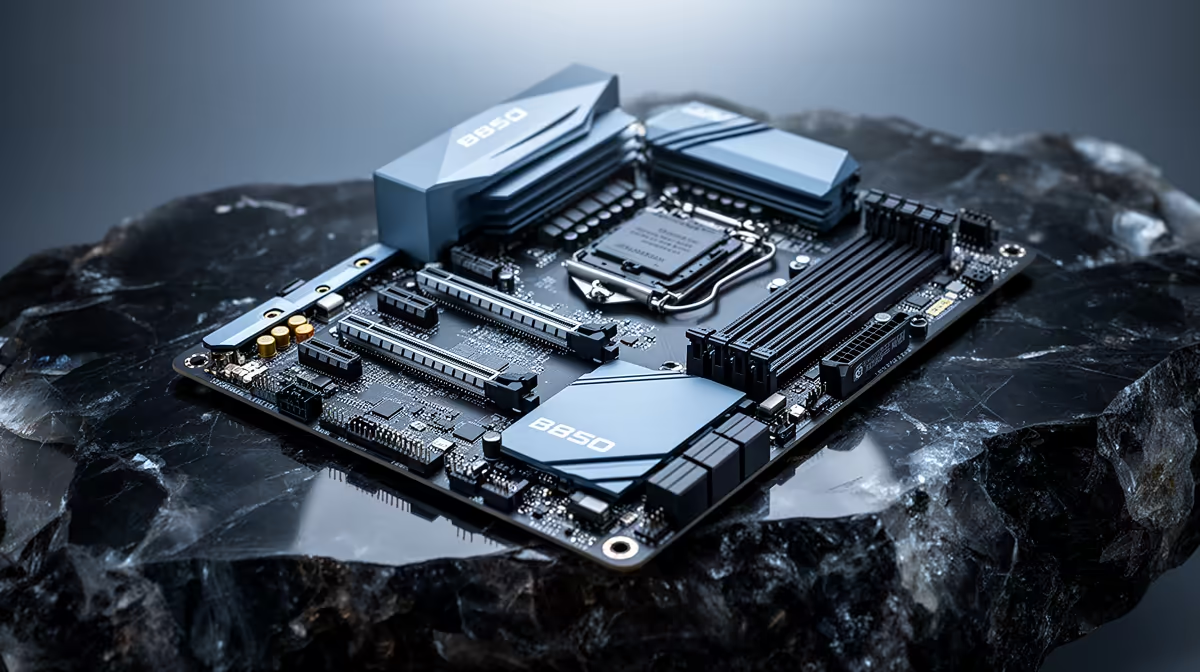
ASUS Prime B850M-F WiFi at R2,300 suits a first-year student who wants a current B850 board with built-in WiFi for a tidy study and gaming setup. A motherboard choice should start with the platform you actually need, then the budget you can protect for the rest of the PC.
Start with the sensible B850 pick
The ASUS Prime B850M-F WiFi at R2,300 is the practical student option because it gives you B850 and WiFi without pushing the build into premium territory. For a first-year desk, that matters more than chasing the most expensive board before the CPU, memory, storage, and monitor are covered.
The ASROCK B850 Pro RS at R2,850 is the better fit if you want to spend a bit more inside the same B850 lane. It keeps the recommendation focused on the right product type while giving room for a cleaner upgrade path than the entry-level MSI A520M-A PRO at R700.
Student Desk Setup In South Africa
On a res or digs desk, fewer loose cables and fewer add-on parts make the PC easier to live with. That is why the ASUS Prime B850M-F WiFi at R2,300 makes sense for a compact student setup, while the MSI B850 Gaming Plus at R2,900 is worth considering if the build leans more toward gaming-room use.
The ASUS TUF Z890-Pro at R5,000 is not the natural choice here because it is a Z890 board, not a B850 option. Keep it in mind only if the rest of the build clearly belongs on that platform.
Ready to choose the right motherboard?
For should first year student choose, put MSI A520M-A PRO at R700 first and judge the setup around its listed spec.