


Will A Pcie 5.0 Gpu Work With A Pcie 4.0 Motherboard? Compatibility Guide
Will A Pcie 5.0 Gpu Work With A Pcie 4.0. Hand-picked gift ideas at every budget tier. SA pricing & Evetech availability included.
Read moreDemystify your next flagship graphics card upgrade! 🚀 Learn how CUDA cores, VRAM, and the memory bus impact gaming and AI performance to ensure you buy the right hardware for your setup. 💻
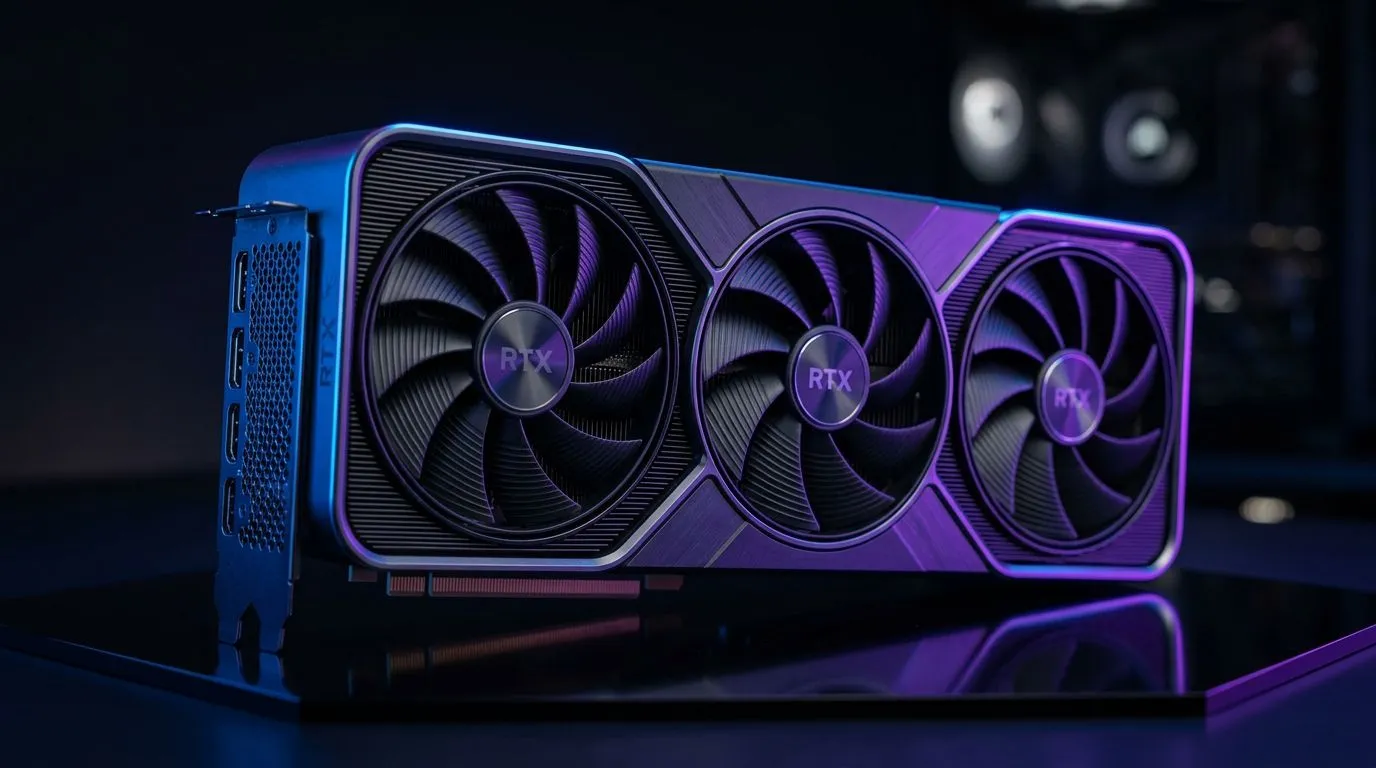
If you’re shopping for a flagship graphics card in South Africa, the spec sheet can feel like a blur. CUDA Cores… VRAM… Memory Bus… and then someone says “it depends”. Yes. But it doesn’t have to be confusing. This guide walks you through what actually matters for gaming and AI workloads, and how to choose a GPU that won’t disappoint after you’ve paid in ZAR. 🚀
On NVIDIA cards, CUDA cores are the parallel processing units that help the GPU handle many tasks at once. In gaming, you won’t usually “feel” CUDA cores like you feel FPS… but they matter when the workload can scale well across many compute threads.
A practical way to think about it:
For NVIDIA-focused options, explore Evetech’s NVIDIA selection here: Browse NVIDIA graphics cards
VRAM (video memory) is where textures, frame buffers, and other rendering data live. When VRAM runs out, the GPU has to shuffle data more often, and that can cause stutter or reduced performance.
Quick rule-of-thumb for South African buyers:
Evetech groups a lot of options here, so you can compare models side-by-side: Browse graphics cards (all brands)
The memory bus (the width of the connection between the GPU and its VRAM) affects how much data the GPU can move at once. A wider bus can help when combined with:
Why it matters for gaming:
If you’re considering AMD alternatives, compare bus and VRAM across the Radeon lineup: Shop Radeon Graphics Cards
Specs matter most when they match your setup and your games. Before you buy, check these:
If you’re a builder who likes brand consistency, start with a curated brand view: Compare MSI graphics cards
On Windows, use Evetech’s recommended GPU model as your “target spec” first, then run a quick performance sanity-check in your main games. After installing drivers, cap your FPS near your monitor refresh rate (for example 144Hz) to reduce variance, and watch VRAM usage. If VRAM climbs close to the limit during your heaviest scenes, you’ve found your bottleneck early… before you spend more cash.
At a high level:
But don’t decide on brand alone. Compare the three things in this guide first:
Then check the actual card tier you’re buying. “Flagship” is a market term, not a promise. The best card for you is the one that matches your games, your resolution, and your budget in ZAR.
Ready to Find Your Perfect Match? The Mac vs Windows debate is complex, but for maximum power, choice, and value in South Africa, Windows is hard to beat. Explore our massive range of laptop specials and find the perfect machine to conquer your world.
CUDA cores are parallel processors within NVIDIA GPUs that handle complex calculations. More cores generally translate to faster rendering and gaming performance.
For modern 4K gaming and high-resolution textures, 12GB to 16GB of VRAM is recommended to prevent stuttering and ensure high-quality asset loading.
Yes, a wider memory bus allows more data to flow between the VRAM and the GPU chip simultaneously, which is critical for high-bandwidth tasks like 4K gaming.
Often, yes. Flagship cards are designed for 1440p or 4K ultra-settings. For 1080p, you might be better off with a mid-range card to maximize value.
AI models and complex 3D rendering require large VRAM capacity to store massive datasets. Higher VRAM allows for larger, more complex projects without crashing.
Video editing benefits from high CUDA core counts for faster exports and sufficient VRAM for high-bitrate footage, making flagship cards a strong choice for pros.
Will A Pcie 5.0 Gpu Work With A Pcie 4.0. Hand-picked gift ideas at every budget tier. SA pricing & Evetech availability included.
Read more
Streamelements Setup with GPU: Streamer Guide. Clear setup instructions with SA-specific considerations, troubleshooting tips & recommended components.
Read more
Intel Arc B580 Throttling Under Load: Temperature. Everything you need to know with SA pricing, step-by-step instructions & expert recommendations.
Read more
Complete ATX Case Size Guide: Interior Dimensions. Best deals curated with real SA discounts, price history & tips on getting genuine value.

What GPU Do You Need for AI & Machine Learning. Hardware requirements breakdown with recommended specs & SA pricing for each tier.

Top Settings for RTX 4060 at Ultrawide 1440p picks evaluated on performance, value & SA availability with current Rand pricing from Evetech.

Head-to-head comparison of FreeSync vs G-Sync Explained: Which Should Gamers for SA gamers. Performance benchmarks, Rand pricing & which delivers better value.

Every spec on PCIe 5.0 explained in plain English. What matters for gaming and creator work in 2026, what's marketing fluff, and how each number translates to real-world performance.

Every spec on bios explained in plain English. What matters for gaming and creator work in 2026, what's marketing fluff, and how each number translates to real-world performance.

Every spec on gaming setups explained in plain English. What matters for gaming and creator work in 2026, what's marketing fluff, and how each number translates to real-world performance.

Every spec on cooling systems explained in plain English. What matters for gaming and creator work in 2026, what's marketing fluff, and how each number translates to real-world performance.

Every spec on understanding how much vram is needed explained in plain English. What matters for gaming and creator work in 2026, what's marketing fluff, and how each number translates to real-world.

How to pick the right PCIe 5.0 for your build in 2026: the features worth paying for, ZAR value tiers, and the trade-offs between budget, mid-range and flagship picks.

Every spec on gpu explained in plain English. What matters for gaming and creator work in 2026, what's marketing fluff, and how each number translates to real-world performance.

Every spec on gpu explained in plain English. What matters for gaming and creator work in 2026, what's marketing fluff, and how each number translates to real-world performance for SA buyers.