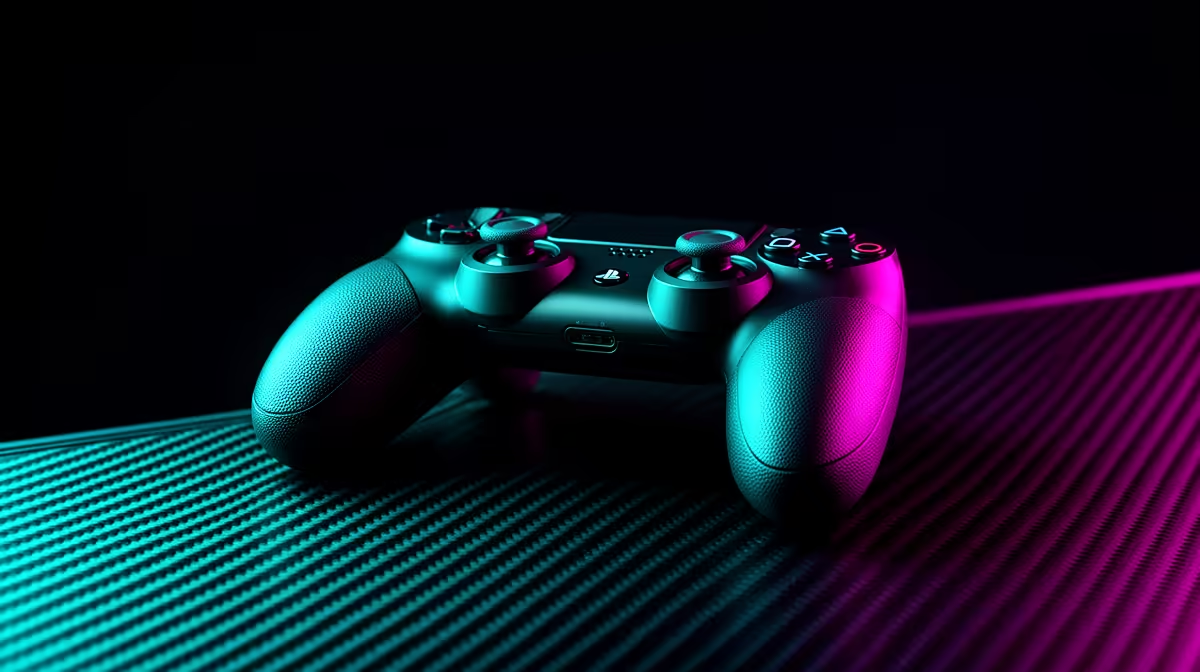
A game controller is not overkill when the chosen esports title and competition rules favour or permit controller input. It is unnecessary for a player committed to mouse and keyboard in a title built around those controls. The verified facts contain no game-controller SKU, so check platform and tournament support before sourcing one elsewhere.
Match input to the competition
Review the official rule set, platform and assist settings for the event. Borrow a supported controller and run a complete practice block. Test stick centre, trigger response, button reach, wired or wireless stability and comfort under pressure. A model with extra rear buttons only helps when rules allow them and the player can use them without accidental inputs. Keep firmware and mapping documented.
Build a dependable match kit
Use a secure cable or a fully checked battery plan. Carry the approved lead, spare input device and a saved neutral profile where event rules permit it. Avoid changing sensitivity immediately before competition. Compare aim, movement and fatigue over several sessions rather than one novelty test. If mouse and keyboard results remain better, invest in the established setup. Choose a controller when the title, rules and measured player performance all support the switch.
Practise reconnecting and restoring the approved profile so a device reset does not consume the match setup window.
Refining competitive input? > Explore Evetech gaming mice, keyboards and headsets, then source a controller matched to the title and rules.